A local neural text-to-speech engine with downloadable voices. Home Assistant can integrate it via Wyoming.
A voice for short alerts
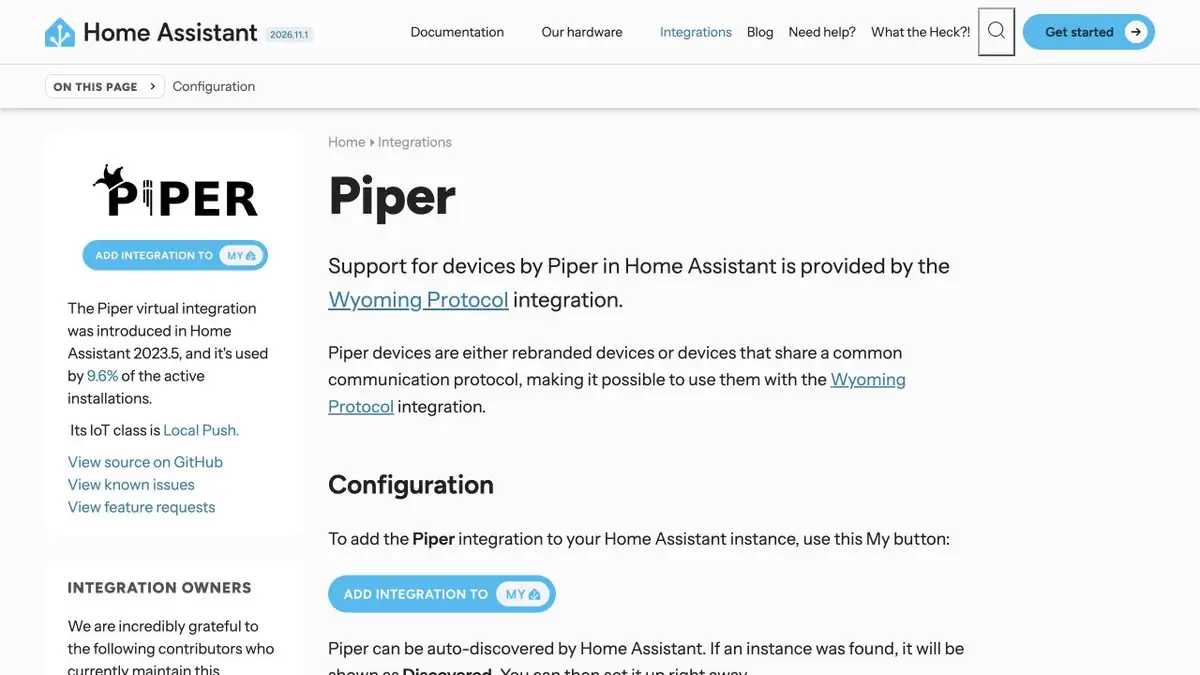
Piper turns text into speech on its device. The engine works with downloadable voices, so the language and pronunciation depend on the selected files. Local startup is suitable for short notifications that should sound without resorting to a cloud service. For Home Assistant automation, there is a separate description of the integration. If the task is easier, you can start from the command line and listen to the finished file.
A delivery notification
In the training scenario, the door sensor signals when a receiving window opens at the conditional issuing point. Write the text without abbreviations and complex numbers. Speak it with your chosen voice. Then add time and check how the engine reads the numbers. If the phrase sounds illegible, write down the number in words and compare both options. In a short notification, it is useful to put an important action at the beginning so that it can be heard even when there is noise.
Check the sound through the device that will play the message. A legible file may not sound good on a small speaker.
Save voice and settings
Save the voice name, language version and text next to the script. After replacing the model, the pronunciation of individual words may change. The Piper repository describes the installation of the engine, and the conditions of a particular voice need to be checked by its documentation. For offline work, download the necessary files in advance and check the script without a network. In the new voice, re-check the accents in the room names.
Suitable tasks
- Sound Smart Home Notifications
- Get short audio from local script
Strengths
- Synthesis on your device
- Voices can be installed individually
Limitations
- Pronunciation depends on voice and language
- Weight rights are checked separately
Selection and conditions
- Free access
- Yes
- Trial period
- Not confirmed
- No sign-up required
- Not confirmed
- Russian interface
- Not confirmed
- Local installation
- Yes
- API
- Not confirmed
“Not confirmed” means there is not enough information. The feature may still be available; check the developer’s terms.
- Input formats
- Text
- Result
- Audio
Terms
The engine and voice are set separately. Supported integration can be used to work in Home Assistant.From task to first result
Practical example
- Task
- Sound Smart Home Notifications
- What to prepare
- Your own short instruction script and a voice you have permission to use for the intended purpose.
Task brief or prompt
Hello. We’ll now check the notification settings. First, open your profile. Then go to settings and find notifications. After changing the settings, save your changes.
Expected result
A draft narration to listen to; pace, voice and pauses are controlled by the settings available in the service.
How to check the result
- Listen to names and abbreviations separately.
- Check the pauses, volume and voice rights.
An editorial teaching example of a task brief, not the result of hands-on testing of the service. Check that the required mode is available, that you have rights to the source material and that the intended use of the result is permitted.
Check details
Official sources
- Source code and installation of Piper
- Integration of Piper into Home Assistant
- Piper at the Open Home Foundation
This description is based on the developer’s material. Features, prices and availability may change; check the primary source before use.