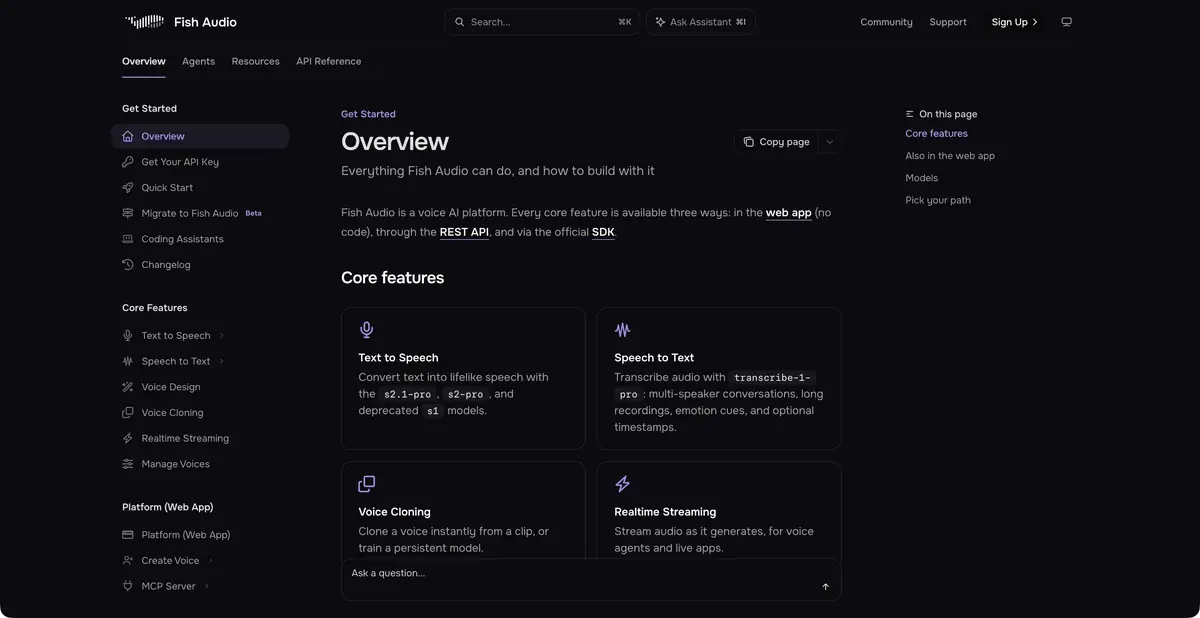
Fish Audio provides speech synthesis, voice creation, recognition and APIs.
From text to a controlled voice
Fish Audio lets you choose a voice, supply text and receive audio in the browser or through an API. Its documented models provide expression controls, while streaming delivers audio as it is generated. Model choice matters: control tag syntax and supported features can differ between generations.
Beyond synthesis, the platform documents speech recognition, voice creation from a recording and editing of long material with multiple voices. These operations have different inputs and limits. A voice editor does not turn every file into reliable dubbing without checks of words, timbre and voice rights.
An example with a short instruction
Write a short notification setup instruction containing a shortcut, an application name and a number. First create a calm version with one voice. Then change only expression or pauses, keeping the words. This comparison shows whether the style controls suit the task, rather than judging quality from a polished demonstration.
Listen to consonants, word stress, transitions between sentences and the pause before an important action. For longer material, check excerpts from different parts: a good opening line does not establish consistency across a whole chapter. If you use your own voice sample, distinguish flaws in the source recording from changes introduced by the model.
Cloning and programmatic use
Create a voice clone from your own sample or with permission from the person whose voice is used. A recognizable timbre does not prove consent to publication. Check the selected mode, commercial rights and any additional voice verification requirements. Do not present a synthesized line as an authentic recording of the speaker.
Reading the access terms
The official documentation distinguishes production models, legacy options and a free model for testing and certain small business scenarios. The free mode has qualifications concerning guarantees and data handling. Browser app subscriptions and API costs also need separate checks. Save the model ID with the project so that you can reproduce the settings later. The free browser app plan is limited to personal, noncommercial use; the free API model has separate terms.
Suitable tasks
- Narrate your instructions and short scripts
- Create voices you have permission to use
- Integrate synthesis and recognition through an API
Strengths
- Proprietary speech models and a streaming API
- Voice and Expression Management
Limitations
- Conditions and labels depend on the model
- Voice cloning requires rights and audio checks
Selection and conditions
- Free access
- Yes
- Trial period
- Not confirmed
- No sign-up required
- Not confirmed
- Russian interface
- Not confirmed
- Local installation
- Not confirmed
- API
- Yes
“Not confirmed” means there is not enough information. The feature may still be available; check the developer’s terms.
- Input formats
- Text, Audio
- Result
- Audio, Text
Terms
Free access applies only to specified modes and models. The web app and API have different terms; voice rights and data processing guarantees require separate checks.From task to first result
Practical example
- Task
- Narrate your instructions and short scripts
- What to prepare
- Your own short instruction script and a voice you have permission to use for the intended purpose.
Task brief or prompt
Hello. We’ll now check the notification settings. First, open your profile. Then go to settings and find notifications. After changing the settings, save your changes.
Expected result
A draft narration to listen to; pace, voice and pauses are controlled by the settings available in the service.
How to check the result
- Listen to names and abbreviations separately.
- Check the pauses, volume and voice rights.
An editorial teaching example of a task brief, not the result of hands-on testing of the service. Check that the required mode is available, that you have rights to the source material and that the intended use of the result is permitted.
Check details
Official sources
This description is based on the developer’s material. Features, prices and availability may change; check the primary source before use.