OpenCode provides one agent workflow for different ways of working on a project. Discuss code in the terminal, assign changes, and connect your own models while retaining control over the environment and permissions.
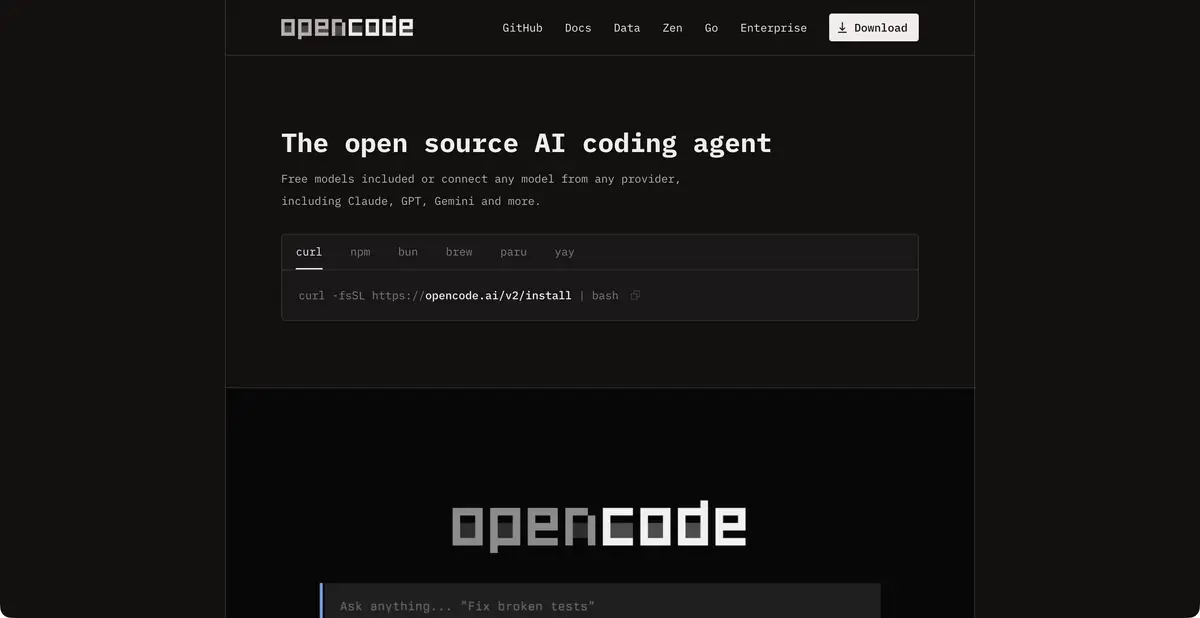
One project, several ways of working
OpenCode is an open-source development tool available through a terminal interface, an app, and editor integrations. It helps you ask questions about a repository, plan changes, and edit files. Project rules, tools, language servers, and permission settings form the working environment around the model.
This suits teams using different IDEs. Identical client names do not guarantee identical capabilities across releases. Official help distinguishes OpenCode generations and warns of installation conflicts under the same command. Before updating, check which guide applies to your installed client.
Choosing a provider is a separate decision
Connect models using your own keys or the optional OpenCode Console. The latter documents credit top-ups, request billing, and a subscription offering. Free model options have separate limits. Their availability does not make every model or external client free.
Local model servers are documented for local processing. With this setup, assess available memory, tool support, and context capacity. If a cloud endpoint is selected, the corresponding provider processes the request’s contents. Installing the program on a computer does not establish where the neural network itself runs.
Example: remove a hardcoded URL
A small app has a test API URL hardcoded in several files. Require the agent to move it into the existing configuration mechanism, preserve development behavior, and add no new dependency. First ask it to find every use and propose a plan, then authorize the edit.
Check both the development run and production build: a variable may exist in one environment and be absent in another. Review the diff for accidentally included keys and new network endpoints. A missing setting should produce a clear error rather than silently contacting another server.
Programmatic access and automation boundaries
OpenCode has its own HTTP server with OpenAPI and an SDK. It supports programmatic session management and interaction with the agent, distinct from using a model provider API or connecting MCP. Server access requires appropriate authentication and restricted network exposure.
An agent can execute commands and change more than its last response reveals. Keep your working copy in version control, review the final changes, and run suitable checks. Running your own server is particularly useful for integration developers, but also brings responsibility for updates and security.
The server interface is useful for building your own client, but exposing it to a network requires different assumptions from a single local terminal. Choose the listening address, authentication, and accessible directories first, then check how the app handles permission denials.
Suitable tasks
- Change code from terminal or application
- Connect your own local model
- Automate sessions via HTTP server
- Configure project rules and permissions
Strengths
- Multiple clients and open architecture
- The product’s own HTTP API and SDK
- Independent choice of cloud or local provider
Limitations
- Free installation does not cover model terms or costs
- Do not mix guides for different client generations
- A self-hosted server needs access restrictions
Selection and conditions
- Free access
- Yes
- Trial period
- Not confirmed
- No sign-up required
- Not confirmed
- Russian interface
- Not confirmed
- Local installation
- Yes
- API
- Yes
“Not confirmed” means there is not enough information. The feature may still be available; check the developer’s terms.
- Input formats
- Text, Code
- Result
- Text, Code
Terms
Free models have their own limits; Console is optional. Local processing is confirmed when connected to a local model server. The product’s own HTTP API is distinct from a model gateway.From task to first result
Practical example
- Task
- Change code from terminal or application
- What to prepare
- A small part of your own project and a reproducible description of the error, with no tokens or passwords.
Task brief or prompt
Explain why this function handles an empty list incorrectly. First describe its current behavior, then suggest a minimal fix and checks for empty, normal and invalid input. Do not change other parts of the project unnecessarily.
Expected result
An explanation of the cause, a small proposed diff and checks to run locally.
How to check the result
- Read the diff before applying it.
- Run the checks in a separate working copy and make sure no secrets were included in the prompt.
An editorial teaching example of a task brief, not the result of hands-on testing of the service. Check that the required mode is available, that you have rights to the source material and that the intended use of the result is permitted.
Check details
Official sources
- OpenCode: official product
- OpenCode: installation and project work
- OpenCode Console: models, endpoints and payment
- OpenCode: its own HTTP server and OpenAPI
- OpenCode: external and local providers
This description is based on the developer’s material. Features, prices and availability may change; check the primary source before use.