Jan Desktop provides a single interface for local and remote models. Local server allows you to use the downloaded model in other applications, and connecting an external provider changes the processing location.
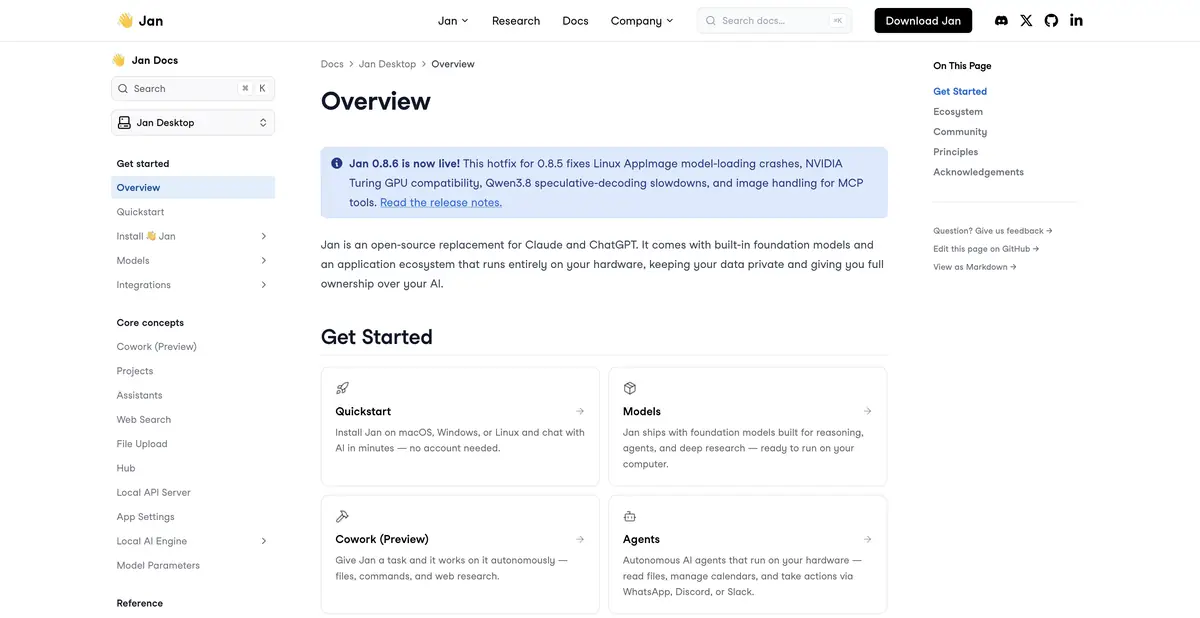
Select where the assistant works
Jan Desktop is designed for dialogue with user-selected models. In one application, you can work with loaded weights and configured remote providers. The difference is significant: the local model uses computer resources, and the cloud request is transmitted to the corresponding service. Therefore, you need to choose not only the name of the model, but also the method of its connection.
The project is developed openly and distributed free of charge. Jan Desktop and Jan Agent are separately represented in the official help. When choosing an instruction, it is important not to mix the capabilities of a desktop application with the behavior of a separately installed agent.
Setting up local access
Jan has built-in API-server compatible with the common format of queries to language models. First, you need to download or import a local model that the application can actually download. Only after that, they start the server and connect their application. The remote provider indication does not override the documentation requirement for initial local start-up.
By default, the server is only available from the same computer. You can change the address and access key in the settings. If you open it to other devices, you will need to think about access, network protection and the circle of customers who are allowed to send requests.
A clear first scenario
Take a small text about the rules of working with orders and ask Jan to prepare questions for the new employee. Limit the response to information from the text and require a confirmatory fragment for each correct option. Such an example helps to see how much the chosen model holds the conditions and recognizes the lack of information.
If the source does not specify a deadline for replying to a customer, the model should say so. A convincingly presented invented number is still an error. Save a successful instruction and repeat the task with other material: one good answer does not establish reliability across the process. This is a suggested introductory scenario, not a claim of hands-on product testing.
Compatibility is more important than size
For local models, compatible engines are used, including llama.cpp and MLX on Apple Silicon. The documentation separately warns about the limitations of the current engine on Intel Mac. Before loading large model weights, check the requirements of your system, available memory and format support.
Free application does not mean free cloud inference. The external provider has its own keys, tariffs and processing rules. Also, do not consider the announced features already available: for example, the promise of memory on the home page should be checked for current documentation and the installed release.
Suitable tasks
- Working with an open model on a computer
- Configure local API for compatible application
- Separate projects and instructions of assistants
- Select a remote provider for a specific task
Strengths
- Free Open Application
- Local API compatible format
- Separate settings of models and providers
Limitations
- Starting an API server requires an accessible local model
- Engine requirements differ between devices
- A remote provider sends the request outside the local environment
Selection and conditions
- Free access
- Yes
- Trial period
- Not confirmed
- No sign-up required
- Not confirmed
- Russian interface
- Not confirmed
- Local installation
- Yes
- API
- Yes
“Not confirmed” means there is not enough information. The feature may still be available; check the developer’s terms.
- Input formats
- Text, Code
- Result
- Text, Code
Terms
Jan Desktop is available for free with open source. Payment for external models and the resources of your computer are not included in the free application. Jan Desktop is installed on a supported desktop system; Jan Agent is distributed separately.From task to first result
Practical example
- Task
- Working with an open model on a computer
- What to prepare
- Short instructions for returning the goods, saved in plain text.
Task brief or prompt
Based on this guide, write three questions to test understanding. For each, provide the correct answer and a supporting sentence from the input. If a deadline or condition is missing, say so explicitly.
Expected result
Three question-and-answer pairs, based on the submitted text.
How to check the result
- Compare each answer with the initial sentence.
- Repeat the task with the selected local model and evaluate the time and memory consumption on your device.
An editorial teaching example of a task brief, not the result of hands-on testing of the service. Check that the required mode is available, that you have rights to the source material and that the intended use of the result is permitted.
Check details
Official sources
- Official Jan
- Jan Desktop and Jan Agent documentation
- Local API Server Requirements and Settings
- Getting Started with Desktop
This description is based on the developer’s material. Features, prices and availability may change; check the primary source before use.