Notta turns meetings, interviews and recordings into searchable text and notes. The current product includes a separate on-device Privacy Mode with conditions different from its cloud workflow.
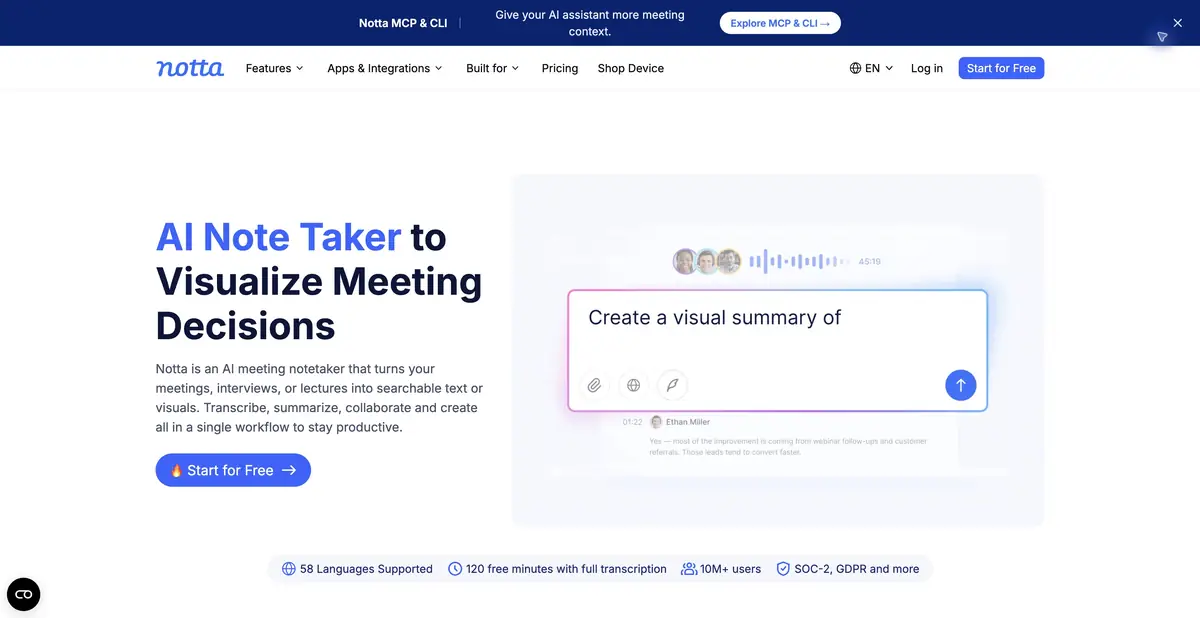
Several routes to a transcript
In Notta, you can upload an existing audio or video recording, record a conversation or use a supported online-meeting connection. Results are kept in a workspace, where you can view and correct text, search for information and prepare AI notes. This is useful for interviews, lectures or work discussions when you may need to revisit a particular remark.
The modes differ. A bot, bot-free desktop recording and local transcription have different installation and data requirements. Choose the capture method first, then the language and processing location. The ability to record a meeting does not remove the need to agree this with participants.
From text to working materials
Notta offers summaries, next steps, questions across meetings and materials based on discussions. Inputs include the recording, recognized text and permitted context. Outputs may include transcripts, notes and documents in the formats available for the selected mode.
The practical value comes from links to the original speech. Distinguish decisions from options discussed, and assignments from assumptions. If a surname or amount was not recognized correctly, fix the text before generating a summary; otherwise the error can spread into several subsequent materials.
When Privacy Mode is useful
In the separate desktop Privacy Mode, Notta processes speech locally and saves recordings and text in a folder on the computer. The official page describes Mac and Windows beta versions, offline operation after setup and possible internet requirements for sign-in or updates. This confirms a specific local capability, rather than a property of every Notta workflow.
The ordinary cloud workflow has separate synchronization, sharing and quota conditions. The developer explicitly distinguishes bot-free recording from Privacy Mode: the absence of a bot describes capture, while locality describes processing. Consider computer resources and the supported recognition model when choosing a mode.
Example and access conditions
For an interview, prepare a list of correct names and terms, agree on recording, then transcribe a short section. Check disputed words against the audio before creating topic notes. List unanswered questions separately: a polished summary should not turn them into facts.
A free plan limits duration and volume; paid tiers extend capabilities. Export, collaboration and additional features vary. An account is required; confirmed MCP and CLI support is not treated here as a universal public API. Before a large upload, check the download format you need and the processing mode.
Suitable tasks
- Transcribe an interview or lecture
- Prepare meeting notes and open questions
- Find information in past conversations
- Use local transcription in Privacy Mode
Strengths
- Several recording methods and file uploads
- Text editing followed by note creation
- A documented local Privacy Mode
- Integrations with work services
Limitations
- Cloud and local modes have different conditions
- The free plan limits volume and duration
- Names, numbers and decisions need checking
- Privacy Mode depends on the device and configuration
Selection and conditions
- Free access
- Yes
- Trial period
- Not confirmed
- No sign-up required
- Not confirmed
- Russian interface
- Not confirmed
- Local installation
- Yes
- API
- Not confirmed
“Not confirmed” means there is not enough information. The feature may still be available; check the developer’s terms.
- Input formats
- Audio, Video
- Result
- Text, Document
Terms
A limited free plan and paid tiers are available. Check export, collaboration and additional AI resources against the current plan. Web, mobile and desktop applications with an account. Local processing refers to the separately configured Privacy Mode.From task to first result
Practical example
- Task
- Transcribe an interview or lecture
- What to prepare
- A short recording of your own conversation, with participants’ consent to processing.
Task brief or prompt
Task brief: transcribe the recording in its original language. Preserve the meaning of what is said; mark unclear passages separately and check them against the audio. Verify names, numbers and titles manually.
Expected result
A draft transcript; speech recognition does not guarantee that every utterance is correct.
How to check the result
- Listen to passages containing numbers and names.
- Mark omissions and unclear passages; do not fill them in by guessing.
An editorial teaching example of a task brief, not the result of hands-on testing of the service. Check that the required mode is available, that you have rights to the source material and that the intended use of the result is permitted.
Check details
Official sources
This description is based on the developer’s material. Features, prices and availability may change; check the primary source before use.