

Google’s research tool, familiar as NotebookLM, is now presented as Gemini Notebook. It helps analyse collected sources, ask questions about material and create overviews.
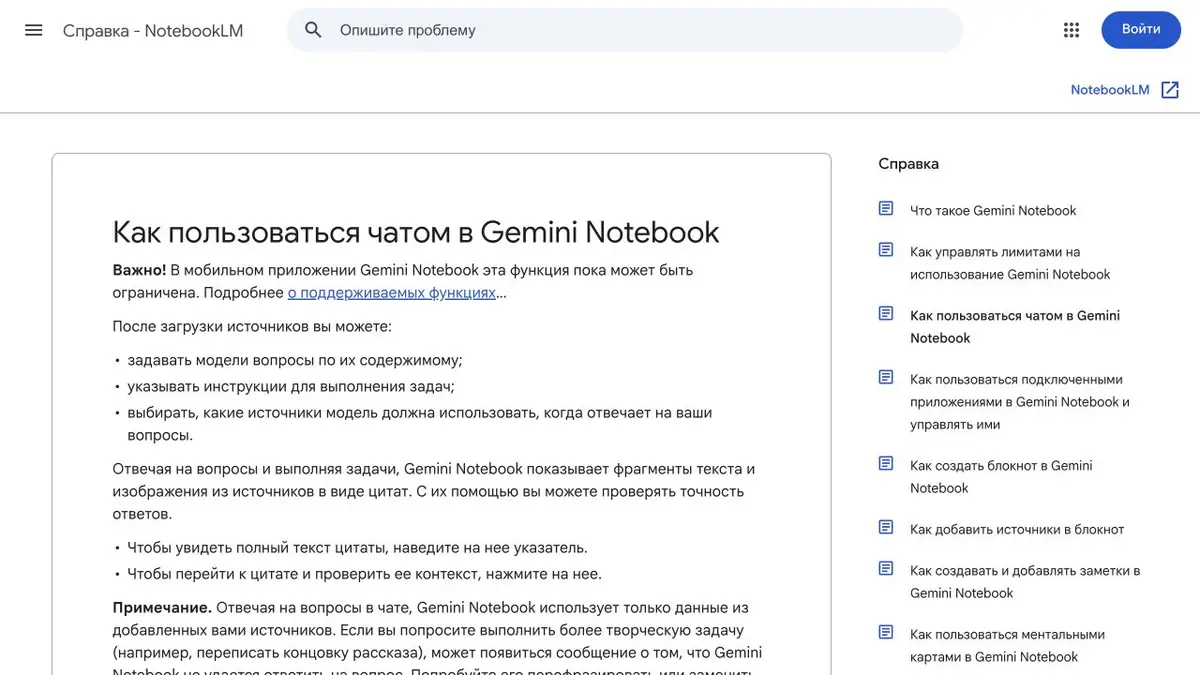
Source materials as the basis for an answer
The main idea of NotebookLM is to first collect sources and then work with their content. In current official materials, the product is called Gemini Notebook, and the former address is redirected to notebook.google. We keep a recognizable name in the card so that the tool can be found.
You can add supported documents and other material to a notebook. Questions use the selected sources, while links to passages let you return to their context. This suits a study topic, research or a collection of work documents.
How to Ask Useful Questions
Start with a specific comparison: where two documents differ, which definitions they use or what supports a particular conclusion. If there are many sources, name them and select those needed for the answer.
Citations make review easier, not interpretation automatically correct. Open the passage and read neighbouring paragraphs. If the sources lack an answer, record the gap explicitly rather than ask the assistant to invent a coherent explanation.
Notes and audio overviews
Alongside source-based conversation, the product creates study and overview formats, including notes, diagrams and Audio Overviews. Availability and limits vary by account and device.
An Audio Overview can introduce a broad topic, but it is a generated account. It may contain inaccuracies and slips of speech. When preparing a publication or an exam, use it alongside reading the sources, not as a replacement.
Use case: making sense of several documents
Collect material on one question and use distinct names. Request key points with sources first, then discrepancies and open questions. This keeps one author’s position from being confused with another’s conclusion.
For your own text, save verified quotes and write down your conclusion separately. Before publishing, re-read the generated review and open the sources for the statements you are going to use.
Order in research
Organise material around the question you are trying to answer. A small set of relevant, clearly named documents is better for verifying conclusions than one notebook containing the entire archive.
Free access and additional features in Google plans are available. The help pages describe supported countries, age requirements, quotas and work-account conditions. Before uploading confidential material, check your permission to use it and your account settings.
Suitable tasks
- Comparison of documents
- Study notes
- Search for answers in the collected materials
- Audio overviews based on your sources
Strengths
- Answers linked to sources
- Several ways to review source materials
- Organizing work in separate notebooks
Limitations
- Check quotations in context
- The result is limited by the quality of the sources
- Features differ by account and device
Check details
Official sources
This description is based on the developer’s material. Features, prices and availability may change; check the primary source before use.


