

A writing assistant with corrections and generative tools. It suits messages and documents where the author wants control over meaning and tone.
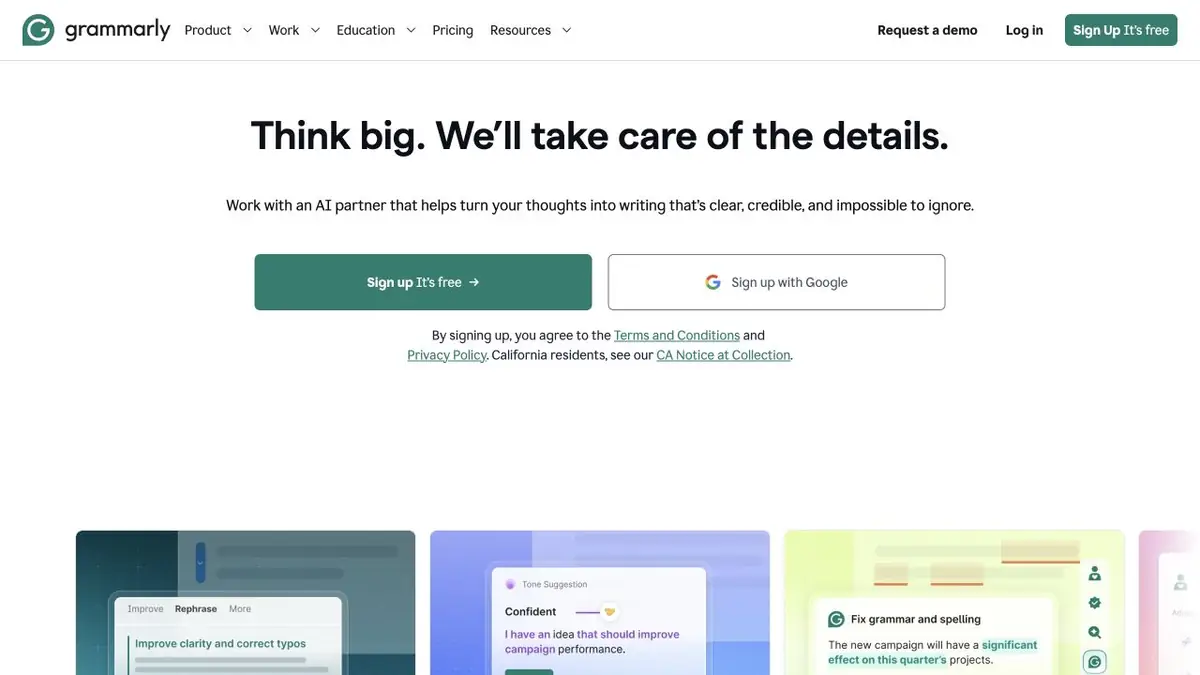
Improve a sentence while preserving the author's voice
Grammarly helps identify language errors and revise wording. Beyond grammar, it offers tools for clarity, tone and AI-assisted writing tasks. These suit messages, articles and documents, but an editorial suggestion remains something the author can reject.
Don't accept every change at once
A smoother-sounding sentence may lose precision or character. In business messages, commitment and politeness matter: “we will consider it” is not “we will do it”. Review important substitutions separately against what you actually intended.
Professional text needs consistent terminology and names. Try one representative paragraph before rewriting a whole document. Language and feature support vary, so do not expect the same checks for every text.
A letter that requires a careful tone
Suppose you need to respond to a project delay. Provide the actual circumstances and request a clear message without adding promises or accusations. Check that it retains a specific deadline, responsibility and next step. Good editing helps the recipient understand, rather than merely making the letter longer.
If you use a generative draft, re-read the facts and references. Correction of grammar does not confirm the reliability of the figure, and a confident tone does not make the controversial statement justified.
Where the assistant works
Grammarly offers its own documents, apps and browser-based tools, which are useful for regular writing across different interfaces. The extension can access text in supported fields, so check its permissions and your organisation’s rules first. Confidential information and sensitive material require a deliberate choice of environment.
Plans and additional tools
Basic and advanced features vary by subscription. Check the current terms for AI features, team tools and language support. A detector or another supporting tool does not guarantee that the origin of a text can be identified. Judge the result by meaning, accuracy, readability and how well it serves the author’s task.
Suitable tasks
- Editing correspondence
- Grammar and Clarity
- The tone of work messages
- Document drafts and revisions
Strengths
- Suggestions alongside your writing
- Different applications and access methods
- Official help on features and privacy
Limitations
- A suggestion may change the meaning of a commitment
- Language support varies
- Check extension permissions
Check details
Official sources
This description is based on the developer’s material. Features, prices and availability may change; check the primary source before use.


