

Kling AI is Kuaishou’s own creative AI product for video and images. It combines scene generation and material change tools using text and visual references.
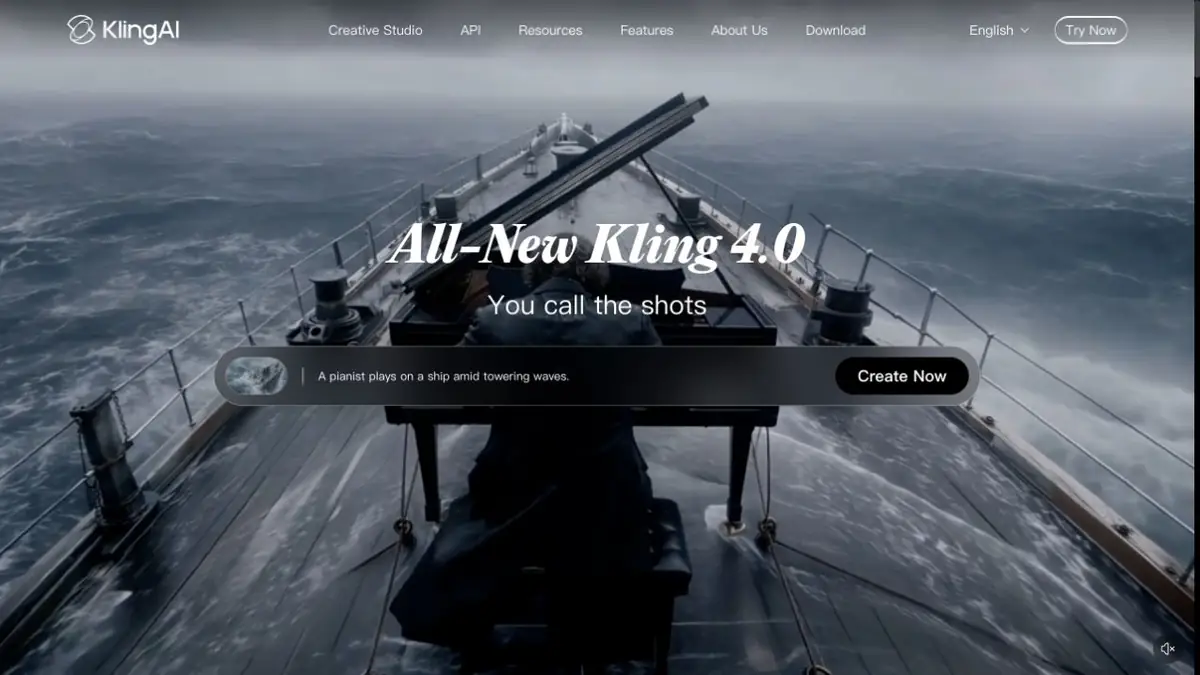
What Kling AI does
Kling AI generates video from descriptions, initial frames and other supported material. Its developer creates the models, so the official service differs from websites that merely resell Kling generation. The main link in this entry leads to kling.ai.
The tool is suitable for a short clip, a visual sketch or testing an idea for movement. If you need a finished video, plan the editing, sound and shot sequence in advance: a single generation solves only part of the task.
Source frame and movement
For image-to-video, you should first prepare an image with a clear composition. In the request, it is useful to describe the action of the object and the movement of the camera, rather than re-listing each visible detail. The more specific the purpose of the scene, the easier it is to evaluate the result.
Inspect the whole video, not just an attractive opening frame. Object shapes, hands, lettering and backgrounds may change in motion. Compare important product details with the original at several points in the clip.
References and video modification
Kling’s official guides describe video generation from text, start and end frames, references and video edits. Operations differ between models, so read the guide for the specific mode before starting a project.
A practical approach is to solve one task first, such as getting the required movement or replacing surroundings. Build a more complex scene after checking it. Keeping the same character across images needs attention even when the model has consistency tools.
Credits and Access
Kling uses credits. Subscription, purchased and promotional allocations have different terms and validity periods; usage depends on the generation. Do not assume permanent free daily quotas without checking the interface.
Official programmatic access is available. Its terms and balance differ from a user subscription. When working with real people or other people’s material, consider consent and rights to source files.
Suitable tasks
- Animating photographs
- Short video scenes from text
- Video concepts and storyboards
- Editing video using references
Strengths
- Proprietary video and visual models
- Several types of input materials
- Official Studio and API Platform
Limitations
- Artifacts are possible in motion
- Features differ between models
- Credits have different expiration periods and rules
Check details
Official sources
This description is based on the developer’s material. Features, prices and availability may change; check the primary source before use.


