Langflow helps assemble AI processes from components in a visual field. The developer can change them in Python, connect sources and models and provide the assembled process to other applications.
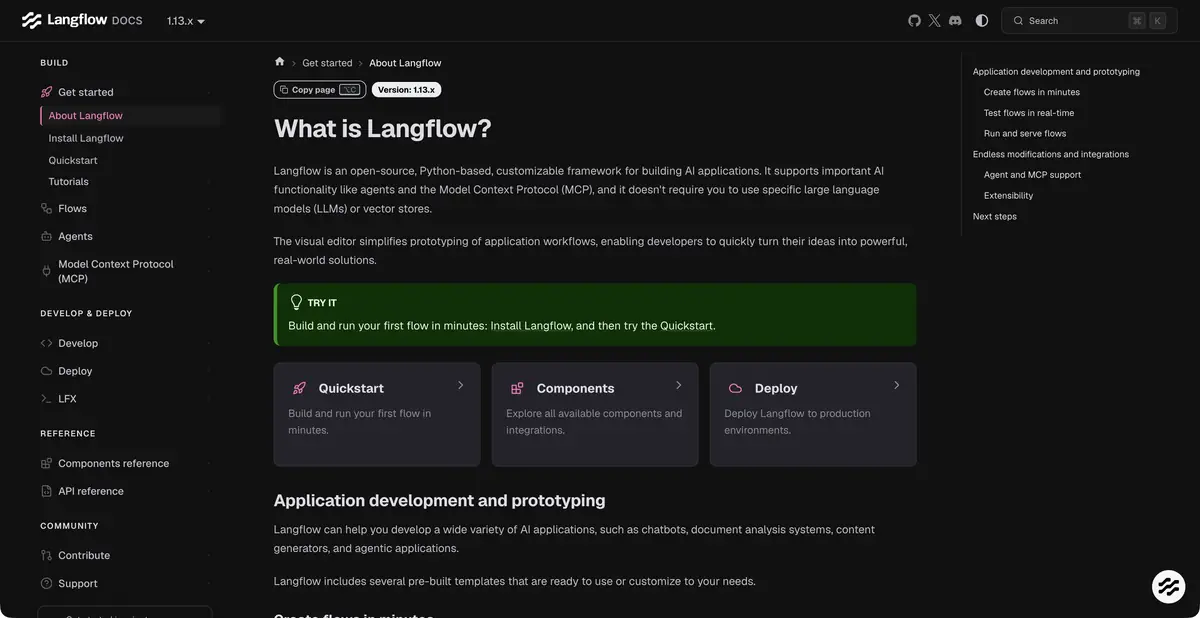
A scheme that can be broken down
Langflow provides a visual environment for building AI applications from components. The canvas connects input, a model, data sources, retrieval and tools. Instead of a hidden long prompt, the team sees the processing sequence and can change individual stages. Python sits underneath the interface, with settings and custom components available when built-in blocks are insufficient.
This format is especially useful in the research phase of an idea. You can replace the model or way of searching by saving the rest of the schema and understand which part of the process affects the outcome. For a meaningful comparison, you will need the same inputs and predefined criteria.
From Data to Agent
The official project supports the creation of agents, processes with search by sources and MCP servers. There are integrations with language models, vector storage and application tools. The assembled process can be called programmatically, and the components can be reused.
The presence of a block in the library does not remove questions to configure it. For external service, you may need a key, permissions and a suitable tariff. It is important to understand the data format between the steps: text response, structured fields and search results cannot be considered interchangeable without verification. Conversion errors sometimes look like a weak response of the model, although they occur earlier.
Example: routing an incoming request
A small team can assemble a prototype distribution of incoming questions. One component receives the message, another extracts the rules from the prepared guide, the model offers a category, and a separate step draws up the result. An unknown category is sent to a person, preserving the source text and the cause of uncertainty.
For verification, use short, ambiguous and incomplete appeals. See what information went through each component and why a particular branch was selected. First, it is enough to show a person a draft of the result. Such a training scenario is not a report of our personal Langflow test and does not confirm the readiness of the scheme to automatically work with customers.
What will happen after the prototype
You can self-host the open project. Alongside the installed application, you need suitable compute resources, storage and model access. Calling an external API sends data to its provider even when the visual editor runs on your own server.
Before starting work, fix versions of components, error handling, timeouts and secret storage rules. Determine in advance who accompanies the process when changing the external API. A convenient visual build reduces some of the code, but does not replace operational preparation, verification of results and the budget for connected services.
Suitable tasks
- Prototype search with answers by documents
- Compare models in one scheme
- Create your components in Python
- Connect AI process to product via API
Strengths
- Visual schematic with access to component code
- Models, vector databases and tools in one environment
- Open project with self-hosting
Limitations
- Compatibility of components and their versions requires verification
- External provider keys and calculations are paid separately
- The prototype needs to be prepared for a real load
Selection and conditions
- Free access
- Yes
- Trial period
- Not confirmed
- No sign-up required
- Not confirmed
- Russian interface
- Not confirmed
- Local installation
- Yes
- API
- Yes
“Not confirmed” means there is not enough information. The feature may still be available; check the developer’s terms.
- Input formats
- Text, Document, Code
- Result
- Text, Code
Terms
Open source software is available under the project license. Resources are paid for their own installation, and for connected models and external services, their tariffs apply. Open Langflow is installed according to project instructions; cloud-based placement methods are considered separately.From task to first result
Practical example
- Task
- Prototype search with answers by documents
- What to prepare
- Sample customer requests and instructions for routing them between departments.
Task brief or prompt
For each appeal, offer a category, a brief explanation and the next step according to the instructions. If you don't have enough data, pass it on to the person. Prepare drafts of changes; recording to external systems is allowed only after verification.
Expected result
Verifiable plan for processing requests and drafts of actions in the configured process.
How to check the result
- Check unknown categories and empty entry.
- Check connection permissions and ensure the workflow stops before any action requiring approval.
An editorial teaching example of a task brief, not the result of hands-on testing of the service. Check that the required mode is available, that you have rights to the source material and that the intended use of the result is permitted.
Check details
Official sources
This description is based on the developer’s material. Features, prices and availability may change; check the primary source before use.