

invideo offers an editable timeline where a person and a connected AI agent work on the same project. Regular editing is separate from credit-based generation of new images, video and audio.
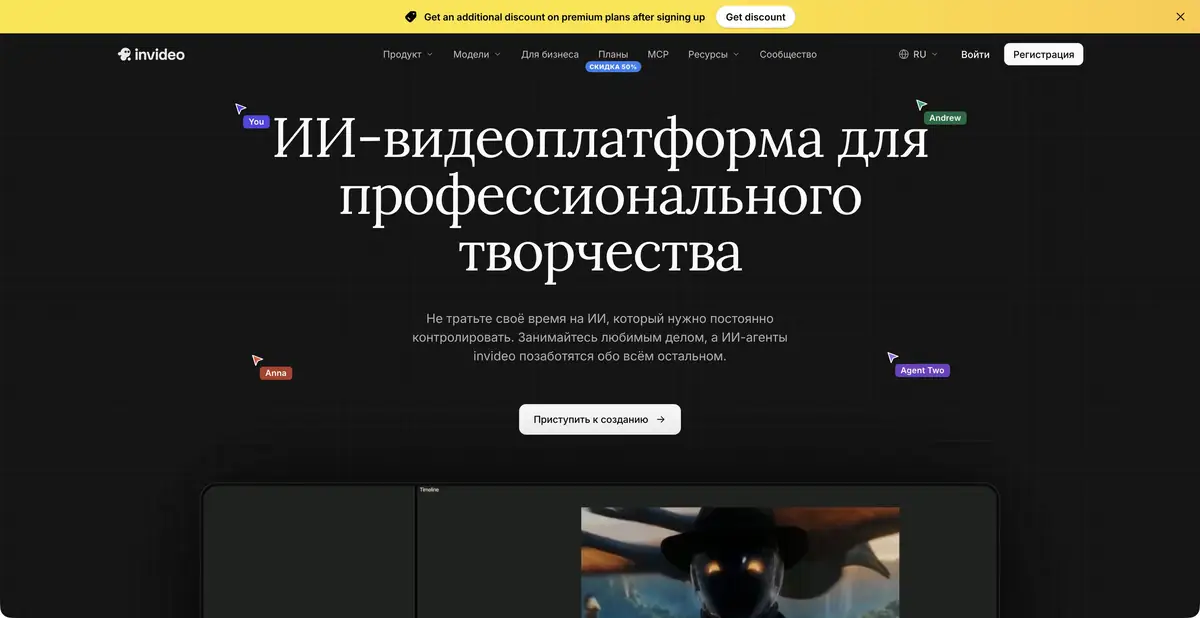
AI works in an editable project
A useful editing result includes both a finished MP4 and the ability to change an individual line, shot or music track. In the current invideo, the main workflow centers on a multitrack timeline. You can upload your own materials, describe changes to the agent, review the edits and continue manually. This makes decisions visible within the project itself, as well as in the chat response.
What remains under the editor’s control
The official page describes frame-accurate editing, video and audio layers, keyframes, color tools and audio mixing. Generated media can be added to a project. Available models and usage depend on the plan: a large model catalog does not mean every model is available without limits.
Being able to continue manual editing after agent actions matters. For example, you might change a title's duration or move audio without restarting the whole video. The developer describes editable-project export to other editing environments; test the format and preservation of effects on your own material.
Example: instructions from your own recordings
Suppose you have a wide shot of a coffee maker, close-ups of its parts and a presenter's explanation. First define the task: show setup, brewing and cleaning without advertising promises. Ask for a rough sequence and identify clips that must remain.
Review the resulting edit stage by stage. The sequence of parts should match the action, and fast cuts should not conceal a required step. Then refine audio, captions and additional shots through small, separate edits.
After manually changing the project, tell the agent what was decided and what to preserve. This example explains collaboration on one timeline; it does not confirm that the service has already processed our source materials.
Connecting an external agent via MCP
The official MCP server gives a compatible agent access to projects and video editing operations after signing in to an invideo account. The existing editor remains the place to preview and make changes. Check the terms of your own AI client and the connections available to it separately.
MCP does not mean authorization is unnecessary or usage is unlimited. Images, video and audio created within a project consume invideo credits. Regular editing actions and generative operations follow different rules; this is especially important when estimating usage for a long workflow.
Access, payment and result verification
The developer distinguishes free manual video editing from paid generation features. Plans differ in credits, seats, storage and access to agents and models. Check exact allowances in the current table instead of an old platform review.
Before the final export, watch the entire video, compare critical facts with the script and check rights to all materials. Automatic assembly does not verify the truth of the original speech, participants' consent to voice use or the suitability of the finished instructions for you.
Suitable tasks
- Assemble a video from your own recordings on a shared timeline
- Ask an agent to make a rough edit and refinements
- Combine manual editing and media generation
- Continue working with the project through MCP
Strengths
- Editable multi-track project
- Human and AI agent collaboration
- Separate editing, color and audio tools
- Official MCP connection
Limitations
- AI generation uses credits separately from regular video editing
- Models and functions depend on the plan
- The user checks editing accuracy and rights to source materials
Selection and conditions
- Free access
- Yes
- Trial period
- Not confirmed
- No sign-up required
- No
- Russian interface
- Not confirmed
- Local installation
- Not confirmed
- API
- Not confirmed
“Not confirmed” means there is not enough information. The feature may still be available; check the developer’s terms.
- Input formats
- Video, Audio, Image, Text
- Result
- Video, Editing project
Terms
Regular video editing is free; AI generation uses credits. Programmatic integration is described as MCP and requires signing in to invideo.From task to first result
Practical example
- Task
- Assemble a video from your own recordings on a shared timeline
- What to prepare
- A short instructional script and your own videos, photographs and voiceover demonstrating the action.
Task brief or prompt
Assemble instructions with sequential steps, clear captions and pauses to inspect details. Do not add unverified product properties. If a required shot is missing, flag the gap instead of inventing a demonstration.
Expected result
A rough edit of an instructional video. Available generation operations, formats and export options depend on the service and plan.
How to check the result
- The order of shots matches the actual sequence of actions.
- Captions are readable on a phone and do not obscure important details.
- Speech, music, subtitles and rights to each source material are verified.
- Check the watermark, resolution, storage and export format before paying or publishing.
An editorial teaching example of a task brief, not the result of hands-on testing of the service. Check that the required mode is available, that you have rights to the source material and that the intended use of the result is permitted.
Check details
Official sources
- Official invideo Editor
- Plans and features
- Connecting an AI agent via MCP
- Editor, generation and project transfer
This description is based on the developer’s material. Features, prices and availability may change; check the primary source before use.


