

Generation of options for interior and virtual furniture by photography. It is suitable for comparing visual ideas.
What problem does the picture solve
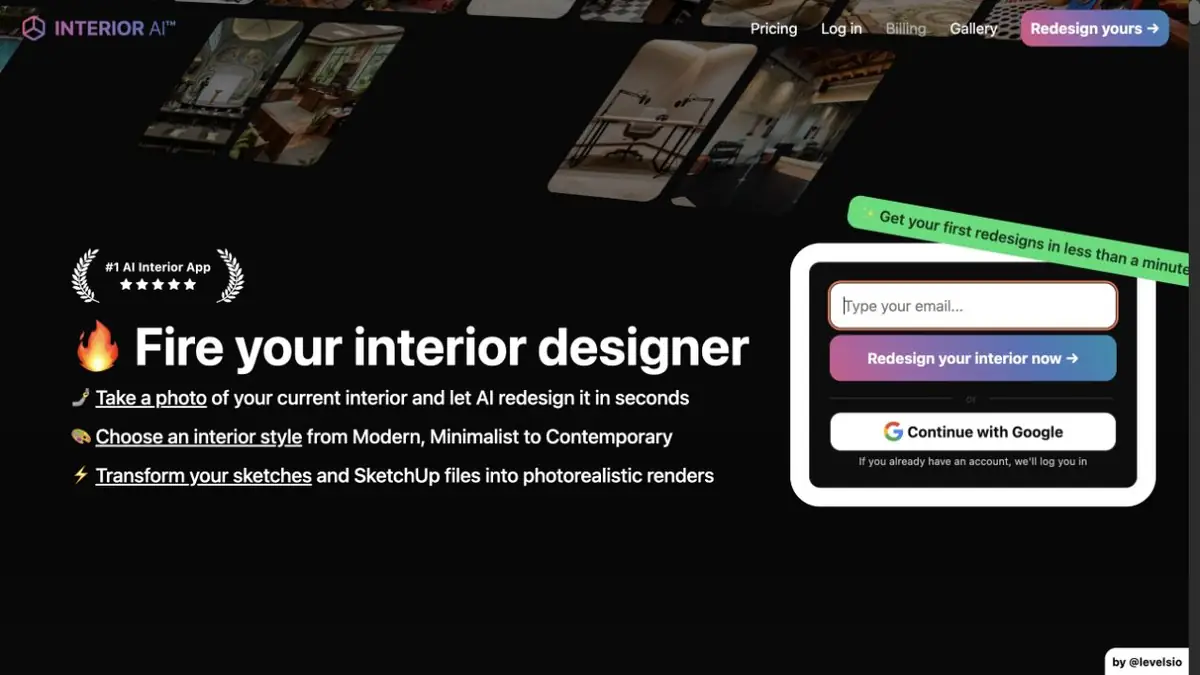
Interior AI offers options for interior photography room. The site separately shows a change of style and virtual furniture of an empty room. Such images help to discuss the color, materials and overall arrangement of items before choosing a specific furniture.
Look what has changed compared to the original. The generation can move the visual border of the wall, change the window opening or finish the lamp where it cannot be connected. Real sizes are needed to evaluate the plan.
Example with a working corner
Take a picture of the free part of the room so that the window, outlet and passage to the door fall into the frame. Get two options for registration. Compare them in color and location of the table. Then measure the area: if the proposed chair overlaps the passage or the table rests in the window sill, find a more compact option in real size.
For a real estate announcement, save the original frame and mark the option as virtual furniture. It is important for the reader to distinguish existing elements of the room from those added in the image.
Before uploading a photo
Remove documents, personal photos and data of residents from the frame. Load the room agree with the owner. Current plans and rules for working with files are described on the developer's website. It is useful to do a test on one angle: after comparison, you will understand whether the proposed images help to discuss the task and what details require manual verification. Evaluate furniture and finishes separately from engineering solutions.
Suitable tasks
- Compare styles for one room
- Show the idea of furnishing an empty room
Strengths
- The design is based on a picture of the room
- The site shows different styles and modes
Limitations
- Geometry and details may change
- The option does not confirm the actual size
Selection and conditions
- Free access
- Not confirmed
- Trial period
- Not confirmed
- No sign-up required
- Not confirmed
- Russian interface
- Not confirmed
- Local installation
- Not confirmed
- API
- Not confirmed
“Not confirmed” means there is not enough information. The feature may still be available; check the developer’s terms.
- Input formats
- Image, Options
- Result
- Image
Terms
To work, upload a picture and select the appropriate mode. The account and processing are described on the developer's website.From task to first result
Practical example
- Task
- Compare styles for one room
- What to prepare
- A picture of your empty room with a visible door and window.
Task brief or prompt
Create two virtual furniture options and compare them with the original picture.
Expected result
Images to discuss furniture and finishes.
How to check the result
- Check the windows and passages.
- Check the dimensions of the actual room.
An editorial teaching example of a task brief, not the result of hands-on testing of the service. Check that the required mode is available, that you have rights to the source material and that the intended use of the result is permitted.
Check details
Official sources
This description is based on the developer’s material. Features, prices and availability may change; check the primary source before use.