

Guidde records the procedure and helps to assemble an editable instruction with text and voiceover.
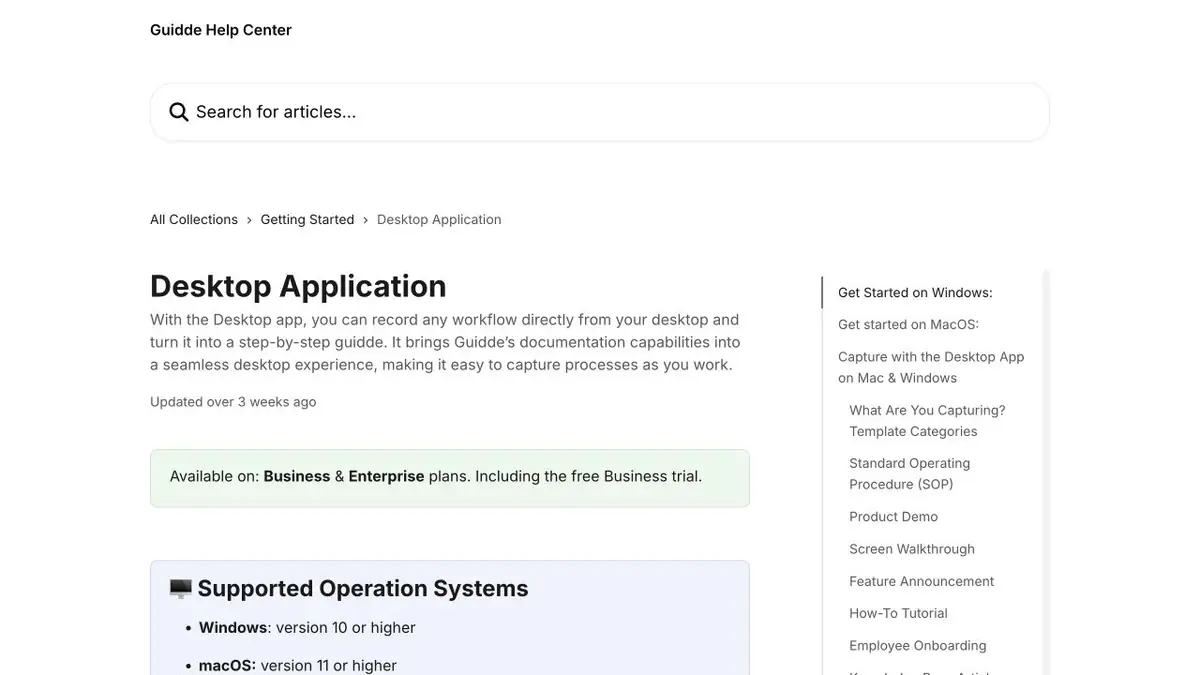
Write down one procedure at a time
Start with a clean app session and decide what the user should get at the end. Guidde helps turn the sequence of actions on the screen into a draft instruction. To record individual windows and browser actions, use the mode that your environment supports. Close the tabs with personal data, turn off unnecessary notifications and prepare training records. If the procedure starts with an open page, specify where to get to it.
Example with the unloading of the training report
In a fictional interface, the period is first selected, then the filter and only after that the file is saved. When installing, see if the selection of the period and the opening of the menu are not glued together. Add a short expected result to each step, such as the name of the item in the list. Check signatures and voiceovers. If the model mispronounces the name of the button, change the text before publication. Pause where the listener needs to finish reading the menu.
Checking with someone else's eyes
Ask a colleague to repeat the procedure with a new account that has the rights of the future viewer. If the result depends on a hidden filter or a special role, specify this in the instructions. Try to open the final link without author access. Check who is entitled to watch the video, and update the frames after changing the interface. Leave the original entry separately if you only need to replace one step. Before updating, compare the procedure with the current rules of the team.
Suitable tasks
- Make an instruction for a repeatable procedure.
- Check for hints and voiceovers from screen recording.
Strengths
- Focused on step-by-step video instructions.
- Helps to edit text and voiceover.
Limitations
- You need rights to record and distribute the screen.
- Tips and voiceover should be checked with the interface.
Selection and conditions
- Free access
- Not confirmed
- Trial period
- Not confirmed
- No sign-up required
- Not confirmed
- Russian interface
- Not confirmed
- Local installation
- Not confirmed
- API
- Not confirmed
“Not confirmed” means there is not enough information. The feature may still be available; check the developer’s terms.
- Input formats
- Video, Text
- Result
- Video
Terms
Use fictitious data and check the opening of the finished link.From task to first result
Practical example
- Task
- Make an instruction for a repeatable procedure.
- What to prepare
- Record the screen of a fictional application and a proven sequence of actions.
Task brief or prompt
Collect a short instruction for recording the screen. For each action, specify what to click and what result to see. Remove personnel with personal data.
Expected result
Video instruction with a proven sequence of steps and clear sounding.
How to check the result
- Follow the procedure according to the instructions in the new session.
- Check that the speech matches the actions on the screen.
An editorial teaching example of a task brief, not the result of hands-on testing of the service. Check that the required mode is available, that you have rights to the source material and that the intended use of the result is permitted.
Check details
Official sources
This description is based on the developer’s material. Features, prices and availability may change; check the primary source before use.