goose performs tasks using connected tools and a selected model. The open-source project, created at Block and transferred to the Agentic AI Foundation, offers an app, a CLI, and programmatic integration options.
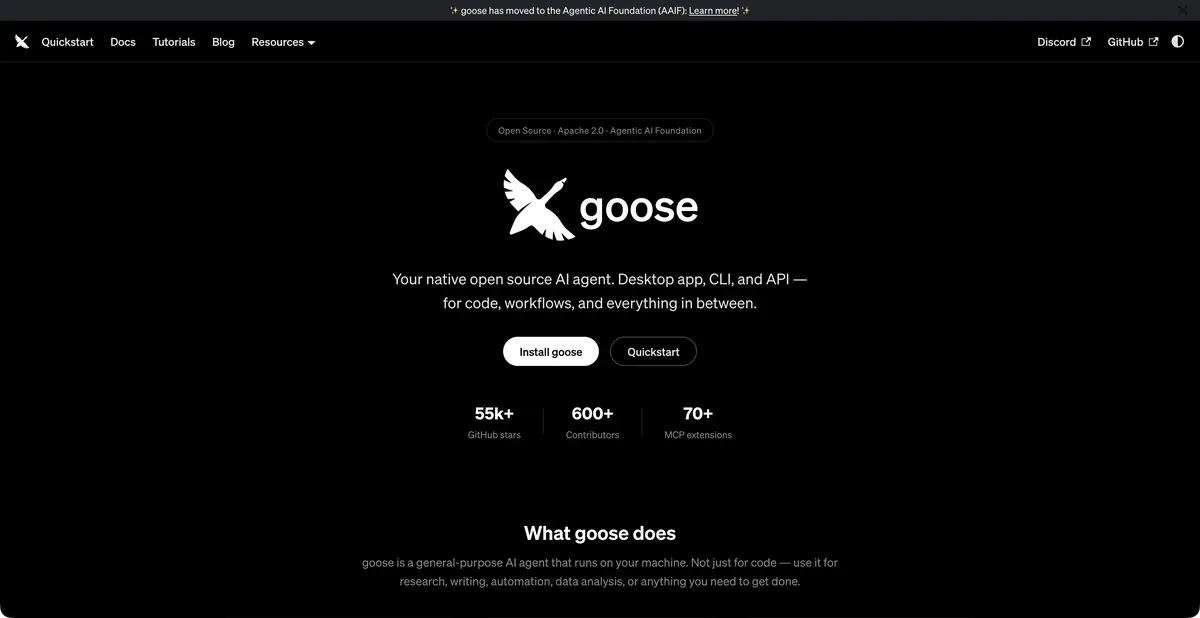
An agent for your working environment
goose can modify code, process data, and perform other tasks that need more than a text response. It runs on the user’s computer and uses connected tools to read materials, perform operations, and return results to the session context. The available actions depend on the configured extensions.
The project has moved organizations: Block’s official repository redirects to AAIF, and documentation is hosted on goose-docs.ai. This continues the original open-source agent rather than creating a second product for another card. Older links may redirect; start with the current official installation guide.
Repeatable recipes
Recipes describe the workflow in YAML: instructions, parameters, extensions and other necessary components. They are useful for a task that repeats with different inputs. Instead of copying long correspondence, the team keeps a clear configuration and checks it as normal working material.
For example, compare two small test-run reports and list new failures. In the recipe, specify file locations, output format, and a requirement to leave source files unchanged. Explicitly state that a missing report entry does not count as a passing test. Check each new failure against the original record before sharing the summary with colleagues.
Extensions and the model processing environment
Extensions via MCP connect the agent to databases, repositories, browsers and other systems. A connected server can have write rights, so it needs to be evaluated as a full-fledged tool. For the first run, it is useful to limit the task to reading the demo data and then add actions as needed.
goose supports different providers and local models through Ollama. The open-source agent is free software; cloud inference and external services cost extra. A local setup requires a suitable model and hardware. Running a desktop client on your computer does not mean all of its requests stay on that computer.
How to integrate and verify
The official platform describes an app, CLI, and integration API. This is programmatic access to the agent itself, rather than just the ability to call another provider’s model. For a specific integration, check supported interfaces, session management, and tool permissions against current documentation.
A multi-step automation can return plausible text despite a partial failure. Require a list of files used, an explicit account of unfinished steps, and a verifiable artifact. For code, inspect the diff and tests; for data, check input record counts and a control sample’s results.
Desktop goose also documents built-in local inference: it downloads a suitable model and runs it inside the app. This differs from calling Ollama Cloud. Check available memory and the model’s ability to call tools required by your recipe.
Suitable tasks
- Automate repetitive tasks with recipes
- Process local files through tools
- Connect MCP Extensions
- Integrate an open-source agent into a workflow
Strengths
- An open-source project with an app and CLI
- Portable recipes with parameters
- Local models and programmatic integration
Limitations
- Configure each extension’s permissions separately
- Cloud models and external systems can be paid separately
- The recipe does not guarantee the correctness of each step performed
Selection and conditions
- Free access
- Yes
- Trial period
- Not confirmed
- No sign-up required
- Not confirmed
- Russian interface
- Not confirmed
- Local installation
- Yes
- API
- Yes
“Not confirmed” means there is not enough information. The feature may still be available; check the developer’s terms.
- Input formats
- Text, Code
- Result
- Text, Code
Terms
The open-source agent is free; cloud tokens cost extra. Local processing is possible with local Ollama, provided all extensions are checked. A programmatic API is stated separately from MCP.From task to first result
Practical example
- Task
- Automate repetitive tasks with recipes
- What to prepare
- A small part of your own project and a reproducible description of the error, with no tokens or passwords.
Task brief or prompt
Explain why this function handles an empty list incorrectly. First describe its current behavior, then suggest a minimal fix and checks for empty, normal and invalid input. Do not change other parts of the project unnecessarily.
Expected result
An explanation of the cause, a small proposed diff and checks to run locally.
How to check the result
- Read the diff before applying it.
- Run the checks in a separate working copy and make sure no secrets were included in the prompt.
An editorial teaching example of a task brief, not the result of hands-on testing of the service. Check that the required mode is available, that you have rights to the source material and that the intended use of the result is permitted.
Check details
Official sources
- goose: current AAIF platform
- goose: getting started
- goose: official AAIF repository
- goose: built-in local inference
This description is based on the developer’s material. Features, prices and availability may change; check the primary source before use.