Fliki creates narrated videos from text, with scenes and subtitles.
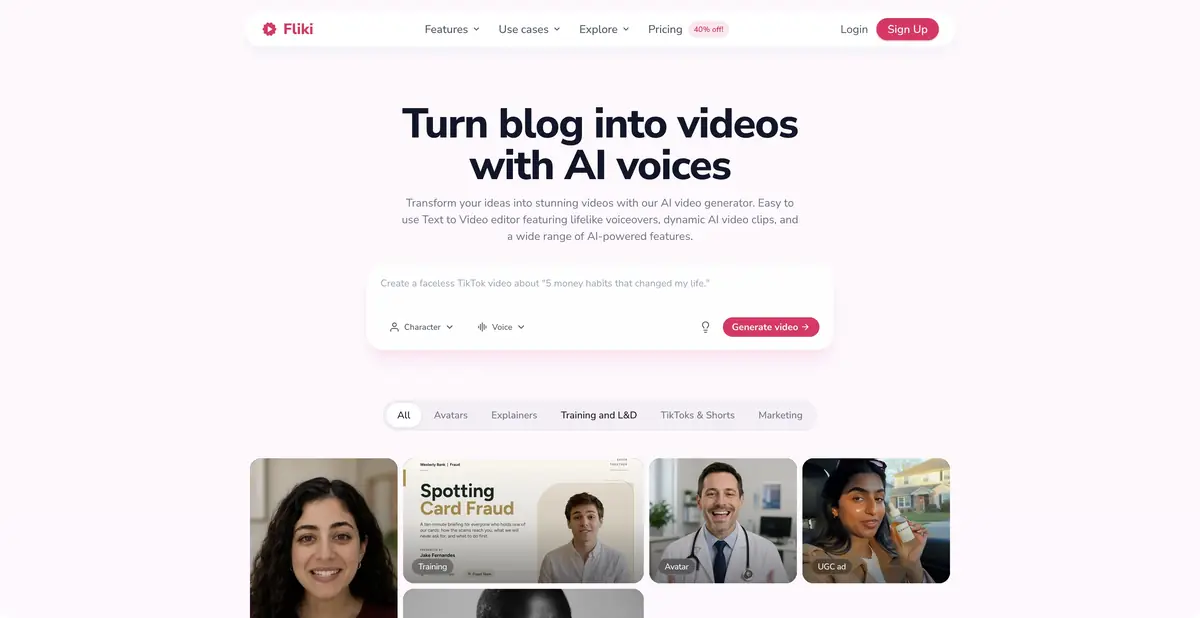
A script becomes a sequence of scenes
Fliki takes an idea, text or other supported material and helps assemble a video with narration and visuals. Its editor supports individual scenes, voiceovers and subtitles. It is useful for short instructions, overviews and lessons where the sequence matters as much as the opening frame.
An automatically chosen scene may not match the script’s claim. When discussing a real product, location or interface action, a generic illustration must not be presented as documentary footage. Prepare your own material for these passages and check how the picture relates to the words.
A practical example without invented features
Build a tutorial around a few actions: open settings, find notifications and save an option. Give Fliki a short script, choose one voice and review the scenes. Remove decorative frames that obscure the step. If the right screenshot is unavailable, mark a place for it instead of inserting a fabricated screen.
Then listen while reading the subtitles. Section names should match, and pauses should allow time to follow the action. Check on a small screen as well: a long caption covering important details makes a video difficult to use even with pleasant narration. Save the script and settings after revisions so that the next video need not start from scratch.
What depends on the access level
The official pricing page lists a permanent free plan with limited credits and a watermark. Paid plans expand duration, export quality and access to particular voice or visual features. A free starting plan does not make all generation free. Before a large project, check how each chosen action uses credits.
API and enterprise capabilities also have product specific terms. Check commercial rights for voices, library material and your own sources. Assess the draft for accuracy, timing and readability, rather than automatic assembly alone. Polished presentation cannot fix an incorrect sequence in the script.
Keeping a video series consistent
For several tutorials, agree on section names, a voice and caption length in advance. Change each script’s content while retaining only settings that need consistency. Do not reuse a visual example from the first video when it illustrates a different action.
For another language, check narration and captions together: the translation may be longer and no longer fit the scene’s pace. Important instructions need review by an editor who knows the language, beyond automatically creating a new audio track.
Suitable tasks
- Create explanatory videos from a script
- Add voiceovers and subtitles to instructions
- Prepare a series of short learning videos
Strengths
- Editable scenes, voiceovers and subtitles
- A permanent free plan with limits
Limitations
- Exports and functions depend on access level
- Automatic scenes require semantic verification
Selection and conditions
- Free access
- Yes
- Trial period
- Not confirmed
- No sign-up required
- Not confirmed
- Russian interface
- Not confirmed
- Local installation
- Not confirmed
- API
- Yes
“Not confirmed” means there is not enough information. The feature may still be available; check the developer’s terms.
- Input formats
- Text, Image, Audio, Video, Presentation
- Result
- Video, Audio
Terms
The free plan has credit limits and a watermark. Check generation, narration, commercial rights, export settings and API access for the selected tier.From task to first result
Practical example
- Task
- Create explanatory videos from a script
- What to prepare
- A short instructional script and your own videos, photographs and voiceover demonstrating the action.
Task brief or prompt
Assemble instructions with sequential steps, clear captions and pauses to inspect details. Do not add unverified product properties. If a required shot is missing, flag the gap instead of inventing a demonstration.
Expected result
A rough edit of an instructional video. Available generation operations, formats and export options depend on the service and plan.
How to check the result
- The order of shots matches the actual sequence of actions.
- Captions are readable on a phone and do not obscure important details.
- Speech, music, subtitles and rights to each source material are verified.
- Check the watermark, resolution, storage and export format before paying or publishing.
An editorial teaching example of a task brief, not the result of hands-on testing of the service. Check that the required mode is available, that you have rights to the source material and that the intended use of the result is permitted.
Check details
Official sources
This description is based on the developer’s material. Features, prices and availability may change; check the primary source before use.