Image-Line’s music workstation for Windows and macOS. Gopher explains the editor and performs supported actions, while the separation model extracts parts from an audio recording.
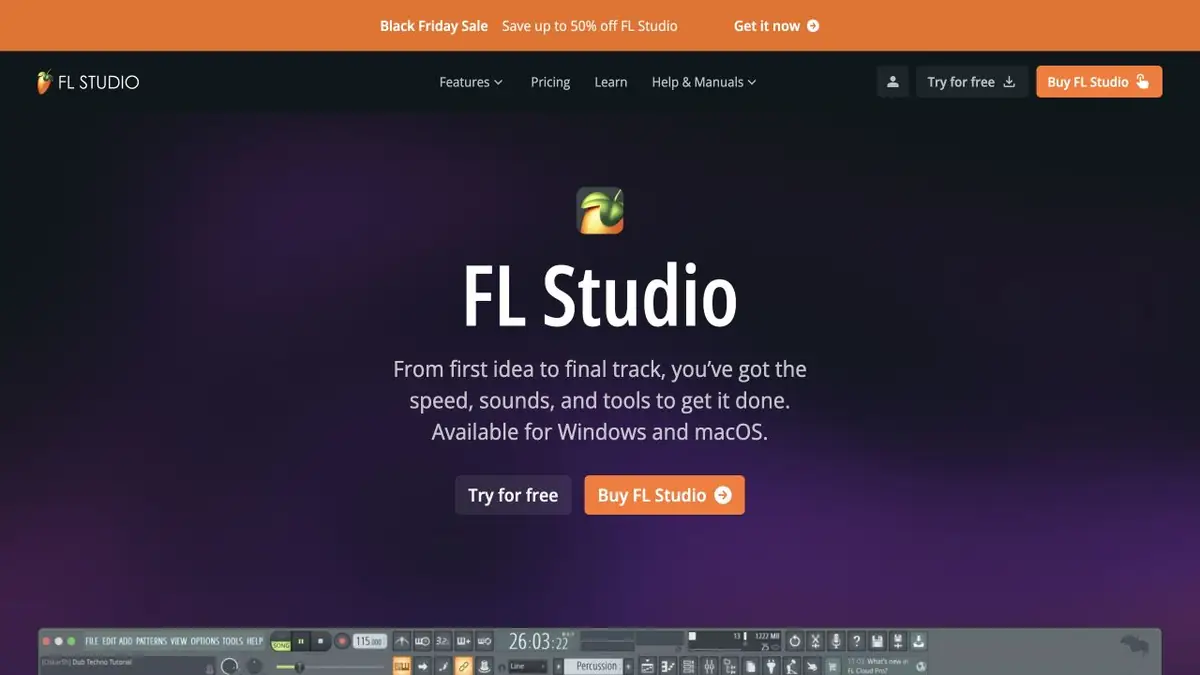
Project questions and actions through Gopher
Gopher is built into FL Studio as an assistant for the music editor. Its answers draw on the official manual, knowledge base and Image-Line website. In the documented Control mode, it can open a window, change the tempo or adjust supported channel settings. It asks for permission when an action needs access to the project. The developer describes these functions as experimental, so check the available commands in the manual for your installed version.
For this teaching example, open a copy of a small project of your own. Ask Gopher to show the mixer and identify the instrument channels. Then give one verifiable command to change the volume of a specific channel. Compare its value before and after the action, and listen to the same passage of the arrangement. Starting with a request to redo the entire mix would make the change much harder to assess.
Separate an existing recording into musical parts
The Extract stems from sample command in Playlist uses a machine learning model to create separate tracks for drums, bass, instruments and vocals. You can choose which parts to extract and whether to mute the original audio. FL Studio offers to download the model before its first use. Processing takes time and can temporarily block work in the application.
Suppose you want to study the bass line in your own demo recording. Isolate the bass first, then listen to the passage alongside the drums and vocals. Residual sounds, missing note attacks or an unstable sustained note can affect your analysis. Keep the original for comparison. Separating an existing recording can produce errors.
Editions, access and data handling
The official comparison page lists Stem Separation for Producer Edition and higher editions. Gopher is listed in all editions, but its actions depend on the controls exposed by FL Studio and its plugins. Check these capabilities before purchasing. The free trial allows export but significantly restricts reopening saved projects.
Gopher runs through an online page inside the editor. Image-Line says request text is logged to improve the feature. Necessary project information is read with the user’s permission during the active session. Installing a desktop application does not mean all its AI tools work offline. FL Cloud is offered separately and is not automatically part of every editor workflow.
Suitable tasks
- Isolate the bass or vocals from your own demo recording
- Find a setting and perform a supported action in FL Studio
- Study an arrangement through its individual parts
Strengths
- The assistant draws on the editor’s official documentation
- Supported actions run within the project
- Separated parts appear directly in Playlist
Limitations
- Gopher Control is marked as experimental
- Audio separation can leave traces of other parts
- Features depend on the edition and installed version
Selection and conditions
- Free access
- Not confirmed
- Trial period
- Yes
- No sign-up required
- Not confirmed
- Russian interface
- Not confirmed
- Local installation
- Not confirmed
- API
- Not confirmed
“Not confirmed” means there is not enough information. The feature may still be available; check the developer’s terms.
- Input formats
- Audio
- Result
- Audio
Terms
Stem Separation requires Producer Edition or a higher edition. A trial version is available, with restrictions on reopening saved projects. Gopher uses an online page.From task to first result
Practical example
- Task
- Isolate the bass or vocals from your own demo recording
- What to prepare
- Your own music recording or a file you have permission to process, with a part selected for separation.
Task brief or prompt
Task in the separation interface: isolate vocals and instrumental backing. First preview dense and quiet passages, then save the tracks and original if downloads are available. This processes an audio file rather than generating music from text.
Expected result
Separated audio tracks for listening and further editing, possibly containing leakage from other parts.
How to check the result
- Compare consonants, beats and sustained sounds with the original.
- Check synchronization, the beginning and the tail of downloaded files.
- Confirm that the chosen plan permits downloads.
- Check music rights and the intended use of the stems.
An editorial teaching example of a task brief, not the result of hands-on testing of the service. Check that the required mode is available, that you have rights to the source material and that the intended use of the result is permitted.
Check details
Official sources
- Image-Line on FL Studio, supported platforms and built-in tools
- Official guide to Gopher Control and its experimental features
- Playlist guide to separating an audio recording into tracks
- Comparison of FL Studio editions
- Official download and trial limitations
- Image-Line on how Gopher handles requests and data
This description is based on the developer’s material. Features, prices and availability may change; check the primary source before use.