

Tools for processing existing audio: vocal, instrument and backing-vocal separation, cleanup and creative voice conversion. The main workflow extracts components from a completed mix.
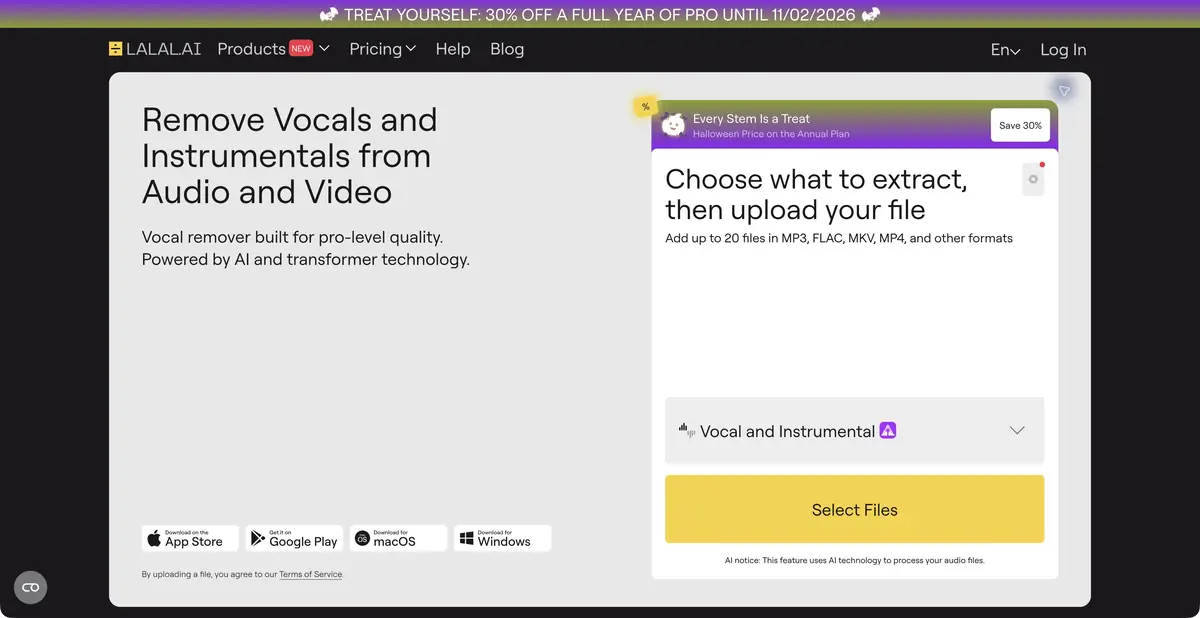
Separate music that has already been recorded
LALAL.AI analyzes an uploaded audio or video file and separates selected components: vocals, instrumental backing, drums, bass and other supported parts. These tracks are commonly called stems. This processes an existing mix; it does not reconstruct the original studio session with every channel and effect intact.
Choose separation types for your task. A vocal and instrumental pair may suffice for study, while editing may require a separate instrument group. The product also offers voice cleanup, echo and reverberation reduction, lead and backing vocal separation, voice conversion and cloning. These modes have different inputs and conditions.
How to assess a separated track
Start with a short section containing voice, drums and a sustained instrument at the same time. Listen to each result separately and with the remaining mix. Faint leakage, fragments of consonants and altered ambience may be unobtrusive in a demonstration but troublesome in your arrangement.
Compare at equal volume and retain the original. A stem can be a useful starting point, but quality depends on the arrangement's density and processing of the source track. You need appropriate rights for others' music: separating a file does not grant permission to remix it or publish isolated vocals.
Example: prepare your song for rehearsal
Upload a recording you may process and select the instrument to mute. Assess previews in a dense chorus and a quiet verse. If the result is suitable, check download availability, open the file in your editor and compare its beginning, ending and synchronization with the original.
For voice conversion, use your own recording and a permitted model. This separate task should not inadvertently replace ordinary separation: rehearsal backing often only requires preserving the original performance and removing the desired part.
Previews, local processing and API
Free Starter is for evaluating results and does not include downloads. Paid tiers extend processing and available features. Minute usage depends on the number of separation types: a long song processed in several ways consumes resources differently from a single pass. Queue conditions also vary.
Official plans separately confirm local processing in the desktop application and VST on Pro, as well as an API. This does not mean that every website mode works without cloud uploads. Check supported operations, devices and account terms before choosing. Programmatic access has its own requirements and does not promise unlimited processing of an entire archive.
Suitable tasks
- Remove vocals from a recording you may process
- Isolate an instrument to study its part
- Prepare stems for further editing
- Integrate processing through the official API
Strengths
- Several vocal and instrument separation types
- Previews
- Documented desktop and VST capabilities
- An official API
Limitations
- Starter does not allow result downloads
- Stems may contain leakage from other parts
- Resource use depends on selected separation types
- Local processing applies to particular modes and plans
Selection and conditions
- Free access
- Yes
- Trial period
- Not confirmed
- No sign-up required
- Not confirmed
- Russian interface
- Not confirmed
- Local installation
- Yes
- API
- Yes
“Not confirmed” means there is not enough information. The feature may still be available; check the developer’s terms.
- Input formats
- Audio, Video
- Result
- Audio
Terms
Free Starter provides previews without downloads. Paid plans differ in queues, resources, local modes and API access. Web service, official applications and VST. Local processing and API access follow the official plan conditions.From task to first result
Practical example
- Task
- Remove vocals from a recording you may process
- What to prepare
- Your own music recording or a file you have permission to process, with a part selected for separation.
Task brief or prompt
Task in the separation interface: isolate vocals and instrumental backing. First preview dense and quiet passages, then save the tracks and original if downloads are available. This processes an audio file rather than generating music from text.
Expected result
Separated audio tracks for listening and further editing, possibly containing leakage from other parts.
How to check the result
- Compare consonants, beats and sustained sounds with the original.
- Check synchronization, the beginning and the tail of downloaded files.
- Confirm that the chosen plan permits downloads.
- Check music rights and the intended use of the stems.
An editorial teaching example of a task brief, not the result of hands-on testing of the service. Check that the required mode is available, that you have rights to the source material and that the intended use of the result is permitted.
Check details
Official sources
This description is based on the developer’s material. Features, prices and availability may change; check the primary source before use.