The separation of musical sources. Works with a ready mix and saves separated batches in separate audio files.
Why share the music that has already been mixed?
Demucs is working on a finished recording in which vocals and instruments are already mixed. Normal mode divides the material into vocals, drums, bass and other sounds. The received files are convenient to open together in the audio editor and listen one by one. If you only need a backing without a voice, the author has documented the option of dividing into vocals and the rest of the mix. The choice of mode should be made before processing a long record.
How to evaluate tracks at the rehearsal demo
Take your own rehearsal recording for a study test. Select the area where the bass is played at the same time as the barrel, and then there is almost one left. After processing, compare the bass track on both segments. Pay attention to the quiet sound of voice, missing attacks and strikes that the model attributed to a neighboring source. Leave the beginning of the tracks in a common position so that they can be combined with the mix again.
To analyze the party, small remnants of tools often do not interfere. In a pure sample, they will appear, especially when repeated or strong processing.
Where to Read Installation Instructions
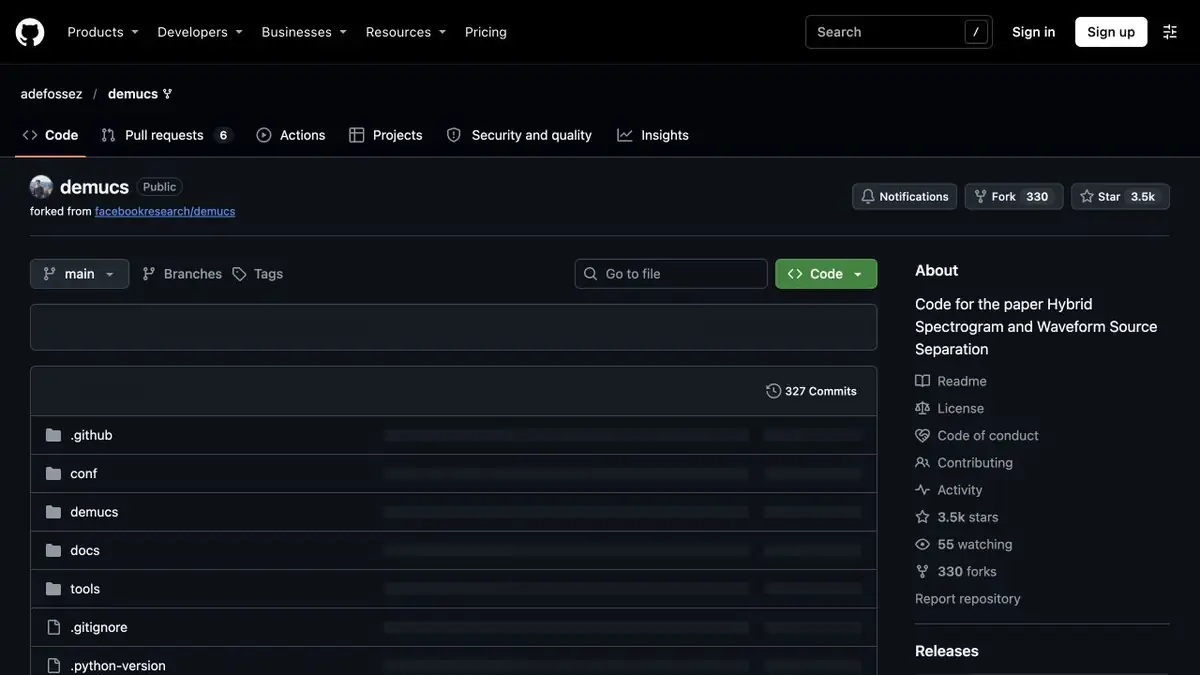
The first Meta repository has been transferred to the archive and refers to the continuation of the project with the author. To put a package and select the appropriate version of Python is better for this continuation. If you lack memory, see the recommended processing parameters and limitations of the selected model. Check the recording rights separately. The ability to technically highlight a vocal or instrumental track does not provide permission to release them.
Suitable tasks
- Disassemble the bass part of your own recording
- Prepare separate tracks for training
Strengths
- Selected files of vocals, bass, percussion and other instruments
- Selection of separation mode and model
Limitations
- There may be traces of neighboring sounds in the party
- Downloading large files takes time and memory
Selection and conditions
- Free access
- Yes
- Trial period
- Not confirmed
- No sign-up required
- Yes
- Russian interface
- Not confirmed
- Local installation
- Yes
- API
- Not confirmed
“Not confirmed” means there is not enough information. The feature may still be available; check the developer’s terms.
- Input formats
- Audio
- Result
- Audio
Terms
The current instructions are in the author's repository. For local start-up, the command line and Python installed with supported dependencies are suitable.From task to first result
Practical example
- Task
- Disassemble the bass part of your own recording
- What to prepare
- Your own music recording or a file you have permission to process, with a part selected for separation.
Task brief or prompt
Task in the separation interface: isolate vocals and instrumental backing. First preview dense and quiet passages, then save the tracks and original if downloads are available. This processes an audio file rather than generating music from text.
Expected result
Separated audio tracks for listening and further editing, possibly containing leakage from other parts.
How to check the result
- Compare consonants, beats and sustained sounds with the original.
- Check synchronization, the beginning and the tail of downloaded files.
- Confirm that the chosen plan permits downloads.
- Check music rights and the intended use of the stems.
An editorial teaching example of a task brief, not the result of hands-on testing of the service. Check that the required mode is available, that you have rights to the source material and that the intended use of the result is permitted.
Check details
Official sources
- Author's supported repository, installation and modes
- Meta Source Repository and link to continue
- The Hybrid Transformer Demucs
This description is based on the developer’s material. Features, prices and availability may change; check the primary source before use.