

Microsoft's video editor. In the personal version, Auto Compose assembles a draft you can refine on the timeline.
What is Auto Compose?
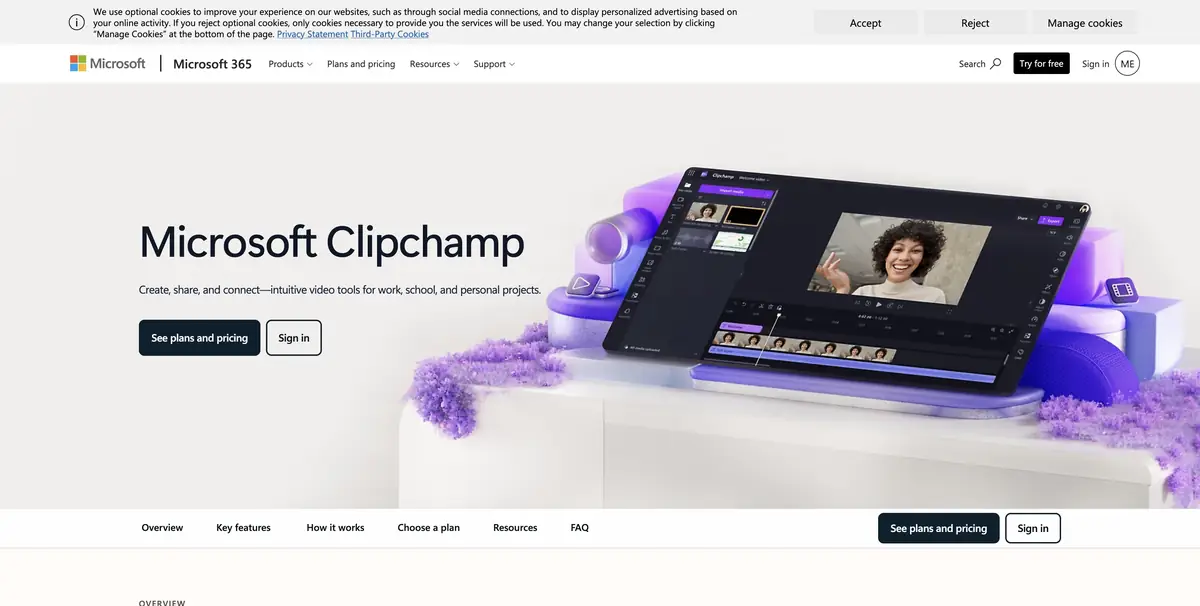
Clipchamp assembles a draft from your photos and videos. Auto Compose selects clips, pacing, transitions and music. Choose the format and length, preview the result, then open it on the editing timeline. Check the clip order and accuracy of the captions yourself.
Microsoft indicates that Auto Compose is available for personal accounts. There is no such regime in the work and training records. According to the documentation, the processing in Auto Compose goes in the browser. This statement applies to the described regime.
Example with an exhibition report
Select footage of the three works you want to show. Include a wide shot, brief close-ups and a closing shot with the exhibition title. After Auto Compose, check whether it cropped exhibit names or reordered related shots. Put the clips back in order on the timeline and adjust their duration.
Check the framing of the vertical clip. An important detail can fall outside the frame even if the horizontal original looks good.
Before export
Check the music, rights to the source footage and text readability on a small screen. Clipchamp has free features and others that require an eligible Microsoft 365 plan. If you are delivering the clip to a client, check resolution and export conditions on a short sample. Make and save edits to the draft before final delivery.
Suitable tasks
- Collect a short review from your materials
- Refine the draft on the editing timeline
Strengths
- Automatic layout with transition to manual editing
- There is a choice of format and duration
Limitations
- Auto Compose is only available in personal accounts
- The order of personnel should be checked with the task
Selection and conditions
- Free access
- Yes
- Trial period
- Not confirmed
- No sign-up required
- Not confirmed
- Russian interface
- Not confirmed
- Local installation
- Not confirmed
- API
- Not confirmed
“Not confirmed” means there is not enough information. The feature may still be available; check the developer’s terms.
- Input formats
- Video, Picture, Audio
- Result
- Video
Terms
Auto Compose is available when you sign in to your personal Clipchamp account. For work and training accounts, this mode is not available.From task to first result
Practical example
- Task
- Collect a short review from your materials
- What to prepare
- A few photos and short videos from the exhibition.
Task brief or prompt
Collect the draft through Auto Compose in your personal account. On the editing scale, manually specify the order of frames and add accurate titles.
Expected result
A video with a verified sequence and signatures.
How to check the result
- Make sure that the names of the exhibits are read.
- Check framing and sound before exporting.
An editorial teaching example of a task brief, not the result of hands-on testing of the service. Check that the required mode is available, that you have rights to the source material and that the intended use of the result is permitted.
Check details
Official sources
This description is based on the developer’s material. Features, prices and availability may change; check the primary source before use.