

Three-dimensional animation editor with tips for posing and tools to edit the physics of motion.
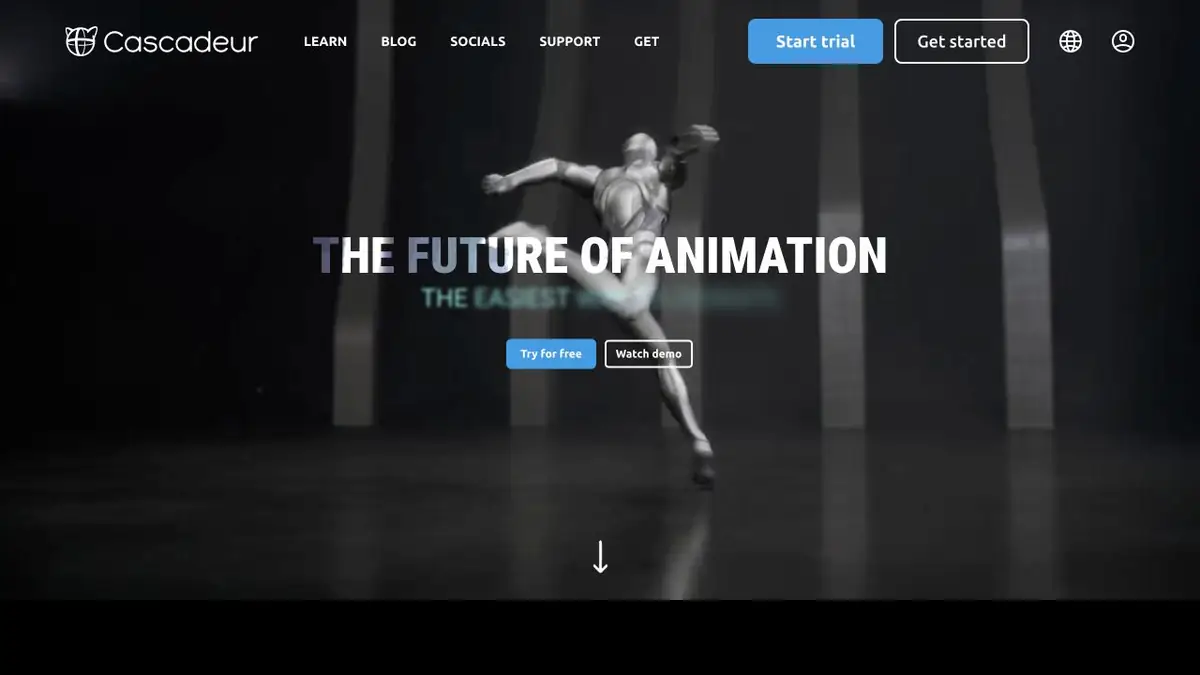
Positions on key personnel
Cascadeur works with three-dimensional character animation. AutoPosing helps when posing: the animator moves control points, and the program offers the position of related body parts. According to the documentation, a standard Cascadeur skeleton is needed for the instrument. If the character is made in another editor, start by checking its skeleton and controllers.
In AutoPhysics, you can evaluate the movement and refine it. The task of the tool is especially clear on supporting postures, when the weight should be read according to the position of the body, pelvis and feet.
Example of landing
Put three key positions for a low-level jump: push, top point and landing. First, adjust the trajectory height and body angle. Then look at the character on the side. If the foot slides after contact, check the key frames and holding the support.
After automatic correction, reproduce the movement at normal speed. Save the original version in a separate copy to compare the severity of the landing and understand what changes are worth leaving.
Check before moving the scene
Automatic clues should be evaluated in the context of a particular scene. For exaggerated animation plasticity, a plausible trajectory alone does not solve the problem. Before you start, check import and export formats for your tariff. When the scene returns to the original editor or engine, separately check the axes, scale, matching bones and the first frame of movement. View transitions between supporting poses in the target scene.
Suitable tasks
- Post key jump poses
- Check the balance and movement of the character
Strengths
- Posing control through controllers
- Automatic assistance with physics of movement
Limitations
- AutoPosing needs a standard Cascadeur skeleton
- Artistic solutions check animator
Selection and conditions
- Free access
- Yes
- Trial period
- Not confirmed
- No sign-up required
- Not confirmed
- Russian interface
- Not confirmed
- Local installation
- Not confirmed
- API
- Not confirmed
“Not confirmed” means there is not enough information. The feature may still be available; check the developer’s terms.
- Input formats
- 3D animation
- Result
- 3D animation
Terms
Desktop app. To transfer the material, check the formats and settings of the skeleton.From task to first result
Practical example
- Task
- Post key jump poses
- What to prepare
- A trained character with a standard Cascadeur skeleton.
Task brief or prompt
Push and land the jump. First, evaluate the poses, then view the movement from the side.
Expected result
Black jump animation.
How to check the result
- Check the foot support.
- Measure the trajectory and scale when moving.
An editorial teaching example of a task brief, not the result of hands-on testing of the service. Check that the required mode is available, that you have rights to the source material and that the intended use of the result is permitted.
Check details
Official sources
This description is based on the developer’s material. Features, prices and availability may change; check the primary source before use.