

An AI development environment for websites and apps, where an idea develops through conversation and direct project edits. It offers an editor, preview and publishing.
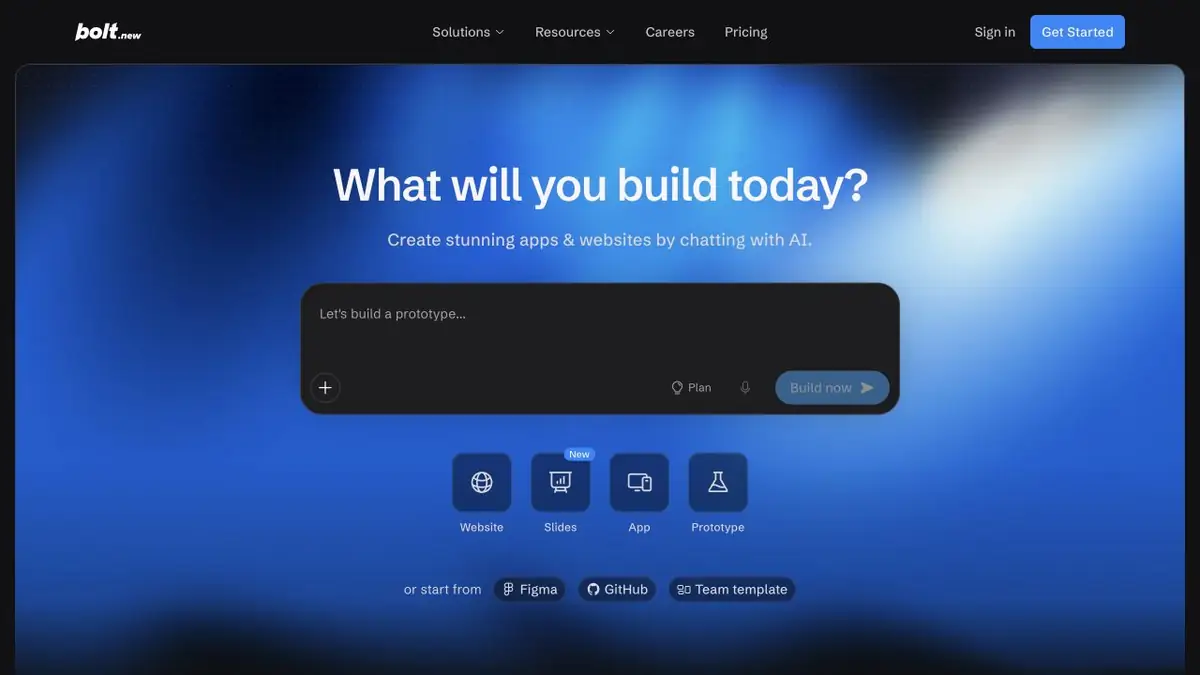
What kinds of projects can you start with Bolt?
Bolt helps you quickly build an app or website from a description, then revise it within the same workflow. It suits interfaces you want to try through real actions rather than discuss only as mock-ups. The official website offers starting points such as a prompt, a template or supported project source files.
Alongside chat, there are previews, visual edits and code access. These let you adjust a single interface element without rebuilding the entire page. The generated project is still software with dependencies and bugs.
Plan before a large generation task
Describe the main screens, user actions and data-storage conditions. A small planner needs task creation, deadline changes and completion. Specify what happens with an empty list and invalid input. If you leave these decisions open, AI will fill the gaps with its own assumptions.
Verifying an interactive prototype
Follow the user journey from first opening to a saved result. Reload the page and repeat with different input. This reveals apps that display attractive changes only in browser memory when persistent storage was expected.
For a fix, identify a particular defect, such as a button that cannot be reached by keyboard or a filter that resets on return. A request to “improve the interface” may affect too many elements and make versions harder to compare.
Integrations and real data
Bolt’s documentation has separate sections on security, databases and hosting. Before connecting a work system, limit permissions and trace the data flow. Check user isolation, request-error handling and the absence of secrets in browser code. Convenient integration does not remove the owner’s responsibility for these checks.
What counts as a finished version
Prepare a short acceptance checklist: working scenarios, mobile viewports, invalid input and rollback. Repeat related checks after changing dependencies or the data schema. A subscription limits AI usage; hosting and external systems may cost extra. Calculate those costs before production use.
Suitable tasks
- Websites and interface prototypes
- Small Web Applications
- Visual code refinement
- Testing user workflows
Strengths
- Chat, code and preview side by side
- Several ways to start a project
- Help on security and deployment
Limitations
- An automatically generated build may contain errors
- Check data and permissions
- AI usage and infrastructure are billed separately
Check details
Official sources
This description is based on the developer’s material. Features, prices and availability may change; check the primary source before use.


