A plugin for neural network separation of speech, background sound and reverberation. Previously released under the name Supertone Clear.
When individual regulators are important
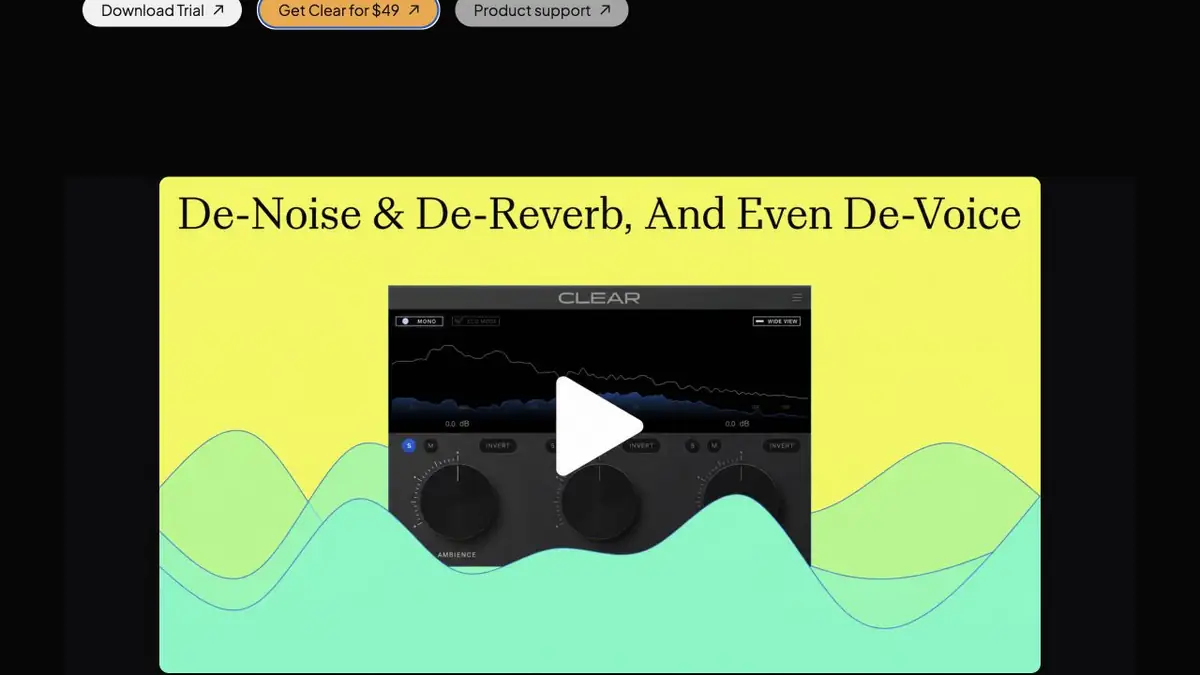
Antinode Clear separates a recording into voice, ambience, and vocal reverb. You can turn down room noise while keeping some of the space’s natural sound. This helps in interviews with clear speech where ventilation or wall reflections are audible between sentences. With stronger settings, listen for quiet speech sounds that contribute to natural intonation.
Interview in the room with reflections
Take the permitted recording of a short conversation in a room with solid walls. Start with a slight weakening of the background and listen to pauses. Then reduce voice reflections and compare the endings of words. Check the treated area next to the adjacent fragment where the sound of the room is left. If the transition is sharply heard, it is better to adjust the settings or soften the joint in the editor.
Listen at the same volume and check the quiet lines separately. It is easier to notice that the voice has become intermittent or too deaf.
Product name and sample conditions
The company moved Supertone Clear, Air and Shift to the Antinode Audio brand. Before installing Clear, check that the plug-in format works with your editor and review the trial terms. The developer adds an intermittent sound in trial mode, which makes it unsuitable for judging background noise on a long export. Start by testing a separate copy of a short clip. Keep an unprocessed track for the final version as well.
Suitable tasks
- Reduce the noise in the interview recording
- Adjust voice reflections before installation
Strengths
- Individual speech, environment and reverberation regulators
- Real-time processing in a compatible editor
Limitations
- Periodic noise is heard in the test mode
- With a strong separation, audible artifacts are possible
Selection and conditions
- Free access
- Not confirmed
- Trial period
- Yes
- No sign-up required
- Not confirmed
- Russian interface
- Not confirmed
- Local installation
- Yes
- API
- Not confirmed
“Not confirmed” means there is not enough information. The feature may still be available; check the developer’s terms.
- Input formats
- Audio
- Result
- Audio
Terms
The plugin works in compatible sound editors. Supported formats and a trial version can be checked on the Antinode Audio website.From task to first result
Practical example
- Task
- Reduce the noise in the interview recording
- What to prepare
- An original speech recording with background noise; keep a separate, unchanged copy.
Task brief or prompt
Task brief: reduce noise in a speech recording while preserving natural word endings, breathing and vocal timbre. Compare the processed audio with the original at the same volume.
Expected result
A cleaned-up version of the recording; judge it by listening, not just by looking at the waveform.
How to check the result
- Listen to quiet word endings and pauses.
- Listen for metallic artifacts, cut-offs and changes in vocal timbre.
An editorial teaching example of a task brief, not the result of hands-on testing of the service. Check that the required mode is available, that you have rights to the source material and that the intended use of the result is permitted.
Check details
Official sources
- Antinode Clear description, formats and trial mode
- Official announcement of the transition from Supertone to Antinode Audio
- Previous product description under Supertone Clear
This description is based on the developer’s material. Features, prices and availability may change; check the primary source before use.