Amp organizes development around agent sessions and separate working machines called orbs. You can continue a task from an app or the terminal, choosing compute and model access under suitable terms.
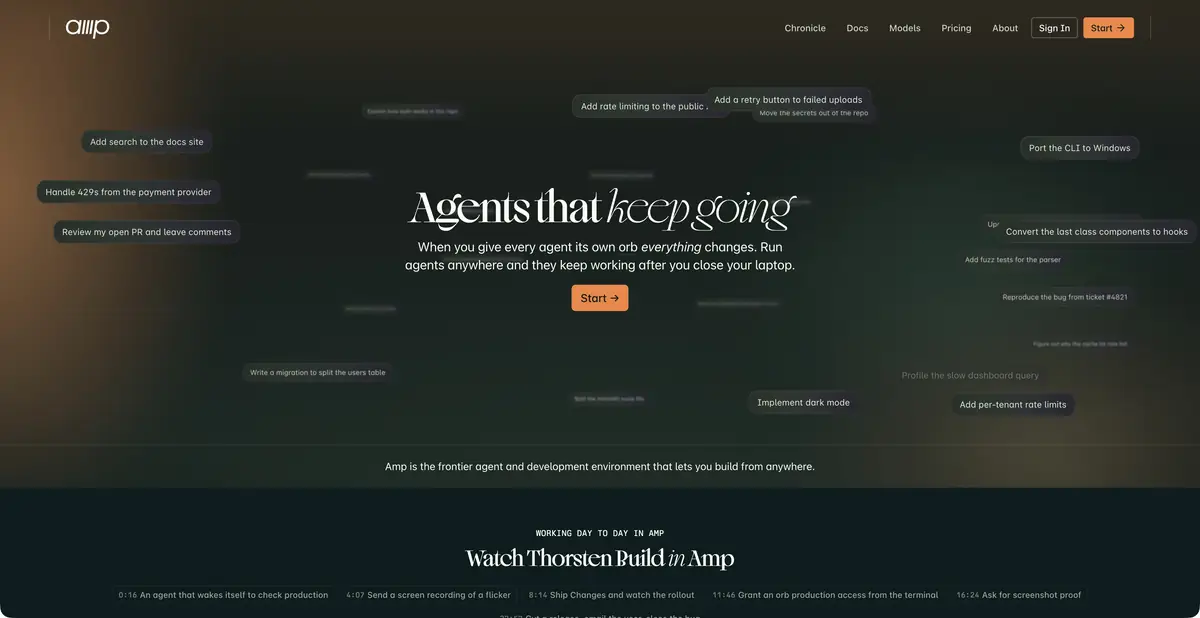
Separate environment for each task
Amp is an agent and development environment. Instead of one shared working directory, it offers orbs: machines prepared with code and tools for a particular session. A remote task can keep running after you close your laptop, and you can return to it through other clients.
This approach suits long-running checks or several independent changes. It also requires knowing where files reside, which secrets the environment received, and what happens when the machine is terminated. Closing the local terminal does not mean the process stopped or ceased consuming resources.
Models and project rules
Amp uses multiple models and offers modes for different tasks. Rules in AGENTS.md, skills, plugins, and MCP help provide project conventions and tools. A short rule naming a check and its expected result is usually more useful than a general request to avoid errors.
Connected systems are more than harmless reference text. A tool that can write to a repository or deploy software extends the agent’s capabilities. For a new automation, first define permitted actions and a verifiable final artifact, then decide which credentials it actually needs.
Example: fix a flaky test
Suppose a browser test sometimes fails to wait for a list to load. Provide the original test, error message, and a constraint: do not increase the timeout without explaining the cause. Ask the agent to reproduce the issue, find a reliable readiness signal, and make a minimal change.
One passing run says little about flakiness. Repeat the test several times in the same environment and make sure it still detects real breakage. A useful report includes the command, number of runs performed, and remaining errors. This is an educational task-setting method, rather than a result of an Amp test we conducted.
API and two types of costs
Amp has its own External API for workspace data: discussion threads, projects, members, and metrics. This does not execute agents or manage orb environments; documentation directs users to CLI and SDK to automate Amp’s work itself. Choose the appropriate interface for integration and check credential permissions.
The current Hobby plan supports your own runners, self-hosted orbs, and external tokens under their respective terms; Amp-hosted orbs cost extra. Paid plans include a usage allowance. Free platform access does not pay for a cloud model used with your key. Before a long task, estimate both inference and machine time, then inspect the final diff and actual verification results.
If a task continues remotely, define a clear stopping point: a prepared change, a completed check, or waiting for a person’s decision. This helps prevent endless project changes, particularly when the environment can access external systems and keeps running without an open client.
Suitable tasks
- Run long-running tasks in a separate environment
- Continue the session between devices
- Connect team rules and tools
- Receive workspace data via an external API
Strengths
- Isolated orb environments
- Multiple clients and saved sessions
- Detailed documentation for the product’s own API
Limitations
- A remote task can keep consuming compute
- Free Hobby does not pay for third-party tokens
- Access to secrets and external systems is configured separately
Selection and conditions
- Free access
- Yes
- Trial period
- Not confirmed
- No sign-up required
- No
- Russian interface
- Not confirmed
- Local installation
- Not confirmed
- API
- Yes
“Not confirmed” means there is not enough information. The feature may still be available; check the developer’s terms.
- Input formats
- Text, Code
- Result
- Text, Code
Terms
Hobby provides free platform features with your own tokens/runners; Amp-hosted orbs are paid. This does not guarantee free inference or on-device model processing. External API works with workspace data; agent execution is automated through CLI/SDK.From task to first result
Practical example
- Task
- Run long-running tasks in a separate environment
- What to prepare
- A small part of your own project and a reproducible description of the error, with no tokens or passwords.
Task brief or prompt
Explain why this function handles an empty list incorrectly. First describe its current behavior, then suggest a minimal fix and checks for empty, normal and invalid input. Do not change other parts of the project unnecessarily.
Expected result
An explanation of the cause, a small proposed diff and checks to run locally.
How to check the result
- Read the diff before applying it.
- Run the checks in a separate working copy and make sure no secrets were included in the prompt.
An editorial teaching example of a task brief, not the result of hands-on testing of the service. Check that the required mode is available, that you have rights to the source material and that the intended use of the result is permitted.
Check details
Official sources
- Amp: official agent and development environment
- Amp: sessions, orbs and clients
- Amp: plans, inference, and working machines
- Amp: External API Reference
This description is based on the developer’s material. Features, prices and availability may change; check the primary source before use.