Aider works with an existing project’s files through a terminal conversation. Its strength is a small, manageable loop: discuss a task, make a change, inspect the diff, and check it using standard development tools.
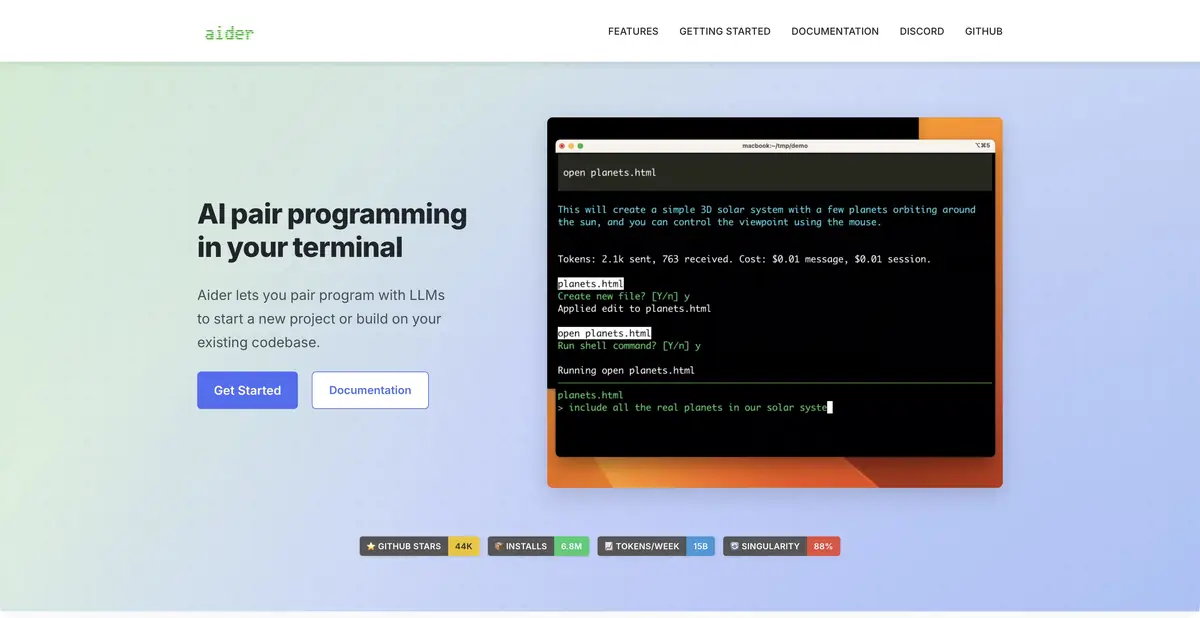
Editing integrated with Git
When a change affects several related files, copying each into a separate web chat is inconvenient. Run Aider in the project directory and add the required source files to the session. The assistant receives their contents, uses a repository map for extra context, and changes files as requested. Git tracks edits, and unwanted changes can be undone.
A project map helps find connections but does not make context unlimited. Adding too many files increases costs and the risk of missing a significant requirement. Specify concrete behavior, provide a reproducible example, and include reference materials only where needed.
First a question, then a change
Use ask mode to understand the existing implementation without editing it. The code mode makes changes, while architect splits solution design and file editing between a planning model and an editing model. This distinction matters: sometimes you need to understand an error’s cause before letting a tool change the implementation.
For example, an import function drops rows with an empty optional field. First ask it to trace one such row and identify where it is discarded. Then restrict changes to the import handler, define the expected result for an empty value, and request a check. This brief is easier to assess than “rewrite the import correctly.”
The model is selected separately
Aider connects to cloud providers and local models, including through Ollama. Installing the program does not provide free cloud model inference. With a local setup, the selected local server processes the text; editing quality, speed, and available context length depend on the model and computer.
Local capability does not automatically apply to every run. A cloud key sends the relevant context to the provider, and extra sources and commands may access the network. Before using a private project, check the active model, connection endpoint, and files in the session. Support for other providers’ APIs does not establish a separate cloud API belonging to Aider.
How to accept the result
After editing, review the diff and ensure the original case is fixed, rather than only the error message. Automated linting and tests detect some problems; configure their commands and environment for your project. Also check an ordinary file and a malformed record so a targeted fix does not break a related path.
A Git commit makes it easier to return to an earlier state, but does not prove the code is correct. Keep secrets out of the context and do not expect the model to guess internal architectural conventions. Prepare a short rules file with real examples instead.
Suitable tasks
- Fix a reproducible bug across several files
- Discuss the code before editing
- Prepare a verifiable Git-diff
- Working with your own local model
Strengths
- Repository Map and File Selection
- Modes ask, code and architect
- Built-in integration between edits and Git
Limitations
- Cloud tokens are paid to the model provider
- Small local models may struggle to follow edit formats
- The developer configures test commands and project context
Selection and conditions
- Free access
- Yes
- Trial period
- Not confirmed
- No sign-up required
- Yes
- Russian interface
- Not confirmed
- Local installation
- Yes
- API
- Not confirmed
“Not confirmed” means there is not enough information. The feature may still be available; check the developer’s terms.
- Input formats
- Text, Code
- Result
- Text, Code
Terms
The program is free; local Ollama lets you work without an Aider account or cloud tokens. Cloud models cost extra; local processing requires a local connection.From task to first result
Practical example
- Task
- Fix a reproducible bug across several files
- What to prepare
- A small part of your own project and a reproducible description of the error, with no tokens or passwords.
Task brief or prompt
Explain why this function handles an empty list incorrectly. First describe its current behavior, then suggest a minimal fix and checks for empty, normal and invalid input. Do not change other parts of the project unnecessarily.
Expected result
An explanation of the cause, a small proposed diff and checks to run locally.
How to check the result
- Read the diff before applying it.
- Run the checks in a separate working copy and make sure no secrets were included in the prompt.
An editorial teaching example of a task brief, not the result of hands-on testing of the service. Check that the required mode is available, that you have rights to the source material and that the intended use of the result is permitted.
Check details
Official sources
- Aider: the official terminal AI coding partner
- Aider: files, context, changes and Git
- Aider: Local Ollama
- Aider: ask, code, and architect modes
This description is based on the developer’s material. Features, prices and availability may change; check the primary source before use.