Adobe Express combines templates, photo and video editing, and generative features.
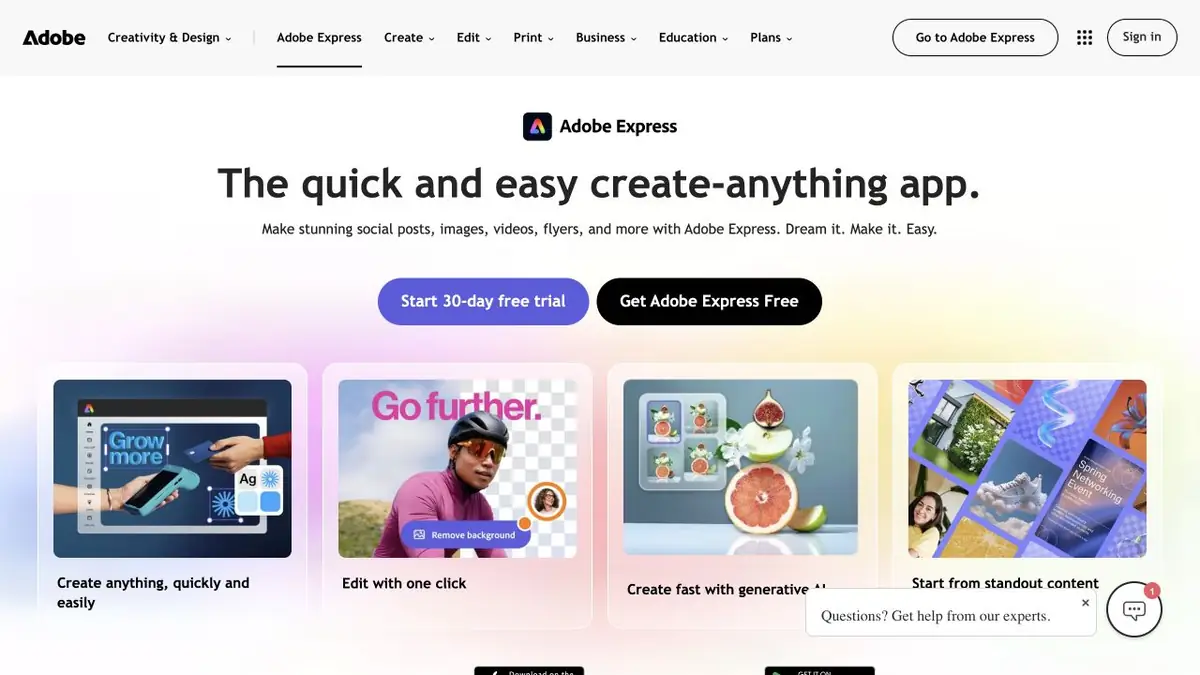
Finished material instead of a separate picture
Adobe Express combines a layout editor, template library, and image and video tools. You can place a heading, add your own photo, choose a publishing size and adjust the design. Generative features fit into that workflow, helping create a missing visual element or try a different background.
Express has a different role from the separate Adobe Firefly product. Here, the focus is assembling a finished design with text and brand details. Complex video editing or precise layered image work may need another editor, but a simple announcement or short video can be prepared in the same workspace.
A small example for the workshop
Suppose you need an announcement for a pottery class. Start with your own product photo, the correct name, address and participation details, then choose a suitable template. If you need a background, describe an empty light table with soft side lighting. Add wording with the editor tools so spelling stays correct and later changes remain easy.
Before exporting, view the design at phone-screen size. Check readability, margins around the text and whether important details have been cropped. Prepare a separate version for another platform and inspect the composition again: resizing does not guarantee that every element lands in the right place.
Plans, materials and verification of the result
Adobe publishes free and paid Express plans with different resources and features. Check generative credits and individual features in your own plan. Free editor access does not mean unlimited use of every model, and a subscription does not remove the restrictions of a particular tool.
When working with a brand identity, check colors, logos and source resolution separately. Photos, music, templates and downloaded assets may have different usage terms. Do not carry a model’s advertising claims about accuracy or security into the finished design: the advertisement itself and the rights to its materials still need normal editorial review.
Suitable tasks
- Prepare a layout of the publication with text and image
- Assemble a short video and adapt the design
Strengths
- Templates and editor in one application
- Generation is built into the layout preparation
Limitations
- Features vary between plans
- Check text, brand details and usage rights
Selection and conditions
- Free access
- Yes
- Trial period
- Not confirmed
- No sign-up required
- Not confirmed
- Russian interface
- Not confirmed
- Local installation
- Not confirmed
- API
- Not confirmed
“Not confirmed” means there is not enough information. The feature may still be available; check the developer’s terms.
- Input formats
- Text, Image, Video
- Result
- Image, Video
Terms
There is a free Adobe Express plan and paid options. For generative functions, quotas and plan limits apply; account, resource composition and availability are checked separately.From task to first result
Practical example
- Task
- Prepare a layout of the publication with text and image
- What to prepare
- The short phrase “OPEN STUDIO” and a description of the composition.
Task brief or prompt
A poster for a creative workshop: large “OPEN STUDIO” lettering, geometric shapes, a white background and a purple accent. Only these two words; no extra letters, brands or small print.
Expected result
A draft poster with the requested lettering; the final spelling must be checked manually.
How to check the result
- Check the lettering character by character.
- Check readability at a small size and leave margins for trimming.
An editorial teaching example of a task brief, not the result of hands-on testing of the service. Check that the required mode is available, that you have rights to the source material and that the intended use of the result is permitted.
Check details
Official sources
This description is based on the developer’s material. Features, prices and availability may change; check the primary source before use.