

Kittl allows you to turn an idea into a layout: generate graphics, edit the composition and separately customize the text. For printing and selling, the export format and license of a specific plan are important.
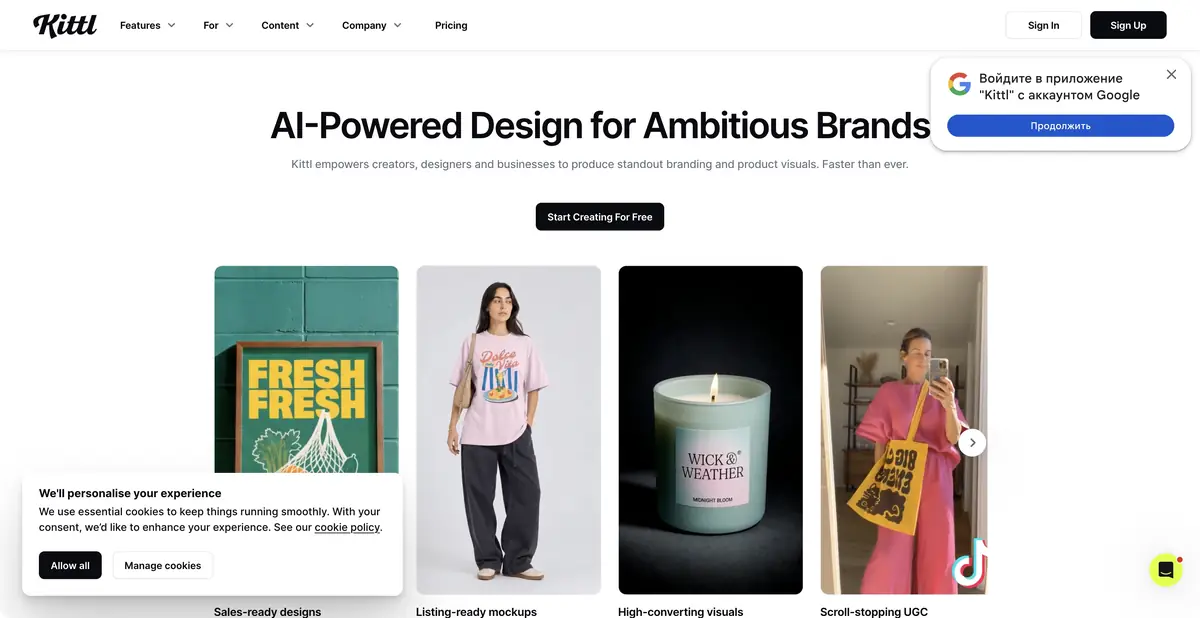
Graphics are part of the finished layout
A T-shirt image still needs placement, lettering, and a check on an actual product. Kittl combines AI generation with a canvas, typography, templates, mockups, and vector tools. Treat the result as an editable design rather than just a downloaded picture. Creators can change composition and text independently, compare variants, and maintain a clear project structure. This approach suits packaging, posters, labels, and small merchandise runs.
What can be prepared in the editor
The official platform describes image and vector generation, background removal, upscaling, and vectorization. Finished graphics can be combined with text and brand elements. Collaboration and the platform’s own AI Workflows help repeat the preparation of multiple designs. Vectorizing a raster drawing and generating a vector object are different operations; check production suitability of the paths after each.
Text that must print correctly should be a separate editable object. This lets you check spelling, spacing, and readability independently of the AI illustration. Export formats, resolution, and asset access depend on the plan.
Example: Candle label
For your own workshop, prepare the fragrance name, weight, required information, and label dimensions. Generate only decorative botanical graphics without text, then manually assemble the label using the illustration and text blocks. Do not ask the model to invent ingredients or mandatory labeling. Compare color variants at the same label size.
Before sending work to a printer, open the actual export and confirm the printer’s margin, color, and path requirements. Print a test at actual size. A mockup shows the overall impression but does not establish small-text legibility or compliance with print specifications. This scenario is an example assignment, rather than a description of a finished product we made.
The license is more important than a beautiful preview
The free plan lets you explore the editor and available assets, but the official page limits it to personal use. Paid tiers expand AI tokens, the library, high-resolution output, vector export, and commercial use. A paid template’s license cannot be transferred to a free account, and rights should not be assumed identical for every asset.
An official MCP integration connects to AI agents. This does not establish a universal public API for every editor feature. Before a commercial print run, save plan and license terms and check rights to uploaded photographs and fonts. AI does not remove third-party rights in recognizable logos and characters.
When approving a design with a client, show both a mockup and the flat label file. The latter makes margins, actual illustration proportions, and required information placement easier to see.
Suitable tasks
- Assemble label or packaging
- Prepare a poster with editable text
- Create graphics for merchandise
- Create variants of a branded layout
Strengths
- Generation connected to typography and the canvas
- Vector tools and mockups
- Official MCP integration
Limitations
- The free plan is for personal use
- Exports and licenses depend on the plan
- Production processing environments need verification
Selection and conditions
- Free access
- Yes
- Trial period
- Not confirmed
- No sign-up required
- Not confirmed
- Russian interface
- Not confirmed
- Local installation
- Not confirmed
- API
- Not confirmed
“Not confirmed” means there is not enough information. The feature may still be available; check the developer’s terms.
- Input formats
- Text, Image
- Result
- Image, Vector
Terms
Free is limited to personal use. Commercial licensing, tokens, and vector export depend on the plan; MCP is not treated as a general API.From task to first result
Practical example
- Task
- Assemble label or packaging
- What to prepare
- The short phrase “OPEN STUDIO” and a description of the composition.
Task brief or prompt
A poster for a creative workshop: large “OPEN STUDIO” lettering, geometric shapes, a white background and a purple accent. Only these two words; no extra letters, brands or small print.
Expected result
A draft poster with the requested lettering; the final spelling must be checked manually.
How to check the result
- Check the lettering character by character.
- Check readability at a small size and leave margins for trimming.
An editorial teaching example of a task brief, not the result of hands-on testing of the service. Check that the required mode is available, that you have rights to the source material and that the intended use of the result is permitted.
Check details
Official sources
This description is based on the developer’s material. Features, prices and availability may change; check the primary source before use.
