A dialogue restoration plug-in. Neural algorithms help recover missing speech frequencies.
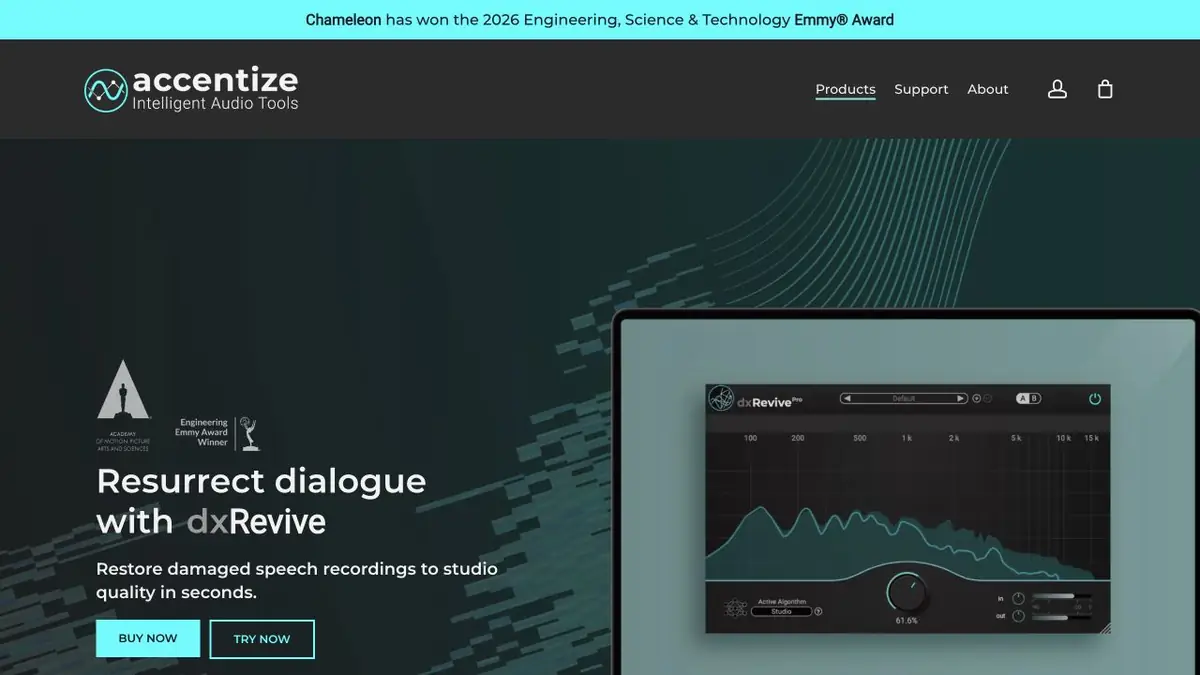
Restore a narrow-band recording
In a telephone conversation or an old recording, parts of the frequencies important for legibility may be missing. dxRevive evaluates speech and tries to restore such components. In the guide, Pro Accentize describes several neural network algorithms. The choice is useful to make on a short fragment. Even when the recording becomes clearer, too much processing can change the timbre, so the source should be stored separately.
Check consonants in a quiet line
Take your short dialogue recorded on an old recorder. Choose a place where the person speaks quietly and at the end of the phrase you can hear hissing. Save the original volume as a reference, then apply the plugin to the copy. Compare both versions at a close level. Check if the words have become clearer and whether an artificial sound has appeared after the consonants.
Then place the processed passage between two adjacent lines. If the voice suddenly sounds different, reduce the amount of processing or apply it only to the part that needs repair.
Working in an editing project
Before processing several takes, check which plug-in formats your audio software supports. Accentize describes rendering a selected passage separately when real-time processing is too demanding. Compare it with processing during playback. Save the settings and the exact boundaries of the edit so you can go back to the original when the cut changes. The base and advanced editions offer different algorithms. Listen to the pause after the quietest line as well.
Suitable tasks
- Improve the legibility of old speech
- Prepare damaged dialogue for editing
Strengths
- Restoring Frequency Components of Speech
- Different modes in the Pro edition
Limitations
- Processing can change the timbre and pronunciation
- Work on several tracks depends on the load
Selection and conditions
- Free access
- Not confirmed
- Trial period
- Yes
- No sign-up required
- Not confirmed
- Russian interface
- Not confirmed
- Local installation
- Not confirmed
- API
- Not confirmed
“Not confirmed” means there is not enough information. The feature may still be available; check the developer’s terms.
- Input formats
- Audio
- Result
- Audio
Terms
The plugin requires a compatible program for sound. The developer describes the connection and processing of a separate site.From task to first result
Practical example
- Task
- Improve the legibility of old speech
- What to prepare
- An original speech recording with background noise; keep a separate, unchanged copy.
Task brief or prompt
Task brief: reduce noise in a speech recording while preserving natural word endings, breathing and vocal timbre. Compare the processed audio with the original at the same volume.
Expected result
A cleaned-up version of the recording; judge it by listening, not just by looking at the waveform.
How to check the result
- Listen to quiet word endings and pauses.
- Listen for metallic artifacts, cut-offs and changes in vocal timbre.
An editorial teaching example of a task brief, not the result of hands-on testing of the service. Check that the required mode is available, that you have rights to the source material and that the intended use of the result is permitted.
Check details
Official sources
This description is based on the developer’s material. Features, prices and availability may change; check the primary source before use.