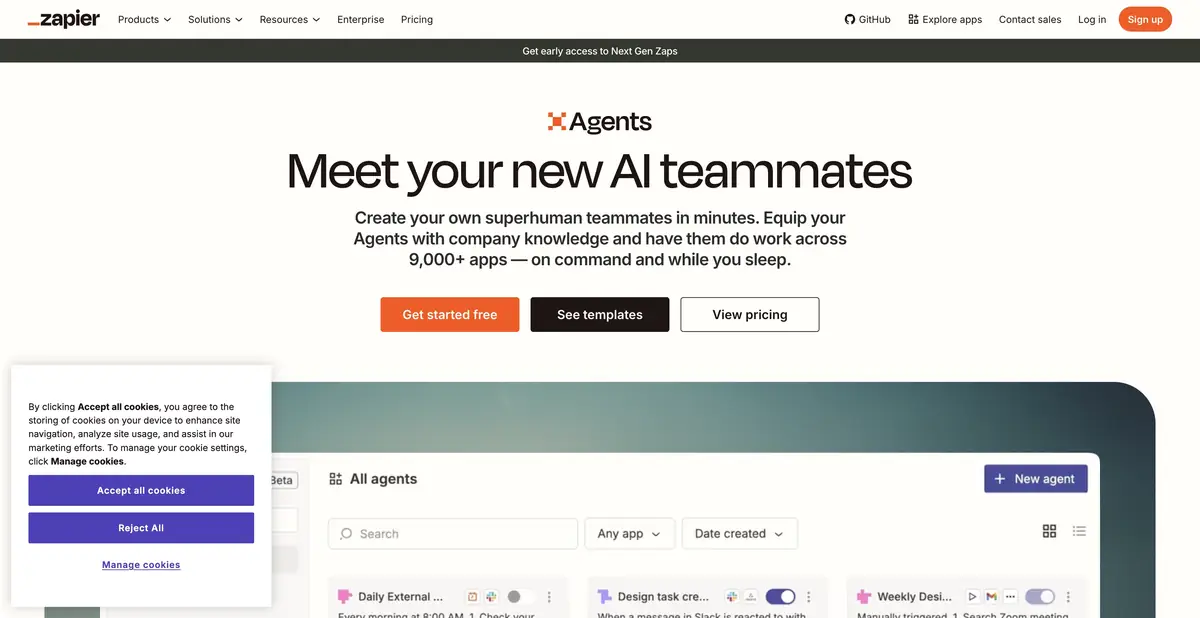
Zapier connects AI decisions with actions in work apps. Standalone Agents are moving to AI by Zapier within the Zaps editor, so design new workflows with that migration in mind.
An agent needs specific tools
Zapier Agents is built from instructions and connected capabilities: find a record, read a source, draft text, or perform an action. Access is limited to configured apps and accounts. If a connection loses its permissions, a clear chat request will not automatically restore it.
Before setup, separate choices the model can make from values already known. Classifying a request by meaning can be useful; the destination spreadsheet and recipient should be fixed explicitly. Otherwise, an agent can understand the task correctly yet write the result to the wrong place.
What changes when moving to AI by Zapier
Official help describes the migration from Agents to AI by Zapier. No shutdown date for Agents has yet been set. Migration creates a Zap with a standard trigger and one AI step retaining the agent’s instructions and tools. Users must separately configure any further split into individual action steps.
The new workflow combines agent decisions with filters, branching, and Zaps history. Tools support individual approvals. Knowledge sources and trigger methods have migration limitations, so test the migration with your own data. Old and new workflows can run simultaneously and duplicate actions until the original agent is disabled.
Example: practice request classification
Prepare several fictional requests and a test table. The AI step must choose an allowed category and write a short problem description without invented deadlines or promises. For ambiguous text, use “Needs review.” Initially allow reading and writing only in the demonstration source.
Check the category, required fields, and history entry. Repeat the same event and confirm no second instance is created. After migration, compare old and new runs using the same examples. Actual action results matter more than the agent’s polished explanation of what it intended to do.
Quotas and product limits
Legacy Agents has a free tier with activity limits; AI by Zapier uses the platform’s shared task billing model. Do not equate one old agent run with one new task without checking: cost depends on actions, model tier, and workflow structure.
A Zapier account and app connections are required. Supporting many external APIs does not prove a separate universal Agents API; that feature has not been established here. Independent local model execution is also not promised. Before enabling recurring processing, check permissions, reruns, and spending limits; after migration, leave only the required version of the workflow active.
A migrated run’s history should show the tools’ actual values; check them before enabling recurring processing and new automated actions.
Suitable tasks
- Triage requests in connected apps
- Create an agent with limited tools
- Migrate Agents to AI by Zapier
- Combine AI step with conventional filters and branching
Strengths
- Actions through the Zapier Integration Ecosystem
- A new AI step in the shared workflow history
- Documented migration and tool controls
Limitations
- Old activities and new tasks are metered differently
- The original and migrated agents may duplicate actions
- Knowledge sources and chat-trigger have migration restrictions
Selection and conditions
- Free access
- Yes
- Trial period
- Not confirmed
- No sign-up required
- No
- Russian interface
- Not confirmed
- Local installation
- Not confirmed
- API
- Not confirmed
“Not confirmed” means there is not enough information. The feature may still be available; check the developer’s terms.
- Input formats
- Text, Data
- Result
- Text, Data
Terms
Free access is confirmed for the still-active Agents product, subject to activity limits; AI by Zapier uses shared task-based billing. No shutdown date has been set for Agents. After migration, check quotas and sources and prevent duplicate runs.From task to first result
Practical example
- Task
- Triage requests in connected apps
- What to prepare
- A demonstration form request: “I can’t sign in after changing my email.” Three request categories and a test table without personal data are available.
Task brief or prompt
Set up a practice request-handling workflow: read the text, choose an allowed category, and prepare a short description for an employee. If information is insufficient, use “Needs review.” Write the result only to the test table. Do not message the customer or modify their account.
Expected result
A verifiable record in a test table and a log of completed steps; this is an automation setup task, rather than a demonstrated run result.
How to check the result
- Check that the category matches the original request and no data was invented.
- Repeat the same event: the workflow must not create a duplicate or trigger outbound sending.
An editorial teaching example of a task brief, not the result of hands-on testing of the service. Check that the required mode is available, that you have rights to the source material and that the intended use of the result is permitted.
Check details
Official sources
- Zapier Agents: official product
- Zapier: current plans and task metering
- Zapier: migrating Agents to AI by Zapier
- Zapier: creating an agent and sharing restrictions
- Zapier Agents: quotas and activity metering
This description is based on the developer’s material. Features, prices and availability may change; check the primary source before use.