

Wren AI allows you to ask questions about data and work with SQL and results. In the open version, terms and relationships can be described in the MDL layer.
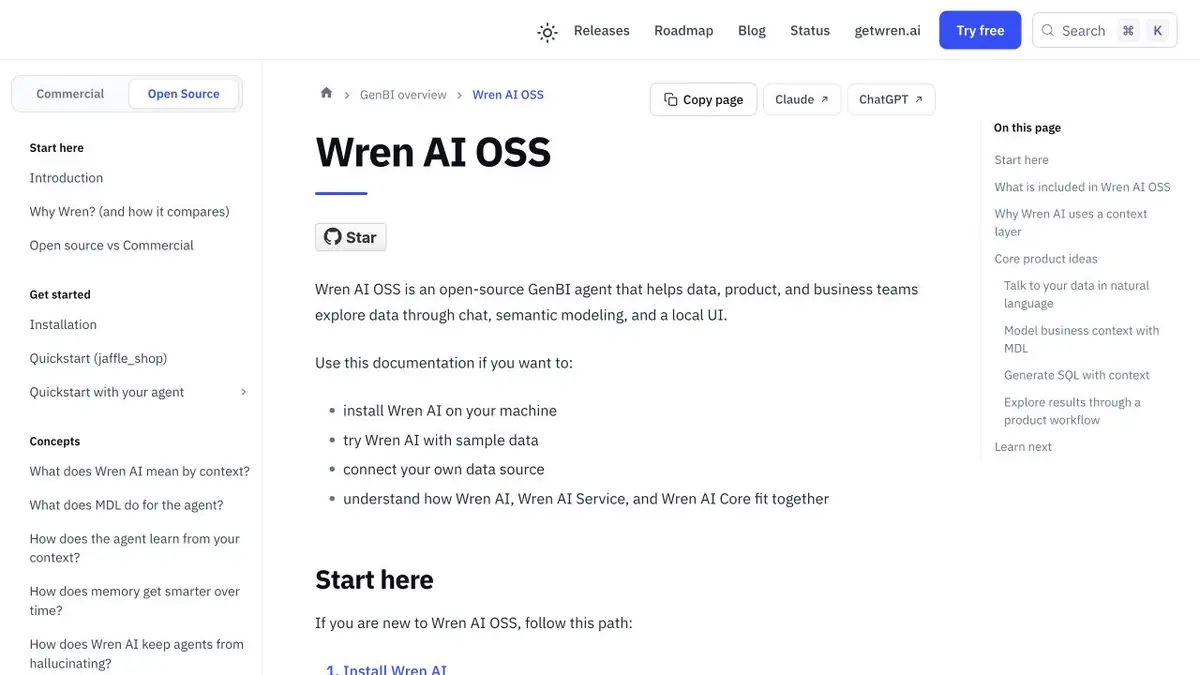
First, define the indicator
The revenue request may relate to orders created, payments made or amounts net of refunds. To get comparable answers, Wren AI allows you to describe the structure and rules in the semantic layer. In MDL, you can associate fields and data models with terms that the team uses. The more clearly the links are described, the easier it is to notice when the request interprets the indicator differently.
Connect only the necessary tables for the first question. If one order includes several lines of return, think about the method of grouping before you compare the total amounts.
A small check of revenue
There are three orders in the training set. One was cancelled, the second returned part of the amount, the third was fully paid. Specify that the revenue is counted by the date of payment, and ask to show the amount for the day. Compare the result with a manual calculation. Open the request and check the status filter and the type of table connection. The coincidence on one line says nothing about the case with two returns.
To recheck, add a refund in another period. Now you can separately see whether the dates work correctly and in which month the amount decreased.
Connection and access verification
The open version of Wren AI includes a local interface. The request to the data source and the model processing depend on the setting of the environment. To check, use the curriculum and a reading account. Check the finished report according to the rules that the team already applies.
Suitable tasks
- Check the calculation of the indicator according to the described rules
- Solve a query for multiple tables in plain language
Strengths
- The MDL layer describes the connections and computed fields
- Open version with documentation
Limitations
- The metric depends on the accuracy of the underlying schema
- Connecting the model and storage requires a separate verification of the data path
Selection and conditions
- Free access
- Yes
- Trial period
- Not confirmed
- No sign-up required
- Not confirmed
- Russian interface
- Not confirmed
- Local installation
- Not confirmed
- API
- Not confirmed
“Not confirmed” means there is not enough information. The feature may still be available; check the developer’s terms.
- Input formats
- Text, Code
- Result
- Text, Code
Terms
OSS source code is available on Apache 2.0. The infrastructure and the model provider may have separate costs. Connecting the model and storage requires a separate verification of the data pathFrom task to first result
Practical example
- Task
- Check the calculation of the indicator according to the described rules
- What to prepare
- Training tables of orders and refunds, revenue determination and payment date.
Task brief or prompt
Count the revenue for the day, taking into account partial returns. Show SQL and explain how multiple returns per order are counted.
Expected result
SQL query and a result that can be manually checked against a small dataset.
How to check the result
- Check the amount for known lines.
- Check the table connection and the selected date field.
An editorial teaching example of a task brief, not the result of hands-on testing of the service. Check that the required mode is available, that you have rights to the source material and that the intended use of the result is permitted.
Check details
Official sources
This description is based on the developer’s material. Features, prices and availability may change; check the primary source before use.