

Wispr Flow helps dictate messages, emails and notes in apps. It processes spoken words and their formatting so users can refine their thoughts before sending.
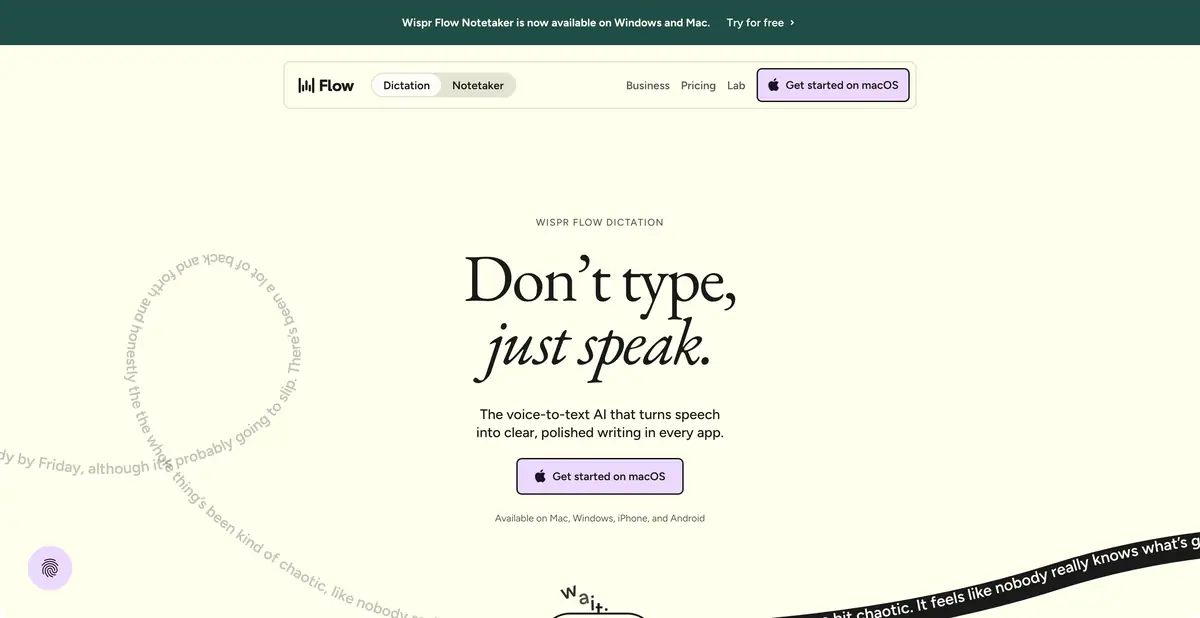
Speak naturally and send proofread text
When dictating, thoughts often arrive in a different order from the eventual email: first a detail, then the main request, then a correction. Wispr Flow is designed for voice input in applications and helps turn such speech into polished text. Evaluate it on your everyday tasks, as well as on perfectly read sentences.
After dictation, reread the message before sending: check the meaning, recipient and degree of certainty. A polite turn of phrase or removal of a filler word is acceptable; a new promise or changed amount is an error.
Applications, languages and dictionary
Official applications are available for several desktop and mobile platforms. The description includes multilingual dictation and custom vocabulary to help with names and specialist terms. Check the capabilities of the specific device and microphone permissions before deployment.
The recording method also matters. For quiet speech or a noisy room, microphone quality and placement may matter more than additional formatting. First obtain clear source audio, then assess transcription and editing results.
Example: dictate an email about rescheduling a meeting
Say in your own words that the meeting needs to be postponed, name the agreed options and the reason that can really be reported to the addressee. After processing, check the dates, time zone, names and whether the possible option has turned into a finally appointed time.
For a long email, dictate a short outline first, then individual paragraphs. This helps catch missing thoughts before sending.
Meeting notes are a separate use case
The current official product also describes Notetaker: recording supported conversations, participant-labeled transcripts, topics and next steps. It is part of the Wispr Flow offering, but should be distinguished from dictating a single message: the data volume, consent requirements and retention rules differ.
When choosing a mode, ask a simple question: do you need personal voice input or minutes for multiple participants? For the latter, first check recording and note-sharing settings. A mode without a separate call bot still requires notifying participants.
Free use and privacy
There is a free plan with limited use; Pro and team levels extend access and control. Do not focus on the old descriptions of trial periods: current conditions are on the official page and in the help. Exact quotas are not fixed here.
An installed app does not imply fully local processing. Review data settings and organizational policy before dictating private material. Numbers, names and uncommon words may still be wrong even when the rest reads fluently.
Suitable tasks
- Dictate an email or message in a work app
- Convert oral notes to structured text
- Add your own terms and names to the dictionary
- Prepare notes for a supported meeting using Notetaker
Strengths
- Voice input in different applications
- Formatting spoken text for further editing
- Desktop and mobile applications
- Free access and team management tools are available
Limitations
- Numbers, names and meaning should be checked before sending
- Quality depends on microphone and ambient noise
- Dictation and recording of the meeting have different data requirements
- Application installation does not confirm local processing
Selection and conditions
- Free access
- Yes
- Trial period
- Not confirmed
- No sign-up required
- Not confirmed
- Russian interface
- Not confirmed
- Local installation
- Not confirmed
- API
- Not confirmed
“Not confirmed” means there is not enough information. The feature may still be available; check the developer’s terms.
- Input formats
- Audio
- Result
- Text
Terms
The free plan has a usage limit. Dictation and Notetaker support depend on the device; fully local processing of the entire workflow is not confirmed.From task to first result
Practical example
- Task
- Dictate an email or message in a work app
- What to prepare
- Your own spoken draft of a short work email with known facts, names and dates.
Task brief or prompt
Task: dictate an email, check the transcription and divide the text into meaningful paragraphs. Preserve the original degree of certainty and do not add promises. Proofread dates, names, numbers and negations before sending.
Expected result
An email draft from speech that the user checks and approves independently.
How to check the result
- Check names, numbers and agreed deadlines.
- Check that the design did not change the meaning and did not add new obligations.
An editorial teaching example of a task brief, not the result of hands-on testing of the service. Check that the required mode is available, that you have rights to the source material and that the intended use of the result is permitted.
Check details
Official sources
This description is based on the developer’s material. Features, prices and availability may change; check the primary source before use.
