

Superwhisper allows you to dictate text to applications and choose how to process it. Among the modes there is local recognition without the Internet and cloud functions with additional AI editing.
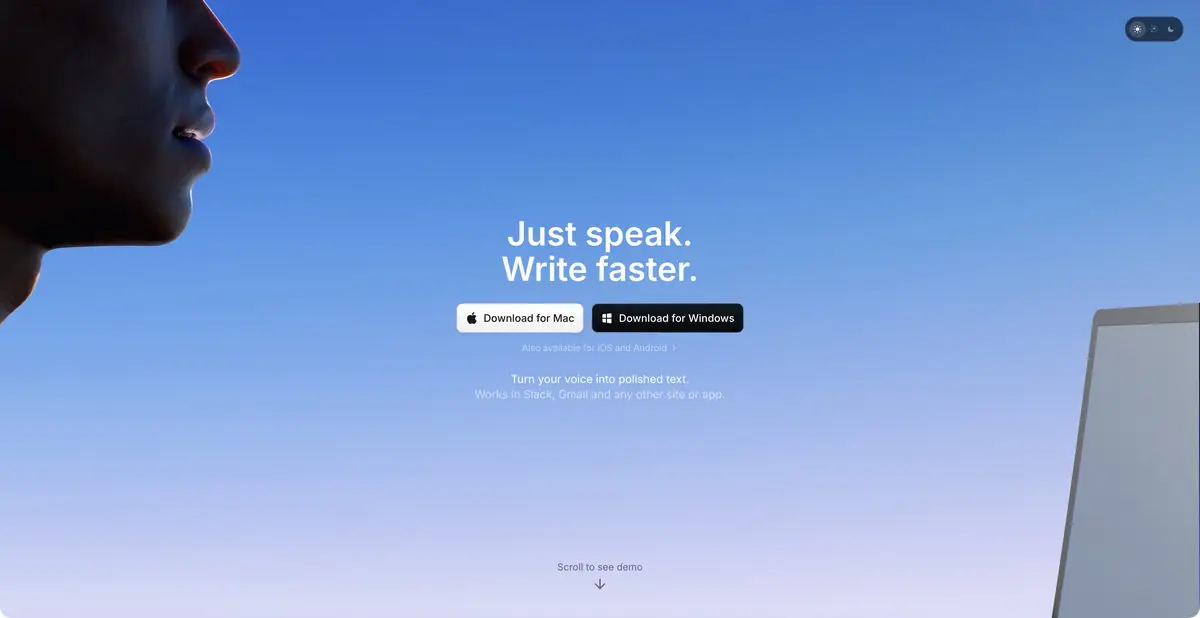
Choose both the text style and where processing happens
Superwhisper helps when control over voice input matters: whether you need a verbatim transcript, an edited email or processing with specific instructions. Users choose a mode and suitable model. Apps are available on several desktop and mobile platforms, but their capabilities differ.
Local models recognize speech without sending recordings to a server. Local transcription and local AI editing are separate features. Official help explains which models and modes work offline and which need network access.
Dictation, dictionary and file processing
In the basic process, the application records the speech, recognizes it and inserts the result into the selected application. Custom vocabulary and substitutions help with names, abbreviations, and repetitive wording. Modes can leave text closer to the original or process it according to specified rules.
Paid features include transcription of existing audio and video files and additional processing methods. macOS provides meeting features with participant recognition and summaries. Do not assume a feature available on Mac exists on every other platform without checking the documentation.
Example: note after inspection of equipment
Dictate observations in inspection order: component name, visible defect, measured value and a question to check. Choose a mode that preserves facts and separately supply a dictionary of technical names. Compare numbers and units with your records afterwards.
If you need a report, check the plain transcript first, then organize it into a structure. Do not ask the model to invent an unspecified cause of failure: an assumption must remain an assumption.
Privacy depends on the selected mode
Installing the app alone is not enough for fully local use. Choose a local speech model and, if text rewriting is needed, a suitable local language model. Other AI features may access the cloud. Enable context from selected text or the clipboard deliberately as well.
Check the device's memory and performance requirements. A larger model may recognize speech differently and run more slowly; local mode availability depends on the platform. For confidential data, define the approved configuration in advance instead of relying on the general word ‘offline’ in advertising.
Free plan and Pro
The free plan supports local dictation using Whisper with a limited set of modes. New users receive a separate introductory Pro allowance; basic free dictation remains after it runs out. Pro adds cloud models, AI processing, file handling and other features.
Before buying, compare the modes actually available on your device, as well as plan names. A subscription does not guarantee error-free text: proofread negations, numbers, names and commands. Convenient voice input reduces typing, but a person still approves the final wording.
Suitable tasks
- Dictate text with local speech recognition
- Set different formatting rules for messages and emails
- Transcribe your own audio or video file on an eligible plan
- Select a processing configuration for sensitive notes
Strengths
- Local voice models are documented
- Flexible modes, dictionary and text replacements
- Basic dictation remains free on an ongoing basis
- Local transcription and cloud AI processing are clearly distinguished
Limitations
- Features vary across platforms
- Local models need device resources
- Not every AI mode works without the Internet
- Files, meetings and advanced processing depend on Pro
Selection and conditions
- Free access
- Yes
- Trial period
- Yes
- No sign-up required
- Not confirmed
- Russian interface
- Not confirmed
- Local installation
- Yes
- API
- Not confirmed
“Not confirmed” means there is not enough information. The feature may still be available; check the developer’s terms.
- Input formats
- Audio, Video
- Result
- Text
Terms
Basic dictation using local Whisper models is free; AI modes, cloud models and files require Pro. Offline availability depends on the selected models and device.From task to first result
Practical example
- Task
- Dictate text with local speech recognition
- What to prepare
- Your own spoken draft of a short work email with known facts, names and dates.
Task brief or prompt
Task: dictate an email, check the transcription and divide the text into meaningful paragraphs. Preserve the original degree of certainty and do not add promises. Proofread dates, names, numbers and negations before sending.
Expected result
An email draft from speech that the user checks and approves independently.
How to check the result
- Check names, numbers and agreed deadlines.
- Check that the design did not change the meaning and did not add new obligations.
An editorial teaching example of a task brief, not the result of hands-on testing of the service. Check that the required mode is available, that you have rights to the source material and that the intended use of the result is permitted.
Check details
Official sources
This description is based on the developer’s material. Features, prices and availability may change; check the primary source before use.
