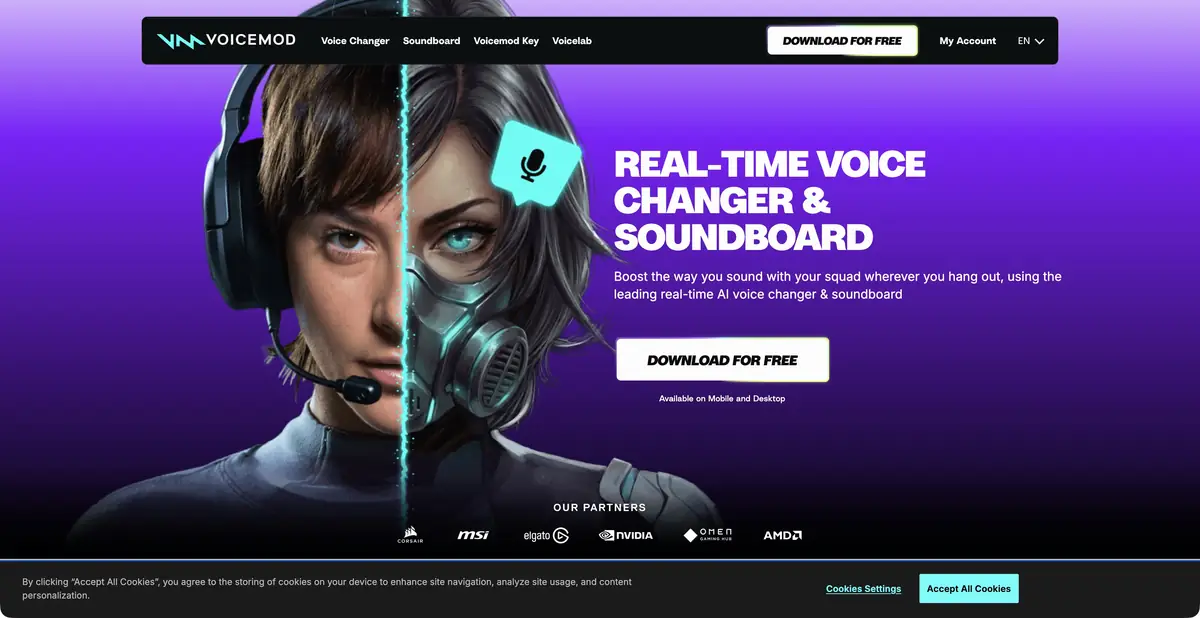
Voicemod processes live speech and sends it to a game, voice chat, or broadcast app through a virtual microphone. Its Soundboard lets you trigger audio clips and switch effects using hotkeys.
Live Speech and Scene Setting
Voicemod suits situations where speech needs to stay live: an in-game character, a broadcast host, or a participant in a creative voice chat. It takes audio from a regular microphone, applies the selected voice or effect, and provides a virtual audio input for another app. The person controls the content, pauses, and timing. This differs from narrating prewritten text.
The library includes AI voices and standard sound effects; custom combinations can be configured in Voicelab. Soundboard supplements speech with built-in or uploaded audio clips. Assigned hotkeys let you change the sound during a conversation without switching between several windows.
For an educational example, prepare a fictional robot’s line: “The workshop is open. Check the tool’s charge.” Choose a voice, then select the Voicemod virtual microphone in your recording app. Record both normal speech and the processed version first, so you can hear whether consonants and word endings remain intelligible.
Assign one sound to a separate hotkey and check its volume against the voice. If it is too loud, listeners will miss a line even if the effect itself works well. Also check that headphone playback does not feed back into the microphone. During a live broadcast, a quick way to disable the effect and restore your normal voice is useful.
Also record a quiet line and a louder one: the effect may behave differently as delivery changes.
Device, language and compatibility
The official help describes working on Windows and Mac, using a virtual microphone and integrating with streaming tools. Specific compatibility depends on the system, audio driver and the receiving application. Having a mobile companion does not mean the same set of features in all versions.
The developer separately demonstrates on-device AI workloads on supported Snapdragon hardware. This does not establish that the whole product works offline on every computer: accounts, the catalog, and other features have their own requirements. Help also warns that AI voices were trained with English-speaking actors; articulation may be less consistent in other languages. Listen to Russian speech separately; a Russian interface is not confirmed here.
Free version and PRO
The free option offers a changing selection of voices and a limited soundboard. PRO unlocks an expanded library and customization; additional packs in the store may have separate terms. Before purchasing, check whether the voice you want belongs to your tier or an extra pack.
For publication, use sounds with suitable rights and keep character portrayal distinct from impersonating a real person. A voice filter does not guarantee anonymity. This card does not claim a public generation API: integration through a virtual microphone does not itself constitute one.
Suitable tasks
- Change the character's voice while playing
- Add sounds to live stream
- Record live speech with a voice effect
- Manage Voices with Hot Keys
Strengths
- Live speech through a virtual microphone
- Soundboard and switching effects during a conversation
- Official help on setting up audio applications
Limitations
- Compatibility depends on the system and audio settings
- AI articulation can vary by language
- The free option limits voice selection and customization
Selection and conditions
- Free access
- Yes
- Trial period
- Not confirmed
- No sign-up required
- Not confirmed
- Russian interface
- Not confirmed
- Local installation
- Yes
- API
- Not confirmed
“Not confirmed” means there is not enough information. The feature may still be available; check the developer’s terms.
- Input formats
- Audio
- Result
- Audio
Terms
The free version limits voices and the soundboard. On-device AI is confirmed on compatible Snapdragon hardware; fully offline use on every device is not promised. A generation API has not been established.From task to first result
Practical example
- Task
- Change the character's voice while playing
- What to prepare
- A short original speech or vocal recording and an authorized model/effect. Use a live microphone for Voicemod and a recorded vocal file for Kits.
Task brief or prompt
Assignment: transform the sound of your own performance using a chosen model or effect while retaining the original. Compare word intelligibility, rhythm, and sustained sounds at matched loudness. This is an instruction for actual audio input, rather than a promise of text-based generation.
Expected result
Converted audio for listening; downloads and commercial rights are checked separately for product and plan.
How to check the result
- Listen to consonants, endings and transitions; make sure the original meaning and rhythm is not lost.
- Check the voice/model rights and availability of the desired export; for live mode, check the virtual microphone.
An editorial teaching example of a task brief, not the result of hands-on testing of the service. Check that the required mode is available, that you have rights to the source material and that the intended use of the result is permitted.
Check details
Official sources
- Voicemod and the principle of a virtual microphone
- Free version and PRO
- Official feature documentation and language limitations
This description is based on the developer’s material. Features, prices and availability may change; check the primary source before use.