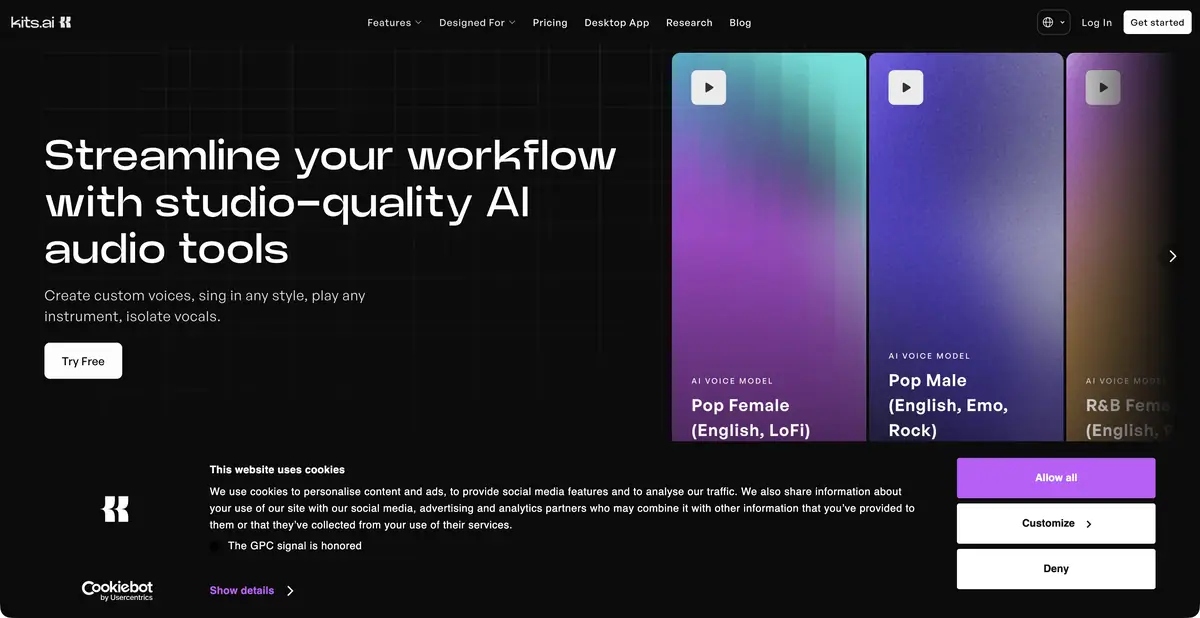
Kits AI focuses on music production: an existing vocal recording can be transformed using a selected voice model. It works with a performance, rather than generating any requested song from text.
The original performance remains the foundation of the result
Kits AI converts recorded vocals using a selected voice model. The original performance’s melody, rhythm, and articulation provide the material for changing its timbre. Track preparation therefore affects the outcome: if words already blur together or music masks the voice, changing the tone alone will not repair the recording.
The platform also supports custom voice creation, model blending, vocal separation, and other music operations. Treat them separately. Vocal extraction prepares the material, conversion changes its sound, and mastering serves another purpose. One button does not replace every stage of song production.
Example: another timbre for your own demo
For an exercise, record a short melody with your own lyrics, without imitating a particular artist. Save the original track and prepare a clean excerpt without reverb or dense accompaniment. Select an authorized voice model and compare the converted version with the same original performance at matched loudness.
Listen to consonant onsets, long vowels, transitions between notes, and quiet endings. An impressive isolated sound may connect poorly with the next phrase. To change melody or rhythm, adjust the performance first; changing timbre does not create a new arrangement. After choosing a version, return the track to your music software and check it with the instruments rather than only solo.
Your own voice and the product’s own API
For cloning, use a voice with the necessary consent and rights. Library models and your trained model may have different terms; royalty-free does not automatically describe every uploaded asset. Keep the selected model’s details and permission records with the project.
What is really available through API
Official Vocal Conversion API documentation shows submitting an audio file, selecting a model, and creating a job. Separate operations cover voice blending and vocal separation. The API page explicitly states that the former text-to-speech feature has been removed from this interface. This card therefore does not promise a working TTS API based on an old page heading. Automation here primarily covers confirmed audio operations.
Generation and download are counted separately
The free plan lets you try conversion, but the current plan table includes no download minutes. Paid tiers differ in conversion allowance, downloads of finished results, and custom voice slots. Being able to preview a version does not mean you can download the file for release.
Before paying, test the full workflow with a short authorized demo: prepare input, choose a model, convert, export, and import into your project. Clarify commercial-use terms and model availability after subscription changes. Judge final music by listening: a technically successful job does not guarantee natural articulation.
Suitable tasks
- Change the timbre of your own vocal demo
- Prepare an authorized voice model
- Separate vocals and instrumentals
- Automate audio conversion via API
Strengths
- Converting an existing performance
- Voice models and music operations in one environment
- The product’s own Vocal Conversion API
Limitations
- Quality depends on the preparation of the vocal input
- Free plan does not include downloading
- Previous TTS API Decommissioned
Selection and conditions
- Free access
- Yes
- Trial period
- Not confirmed
- No sign-up required
- Not confirmed
- Russian interface
- Not confirmed
- Local installation
- Not confirmed
- API
- Yes
“Not confirmed” means there is not enough information. The feature may still be available; check the developer’s terms.
- Input formats
- Audio
- Result
- Audio
Terms
The free plan does not include download minutes. Audio conversion and voice training use different resources. The TTS API has officially been retired and is not listed in this profile.From task to first result
Practical example
- Task
- Change the timbre of your own vocal demo
- What to prepare
- A short original speech or vocal recording and an authorized model/effect. Use a live microphone for Voicemod and a recorded vocal file for Kits.
Task brief or prompt
Assignment: transform the sound of your own performance using a chosen model or effect while retaining the original. Compare word intelligibility, rhythm, and sustained sounds at matched loudness. This is an instruction for actual audio input, rather than a promise of text-based generation.
Expected result
Converted audio for listening; downloads and commercial rights are checked separately for product and plan.
How to check the result
- Listen to consonants, endings and transitions; make sure the original meaning and rhythm is not lost.
- Check the voice/model rights and availability of the desired export; for live mode, check the virtual microphone.
An editorial teaching example of a task brief, not the result of hands-on testing of the service. Check that the required mode is available, that you have rights to the source material and that the intended use of the result is permitted.
Check details
Official sources
- Kits AI music tools
- Plans and downloads
- Current API scope and TTS retirement
- Guide to Vocal Conversion API
This description is based on the developer’s material. Features, prices and availability may change; check the primary source before use.