

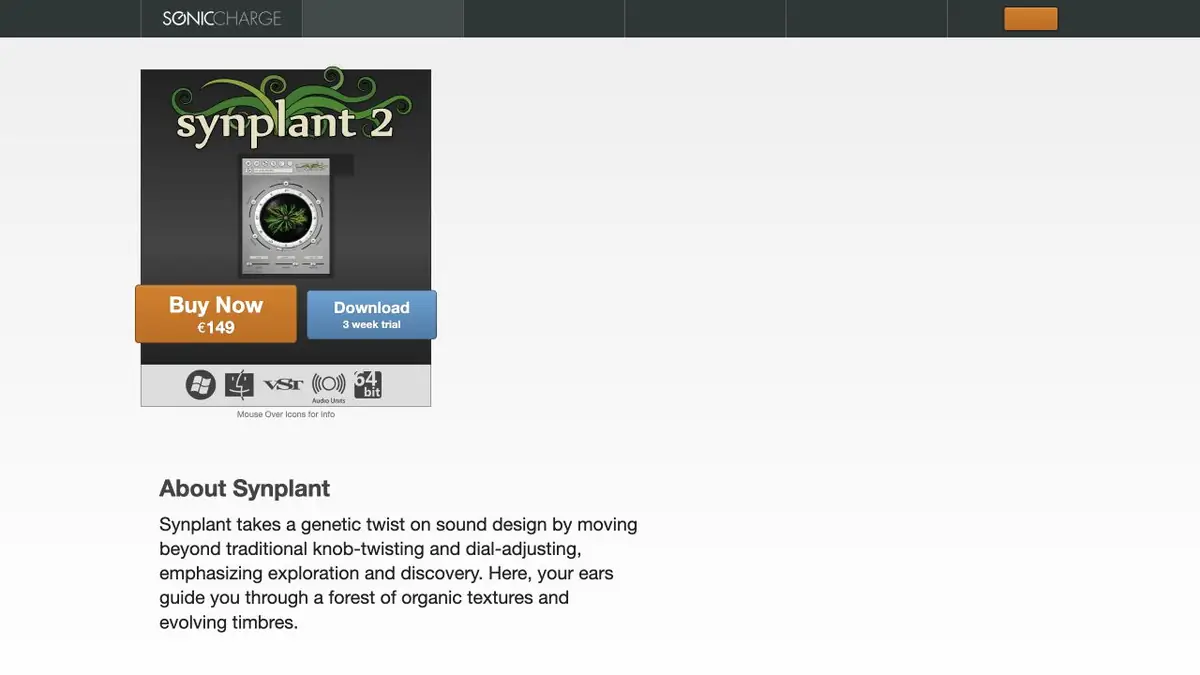
Sonic Charge synthesizer. The Genopatch module selects editable parameters by sound sample on the device.
What does Genopatch
Synplant 2 uses a sample sound to pick up the parameters of its own synthesizer. Genopatch takes over the timbre options and shows several solutions. They can be listened to and then edited as normal tool settings. This is useful when you want to play a new motif with a similar attack or the nature of the sound.
The capabilities of the synthesizer determine how close the sound will turn out. Strong reverberations, multiple instruments at once, or a long complex recording can produce a result that only remotely resembles the source.
Example with a short stroke
Take a short permitted sample of sound, such as a stick hitting a wooden box. Compare which options convey the start of the impact and how long the tail lasts. Try a few notes and different pressing power. A timbre that sounds good at one height can be too sharp at another.
Select the option for the composition task. For a party in a dense mix, it is sometimes enough to transmit the attack and then soften the high frequencies in the synthesizer itself.
Access and test
Genopatch calculates the parameters on the computer. The synthesizer has a trial period that begins at the first run in a compatible program. Check the supported system, plugin format and project opening after saving. If you need a similar timbre in another workplace, save the settings along with the project and make sure there is a compatible synthesizer. Check also how the selected timbre responds to repeated short notes.
Suitable tasks
- Assemble editable timbre by short sample
- Find a variation of the sound for the musical part
Strengths
- Local selection of Genopatch settings
- The timbre can be improved in the synthesizer
Limitations
- The result may differ from a complex sample
- Need a compatible program to run the plugin
Selection and conditions
- Free access
- Not confirmed
- Trial period
- Yes
- No sign-up required
- Not confirmed
- Russian interface
- Not confirmed
- Local installation
- Yes
- API
- Not confirmed
“Not confirmed” means there is not enough information. The feature may still be available; check the developer’s terms.
- Input formats
- Audio
- Result
- Synthesizer Settings
Terms
The synthesizer works as a plugin in a compatible program. Genopatch performs calculations locally.From task to first result
Practical example
- Task
- Assemble editable timbre by short sample
- What to prepare
- A short sample of sound with the right processing.
Task brief or prompt
Select the parameters of the synthesizer by sample. Compare the attack and tail on a few notes.
Expected result
Saved editable timbre.
How to check the result
- Listen to the quiet and loud notes.
- Check the settings in the project.
An editorial teaching example of a task brief, not the result of hands-on testing of the service. Check that the required mode is available, that you have rights to the source material and that the intended use of the result is permitted.
Check details
Official sources
This description is based on the developer’s material. Features, prices and availability may change; check the primary source before use.