

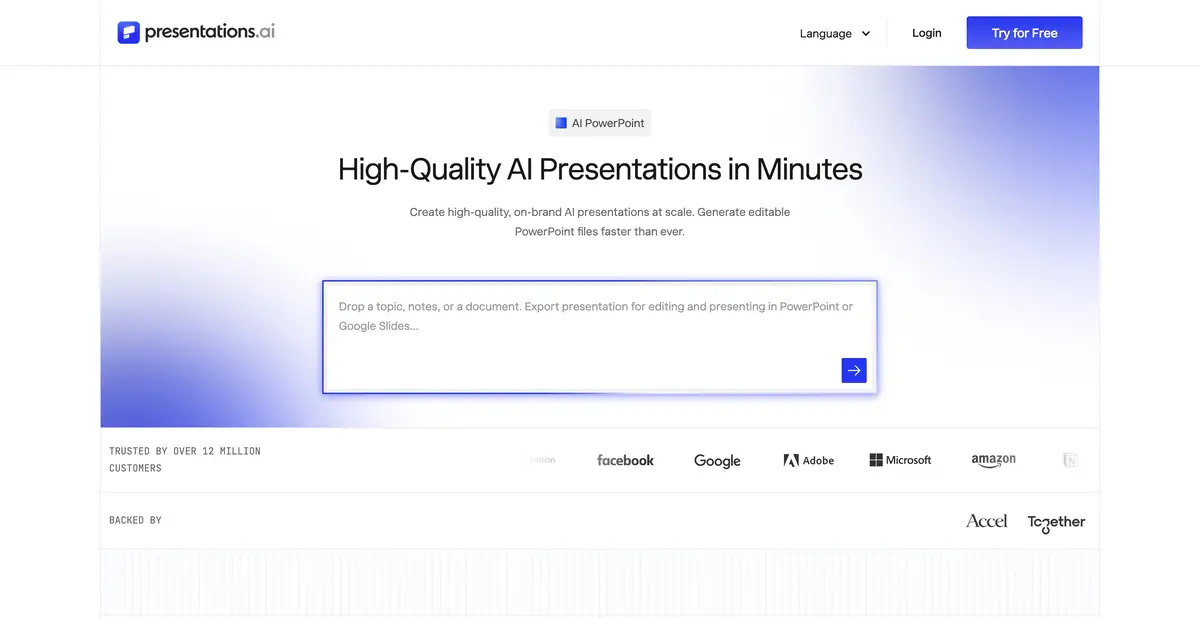
Presentations.AI helps turn source material into a structure and designed slides. The platform offers editing, branding and PowerPoint export under the selected plan's terms.
Assemble a story from existing material
If the idea exists in the form of a document or several notes, the main difficulty often lies in the selection: what to put on slides, what to leave in the explanations and what conclusion should be remembered by the viewer. Presentations.AI works with text query, documents and links and helps to collect a presentation from them.
Prepare source materials before generation. Specify the audience, presentation purpose and verified facts. If a document contains conflicting versions of a metric, identify the correct one first: attractive design cannot resolve the contradiction.
Content, design and brand
The platform offers AI-preparation of content and layouts, editing slides and the use of corporate identity. Team capabilities, brand settings, and analytics vary by plan. This is a stand-alone presentation editor, not a resale of access to a separate chatbot.
After the first draft, check the order of arguments without decorative elements. Each slide should help explain one main idea. If it covers the problem, method, budget and result at once, split the material or remove excess content before fine-tuning the design.
Example: present an internal training plan
Prepare information about the learners, course goals, topics, lesson format and how results will be assessed. Ask for an outline of a short presentation for a manager: why the training is needed, how it works and what decision is needed now. Provide numbers explicitly so the service has no reason to invent a budget or impact.
Then check if there are any promises that are not in the source: a guaranteed increase in revenue, fictional reviews or an unapproved deadline.
Transferring results to PowerPoint
The official product describes exporting editable PowerPoint files. Export access and additional features depend on the plan; a free start does not mean that every finished file can be downloaded in the required format without a subscription.
Before preparing a large report, export small test material under suitable conditions. Open it in the version of the program that the recipient will use. Check Cyrillic, tables, charts and the ability to edit items important to the next author.
Start-up credits and restrictions
The plans page offers a free Starter plan with credits and paid tiers for regular use and organizations. Do not assume initial credits renew automatically unless current terms say so. Regional pricing, payment methods and plan availability may differ.
The service does not replace substantive editing. Check facts, the meaning of illustrations, readability of long headings and necessary qualifications. For confidential documents, first agree processing with your organization; use public presentation links deliberately.
Suitable tasks
- Build a presentation from a source document or notes
- Make a project plan for a specific audience
- Apply a consistent style to team slides
- Prepare material for further work in PowerPoint
Strengths
- Several ways to start working with the source material
- Related content and design tools
- Corporate identity and team capabilities
- Editable PowerPoint export is supported
Limitations
- Facts and promises must be supported by source data
- Export and advanced design options depend on the plan
- Starter credits should not be treated as unlimited access
- The file should be checked in the target version of PowerPoint
Selection and conditions
- Free access
- Yes
- Trial period
- Not confirmed
- No sign-up required
- Not confirmed
- Russian interface
- Not confirmed
- Local installation
- Not confirmed
- API
- Not confirmed
“Not confirmed” means there is not enough information. The feature may still be available; check the developer’s terms.
- Input formats
- Text, Document
- Result
- Presentation
Terms
Starter provides limited credits. PowerPoint export, branding and team tools depend on the plan; the initial quota is not assumed to renew.From task to first result
Practical example
- Task
- Build a presentation from a source document or notes
- What to prepare
- Your own project notes: goal, audience, problem, solution and next step.
Task brief or prompt
Outline a short project presentation. For each slide, provide one main point, a supporting fact from my notes and a suitable type of visual. Do not invent figures or customers.
Expected result
A draft presentation with one main point per slide and no invented results.
How to check the result
- Check every figure against the original notes.
- Check the readability of the text and the order of the arguments.
An editorial teaching example of a task brief, not the result of hands-on testing of the service. Check that the required mode is available, that you have rights to the source material and that the intended use of the result is permitted.
Check details
Official sources
This description is based on the developer’s material. Features, prices and availability may change; check the primary source before use.

