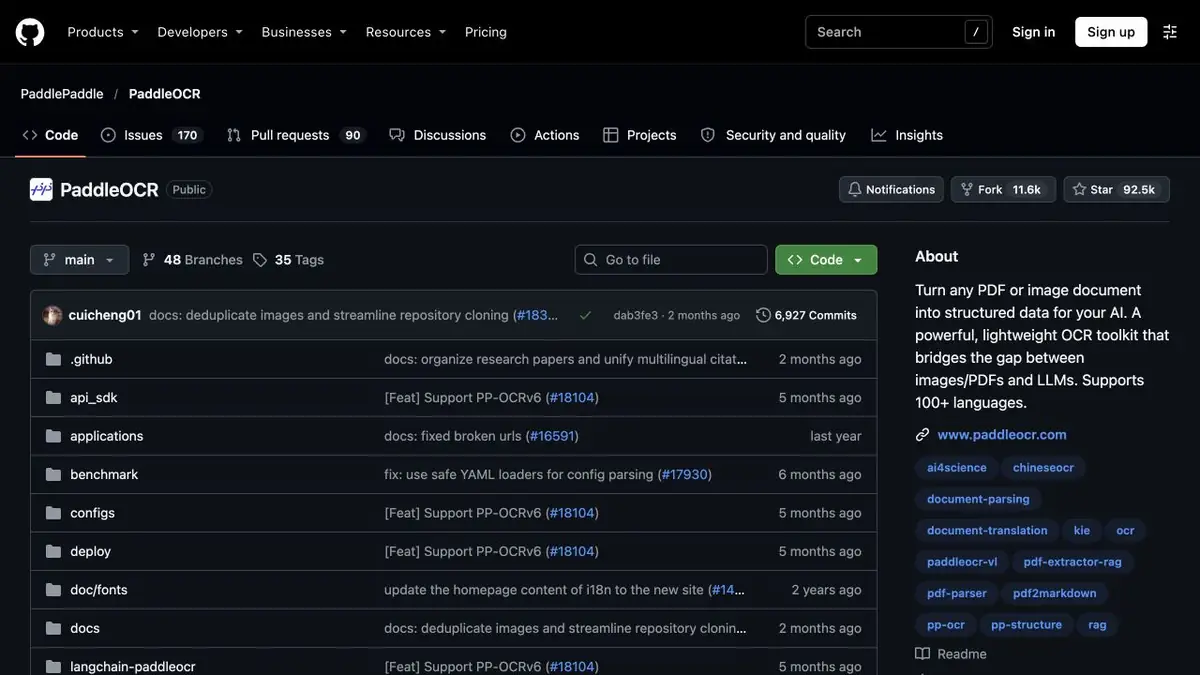
In PaddleOCR, you can select a recognition pipeline and get text along with the location of the fragments. A suitable configuration is checked on samples of their documents.
One missed sign changes the entry
In the archive there are invoices, on which some of the figures were imprinted weakly. PaddleOCR allows you to highlight text areas and recognize content. To check, it is useful to store both results: a string and coordinates on the source page. Then the operator will see where the program read the dubious symbol and what was next. Recognition evaluation can be used to determine the order of verification, if you first compare it with real errors on your materials.
Small sample before archive processing
Prepare synthetic pages with known amounts, dates, and labels. Add a rotated photo and an example with small text. Keep a manual transcription, then check line detection and recognition accuracy separately. A correct amount assigned to the next row is a separate error. Verify cell alignment in tables and reading order in two-column layouts.
How to handle the result
Depending on the format of the document and language, you may need another version of the conveyor. Write down the selected parameters and do not compare two runs on different sets of pages. If the text goes to the account system, set up mandatory field checking and control view. For the first run, several complex scans are enough. After it, it will be clearer where quality can be improved by image preparation, and where manual input is required. Specify to the operator which fields should be checked on each page.
Suitable tasks
- Convert custom scans to testable text
- Verify fragment locations and disputed symbols
Strengths
- Conveyor separates searching areas and reading text
- Different settings and types of entry are documented
Limitations
- Quality depends on language, scale, orientation, and image quality
- Verify critical digits and reading order separately
Selection and conditions
- Free access
- Yes
- Trial period
- Not confirmed
- No sign-up required
- Not confirmed
- Russian interface
- Not confirmed
- Local installation
- Yes
- API
- Not confirmed
“Not confirmed” means there is not enough information. The feature may still be available; check the developer’s terms.
- Input formats
- Document, Image
- Result
- Data, Text
Terms
The open project specifies terms for its code and models. Budget for compute and document storage when running it yourself. Quality depends on language, scale, orientation, and image quality.From task to first result
Practical example
- Task
- Convert custom scans to testable text
- What to prepare
- His training scans with numbers, tilt and small signatures.
Task brief or prompt
Identify the lines and keep the coordinates together with the text. Mark the fields that need to be checked with the image manually.
Expected result
Text and list of disputed rows with references to source areas.
How to check the result
- Check the numbers, order of lines and omissions.
- Repeat on the frame with a different lighting.
An editorial teaching example of a task brief, not the result of hands-on testing of the service. Check that the required mode is available, that you have rights to the source material and that the intended use of the result is permitted.
Check details
Official sources
This description is based on the developer’s material. Features, prices and availability may change; check the primary source before use.