Models and SDK for face animation from audio. The output controls the facial forms of the prepared three-dimensional character.
Sound track moves the face
Audio2Face-3D analyzes speech and forms parameters of facial animation, for example, the weights of facial forms. The model is applied to the prepared character through the selected SDK or integration. Before processing, check whether the character has the necessary mouth shapes and how they relate to the model's output. A file with facial expressions does not by itself replace the character model, scene, and render.
A sample with a short character replica
Prepare a training hero and a permitted recording of one line, where there is a pause after the phrase with lip consonants. Start the processing and transfer the parameters to rig. First, see if your mouth closes at the beginning of the pause. Then check the individual sounds and movement of the jaw on the side. If the lips are closing correctly and the face is moving excessively, correct the shape transfer settings before processing the entire dialogue.
Keep the sound, model parameters and manual edits separate. This allows you to replace the rig version without re-installing the replica.
How to choose a valid option
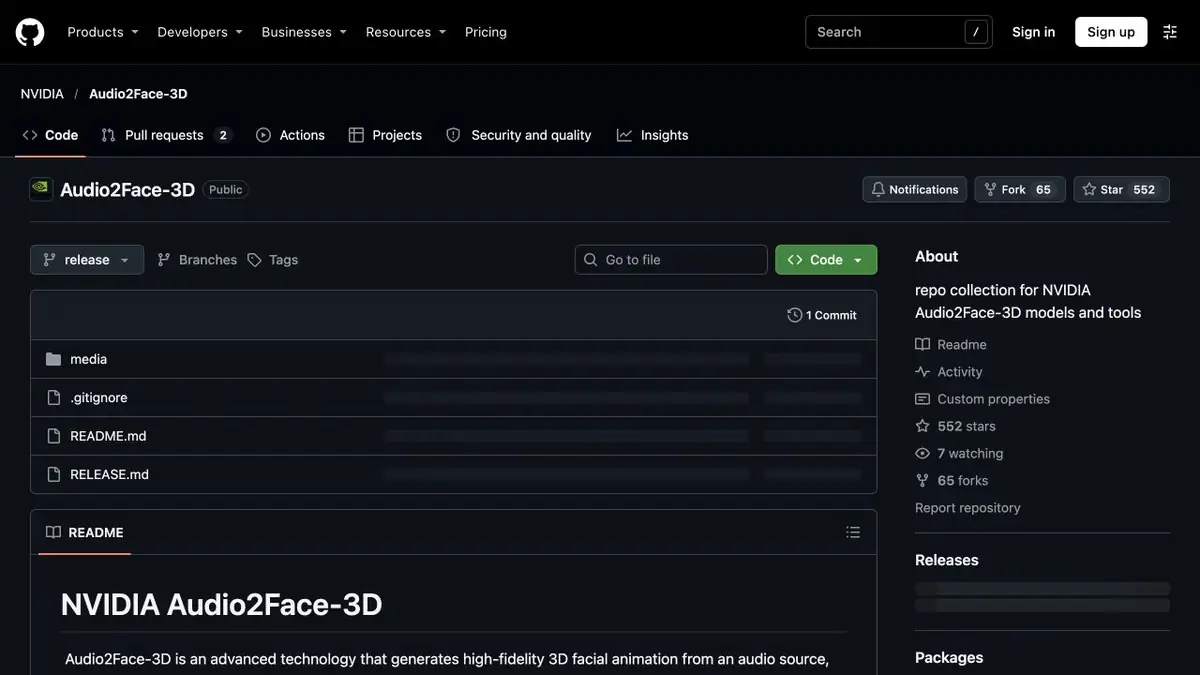
NVIDIA's repository provides models and runtime tools for the open version, with separate documentation for the training framework. NVIDIA's catalogs may also include pages for older hosted services. For a new project, refer to the open components, their versions and requirements. If you need a finished video, check the export and visual quality in your own engine or editor. Review the animation at the frame rate used in the project.
Suitable tasks
- Linking a voice to a learning 3D character
- Check the transfer of facial expressions to your own rig
Strengths
- Open weights and separate SDK for integration
- Generation of facial parameters by audio
Limitations
- To output, you need a compatible rig and transfer setting
- Articulation and facial expressions require verification on the character
Selection and conditions
- Free access
- Not confirmed
- Trial period
- Not confirmed
- No sign-up required
- Not confirmed
- Russian interface
- Not confirmed
- Local installation
- Yes
- API
- Yes
“Not confirmed” means there is not enough information. The feature may still be available; check the developer’s terms.
- Input formats
- Audio
- Result
- Animation
Terms
NVIDIA publishes open weights and tools in a separate repository. Compatibility depends on the chosen environment, SDK and integration method.From task to first result
Practical example
- Task
- Linking a voice to a learning 3D character
- What to prepare
- His own short line and prepared digital character with a set of mouth shapes.
Task brief or prompt
Tie the line to the character and check the moments when the mouth closes. Save the original audio track.
Expected result
Black animation of the spoken line.
How to check the result
- Check the beginning of words with the movement of the mouth.
- Manually correct noticeable errors on pauses.
An editorial teaching example of a task brief, not the result of hands-on testing of the service. Check that the required mode is available, that you have rights to the source material and that the intended use of the result is permitted.
Check details
Official sources
- Repository NVIDIA with references to models and SDK
- Model, training and formats of facial animation
- NVIDIA study on facial animation by audio
This description is based on the developer’s material. Features, prices and availability may change; check the primary source before use.