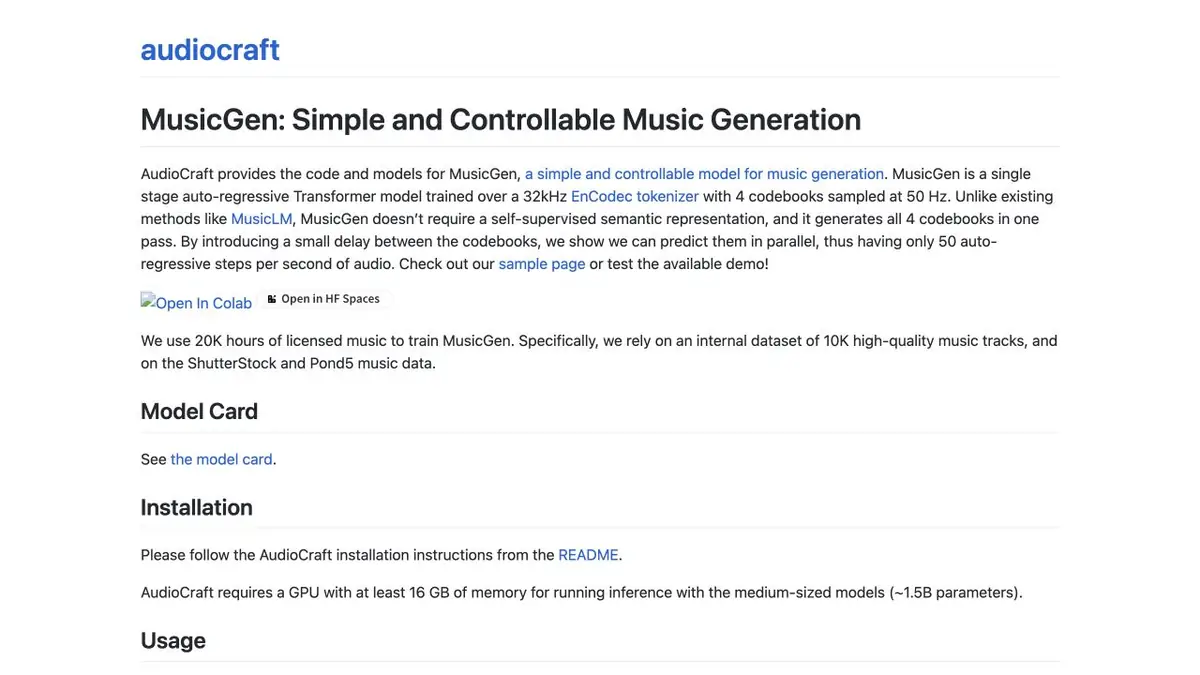
A model of the AudioCraft family for creating musical fragments by description. Melody options additionally take into account the melodic landmark.
Where a musical sketch is needed
MusicGen generates a sound snippet by text description. With Melody options, you can add a musical landmark, for example, your own simple melody. The AudioCraft documentation for these two modes presents different challenges. Before you start, decide what is more important for the draft, the predetermined nature of the sound or the recognizable contour of your motif. The model does not have tracks that can be separately edited as a bass or percussion part.
Screensaver for training video
For a short video about working with wood, try to describe a quiet accompaniment with soft keys and rare percussion beats. Save a few options and listen to them under the direction of the video, where the voice sounds. If the accompaniment occupies the same frequencies as speech, change the option or process the sound in the editor. For the melodic mode, you can record your own motif and compare what features are still heard.
Check out the last beat. In cyclic repetition, the transition gives itself out if a new accent suddenly appears at the junction or a long note breaks off.
Code and weights have different conditions
Meta separately indicates the code license and the weights license. For a learning local sample, check the AudioCraft installation and available memory, and before release, check the allowed ways to use specific weights. Selecting a fragment for a commercial video only because the code is publicly available is risky. Evaluation of the result is better done in the assembly sequence, where you can hear the ratio of voice, music and other sounds.
Suitable tasks
- Get a musical sketch for editing
- Evaluate the support with your own motive
Strengths
- Generation by description of the genre and composition of instruments
- Selected versions with melodic reference
Limitations
- Published weights have a non-commercial license
- The generated fragment requires musical editing
Selection and conditions
- Free access
- Yes
- Trial period
- Not confirmed
- No sign-up required
- Not confirmed
- Russian interface
- Not confirmed
- Local installation
- Yes
- API
- Not confirmed
“Not confirmed” means there is not enough information. The feature may still be available; check the developer’s terms.
- Input formats
- Text, Audio
- Result
- Audio
Terms
Code and weights are available in AudioCraft. Examples of local startup are described for Python and PyTorch, requirements depend on the model version selected.From task to first result
Practical example
- Task
- Get a musical sketch for editing
- What to prepare
- Your own lyrics or a description of a musical passage, without imitating a particular performer.
Task brief or prompt
A calm instrumental piece for a workshop intro: soft keyboards, quiet percussion and a warm mood, with no vocals or recognizable melodies by other artists.
Expected result
A musical sketch to listen to and assess against the service’s terms of use.
How to check the result
- Check the beginning, end and transitions.
- Do not assume that free generation gives you permission for commercial release.
An editorial teaching example of a task brief, not the result of hands-on testing of the service. Check that the required mode is available, that you have rights to the source material and that the intended use of the result is permitted.
Check details
Official sources
- MusicGen Manual and Version List
- Code AudioCraft and conditions for code and weights
- Description of the family AudioCraft from Meta
This description is based on the developer’s material. Features, prices and availability may change; check the primary source before use.