

Helps the teacher to compose an editable rubric based on the assignment and learning goals.
The category by which a student can check the work
If students are asked to rate the argument, the words "good argument" do little to help with editing. The MagicSchool category builder collects criteria and levels for the job description. The teacher can change the result and compare it with the educational goals. For the first version, it is better to indicate what exactly the student should show in the work, and select several observed signs.
It is convenient to give the rubric before delivery. Then the criterion should answer the question of what can be seen in the text or action, and neighboring levels should differ by a specific feature.
How to Check Two Neighborhood Levels
For the study task, ask to write a paragraph about why local plants are useful in the school garden. Specify that you need a thesis, one example and an explanation of the relationship between them. After receiving the draft, check it out on two fictional answers. In the first, list the example without explanation. In the second, add a link to the thesis. The rubric should distinguish these answers by the desired criterion.
Remove requirements that the class did not know about in advance. For example, if the task does not require sources, a separate penalty for lack of reference will be unexpected.
The border of teacher inspection
MagicSchool offers different tools, but for the heading, the text of the task without student data is enough. The composition of the functions depends on the plan. Before using, bring the criteria to the accepted school format and make sure they describe the work that the student can actually do.
Suitable tasks
- Prepare a section for a short task
- Test criteria on fictional answers
Strengths
- You can specify the purpose and content of the task
- Category can be edited
Limitations
- Levels and wording checked by the teacher
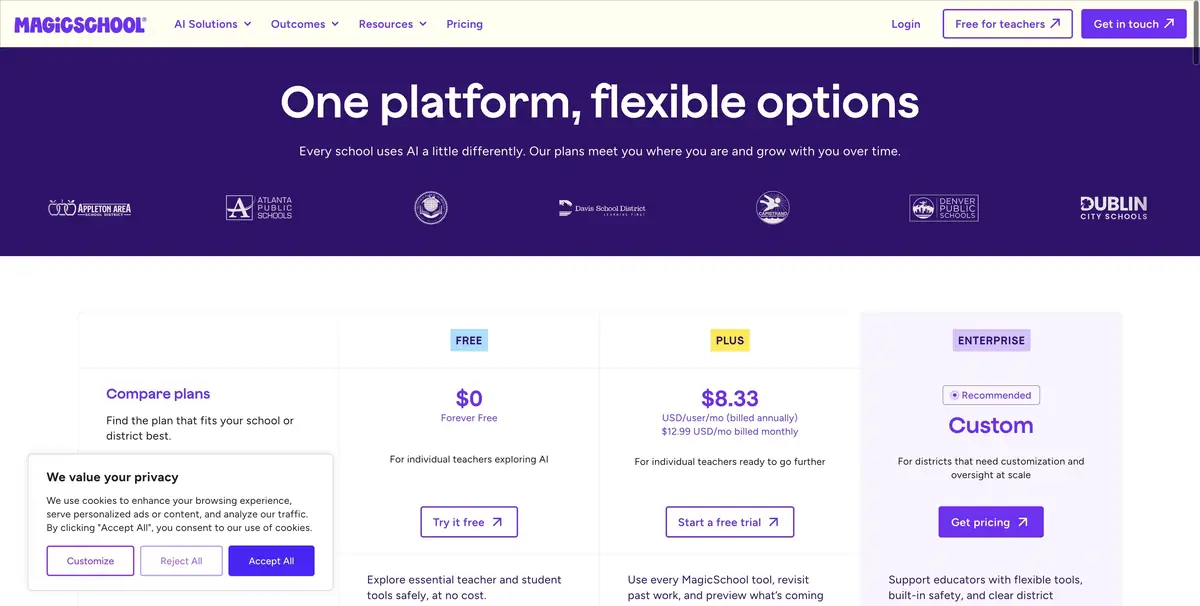
- Plans differ in the set of functions
Selection and conditions
- Free access
- Yes
- Trial period
- Not confirmed
- No sign-up required
- Not confirmed
- Russian interface
- Not confirmed
- Local installation
- Not confirmed
- API
- Not confirmed
“Not confirmed” means there is not enough information. The feature may still be available; check the developer’s terms.
- Input formats
- Text
- Result
- Text
Terms
Enter the task condition and training goals. Do not add student data.From task to first result
Practical example
- Task
- Prepare a section for a short task
- What to prepare
- Schoolwork criteria and one fictional answer for fitting a scale.
Task brief or prompt
Write a paragraph for a short reasoned paragraph. Divide the levels by the observed features, for example, by the connection of the argument with the example.
Expected result
Draft criteria that the teacher can check on the training answer.
How to check the result
- Check if the levels are different.
- Remove from the criteria requirements that were not in the task.
An editorial teaching example of a task brief, not the result of hands-on testing of the service. Check that the required mode is available, that you have rights to the source material and that the intended use of the result is permitted.
Check details
Official sources
This description is based on the developer’s material. Features, prices and availability may change; check the primary source before use.