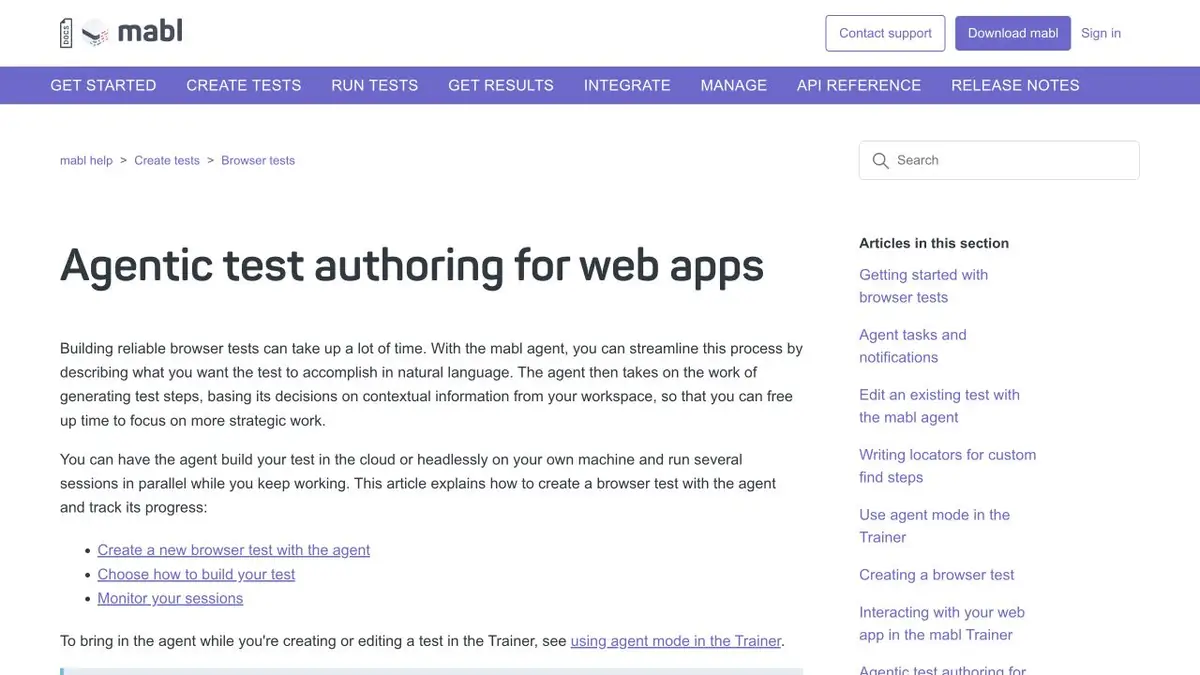
Agent mabl prepares browser steps to describe the test. The script is then checked and edited, if necessary, before regular running.
Before generation, determine the result
The form accepts a request, displays its ID, and clears the fields. If you only tell the mabl agent to check the form, it may stop after clicking Submit. State the initial conditions and what success looks like. Provide the test URL, role, field values, and where the new record should appear. Use the testing mechanism for credentials and keep real secrets out of the written scenario.
One good pass and one rejection
For the test, describe two scenarios. In the first, the application is sent with the filled-in mandatory fields. The agent needs to check the number and open the record. In the second, one field is empty. Specify the expected message and the condition that the record is not created. Review the proposed steps and remove operations that depend on random data on the page.
The failure test should detect a defect if the application has accepted an empty field. To do this, it is useful to check the status of the list, not just the color of the hint.
When a draft can be included in the regular run
Run the test several times with controlled data. In the log, check why the step fell: the element changed, the page did not open or the expected behavior was violated. Save the order of preparation and cleaning of records. After connecting to the release checks, make sure that one drop does not leave data on which the next run then takes place. Separately save one reproducible error example.
Suitable tasks
- Prepare a draft check of mandatory fields
- Verify agent-generated browser script
Strengths
- The agent uses task and page description when preparing steps
- mabl has guidelines for creating and running browser tests
Limitations
- Draft Requires Initial Status Review and Checks
- Authorization and test application data require configuration
Selection and conditions
- Free access
- Not confirmed
- Trial period
- Not confirmed
- No sign-up required
- Not confirmed
- Russian interface
- Not confirmed
- Local installation
- Not confirmed
- API
- Not confirmed
“Not confirmed” means there is not enough information. The feature may still be available; check the developer’s terms.
- Input formats
- Text, Code
- Result
- Text, Code
Terms
The cost and conditions for the provision of opportunities are specified in mabl. The developer offers to request a proposal for the requirements of the team. The draft requires a review of the initial state and checks.From task to first result
Practical example
- Task
- Prepare a draft check of mandatory fields
- What to prepare
- Two versions of the training interface, an order card and a verifiable saving result.
Task brief or prompt
Press the save button in the delivery unit. Open the card again and check the new address. Repeat the script after reshuffle.
Expected result
Browser test with result verification on two versions of the interface.
How to check the result
- Verify the action by log and step snapshot.
- Make sure the test drops if the data is not saved.
An editorial teaching example of a task brief, not the result of hands-on testing of the service. Check that the required mode is available, that you have rights to the source material and that the intended use of the result is permitted.
Check details
Official sources
This description is based on the developer’s material. Features, prices and availability may change; check the primary source before use.