Imagen transfers the selected processing style to the photographic series. You can train a personal profile, start with a preset or use the author’s profile, and then check and clarify the changes.
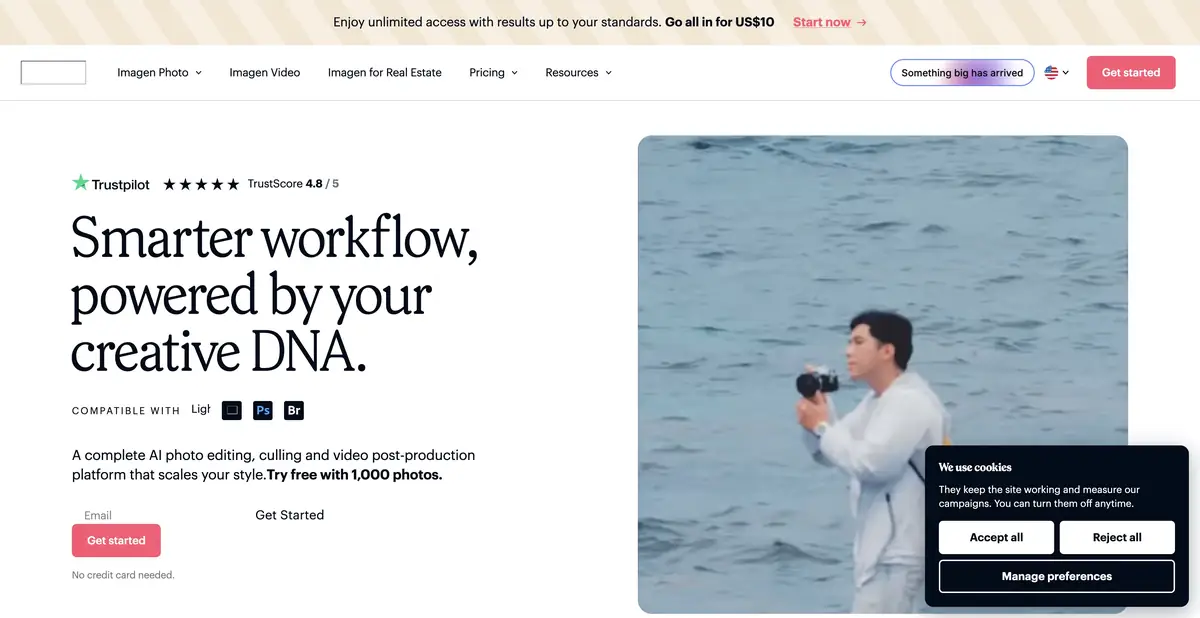
One style on different shooting conditions
Imagen is needed where the photographer returns with a large series, and the light and exposure change from frame to frame. The service offers AI-processing profiles and selection tools. The idea of the profile is to transfer the photographer’s preferences to new images, so initial examples and final verification are more important than the abstract promise of automation.
There are several ways to start work on the site: a profile for your ready-made edits, a lightweight profile based on the preset and ready-made profiles of authors. There are different ways to define style. A large archive with conflicting processing will not necessarily be more useful than a small, but consistent collection suitable for the selected mode.
What to prepare in advance
For a personal profile, you need your processed photos to the extent specified in the current requirements. Select works with consistent logic of color and contrast, exclude random experiments and take into account the shooting genre. The web page explains the further refinement of the profile on the final edits and manual configuration of his preferences.
The workflow is associated with photographic files, catalogs and compatible applications. Before uploading a large batch, check current support for your Lightroom version or other used editor. Do not confuse Imagen for photographers with the same family of Google generative models: here we are talking about the post-production of existing frames.
Check out the series before sending the whole shoot
Take a small part of your own shooting with daylight, artificial and mixed light. Apply one selected profile and open the results next. Check the skin, white surfaces, gaps in the shadows and preservation of the atmosphere. If warm lighting has become neutral, decide whether it fits your design before considering the edit a mistake or success.
In the selection, look separately at emotionally important frames: technical sharpness does not determine the value of facial expression. After manual refinement, save the final settings and use the provided profile improvement process. Compare the time spent on the entire series check, not just the length of the automatic stage.
Payment and arrangement of the studio
The official website distinguishes between payment for use and subscription with its own terms. An individual unlimited offer has requirements for who removes and processes the material. A multi-user studio should not automatically assume the terms of a single photographer. Storage and individual products have independent charging.
A start trial volume is provided; the API is documented for business processes. When connecting, specify the transfer of materials, rights to archive, storage and access of colleagues. The presence of a desktop application does not fully confirm local processing: such a mode cannot be promised without an explicit description of a specific operation and version.
Suitable tasks
- Agree color of large photo series
- Prepare a personal profile of the processing
- Embed photographic processing into the studio process
Strengths
- Personal and ready AI profiles
- Clarification of the profile for final edits
- Official business process and API
Limitations
- Need a coordinated training archive for your personal profile
- Studio conditions are different from individual
- Images need manual review after processing
Selection and conditions
- Free access
- Not confirmed
- Trial period
- Yes
- No sign-up required
- Not confirmed
- Russian interface
- Not confirmed
- Local installation
- Not confirmed
- API
- Yes
“Not confirmed” means there is not enough information. The feature may still be available; check the developer’s terms.
- Input formats
- Image, RAW file, Photo catalog
- Result
- Image, Processing settings
Terms
The starting trial volume is not equal to a permanent free plan. API refers to business conditions. Personal profile requires original processed works; completely local mode is not confirmed.From task to first result
Practical example
- Task
- Agree color of large photo series
- What to prepare
- Its series of photos in different lighting and compatible catalog, if required by the selected mode.
Task brief or prompt
Work assignment: group similar frames, check the selection manually and apply one consistent processing profile to a small part of the series. Compare the color of the skin and neutral surfaces between frames, clarify problematic images and only then move on to the entire shooting.
Expected result
Verified selection and series with agreed processing, available for further edits or export.
How to check the result
- Check out the emotionally important footage and images of less visible participants.
- Verify the transfer of estimates and settings, the cost of processing and the place of calculations.
An editorial teaching example of a task brief, not the result of hands-on testing of the service. Check that the required mode is available, that you have rights to the source material and that the intended use of the result is permitted.
Check details
Official sources
This description is based on the developer’s material. Features, prices and availability may change; check the primary source before use.