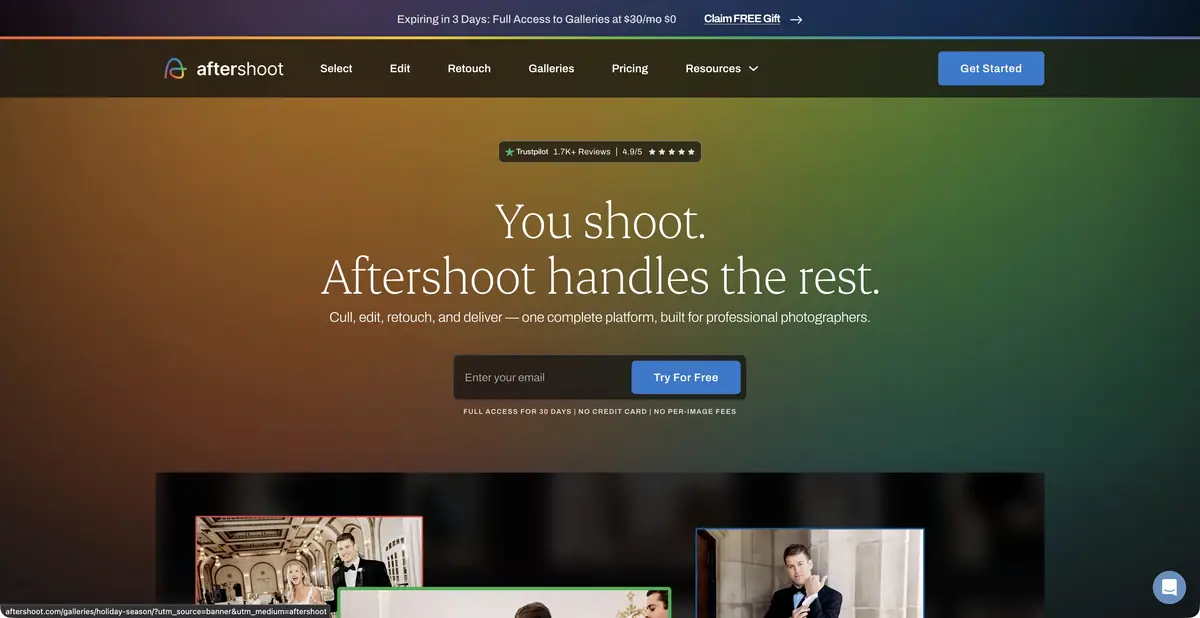
Aftershoot helps to disassemble large shots, transfer the processing style and retouch images. Official materials confirm local processing and individual subscription modules.
First select photos
A large shoot contains many technically similar frames, but they are not equally valuable. Aftershoot helps group duplicates and assess images; the photographer reviews the final selection. Automated and assisted culling modes behave differently. Assisted mode leaves more decisions to the person and should not be described as fully automatic rating assignment.
Especially worth watching the series with children, movement and several participants. A closed eye can be a blunder, part of an emotion, or an intentional moment. Therefore, automatic selection is useful as an organized first version, which can be quickly checked, and not as a reason to delete the originals.
Processing after selection
Aftershoot offers AI profiles and ready-made styles, as well as manual refinement tools. The official instruction describes working with RAW/JPEG folders and catalogs from compatible editors. You can first perform automatic processing, then refine individual images and export the result to a system or other application.
Retouching is allocated in an independent process. Supported formats and exchange with Lightroom should be checked against the instruction: when transmitting from Lightroom, a copy of the image can be created with the changes already applied. Marks and clear names help to distinguish it from the original and not to get two externally identical versions in the issue.
Example: reporting from the workshop
Import your small shooting session: general plan, participants at the table, hand parts and finished products. Run the appropriate selection mode and explore groups of similar images. Save the frame with an important action, even if a sharper neighbor looks technically preferable. Check to see if less frequent participants have fallen out of the series.
In the selected images, apply one profile. Compare the color of wood, skin and white paper in different lighting. Set the retouch moderately, so as not to erase the texture of hands and material. Then export a few trial files and make sure the rankings, names, and processing are passed on in the expected way.
Local process and module subscription
Official materials indicate that the selection, processing and retouching are performed on the user's computer. This applies to calculations over photos, not any account interaction, app downloads or individual cloud galleries. System requirements and place under the source images remain significant during large shooting.
The current payment model distinguishes between selection, processing and retouching modules that can be combined. There is a trial period; a subscription with a fixed fee does not eliminate the differences between the functions of the selected set. Check the training conditions of the personal profile, its storage after cancellation and setting up the use of data. It is better to complete the start setting on a small series before the working deadline.
Suitable tasks
- Group similar frames and check selection
- Processing photo series by AI-profile
- Retouch selected images before exporting
Strengths
- Confirmed local calculations
- Selection, processing and retouching are linked in one process
- Export to compatible photographic applications
Limitations
- The emotional value of the frame is checked by the photographer
- Subscription modules have different composition
- Personal profiles require preparation and accounting of storage conditions
Selection and conditions
- Free access
- Not confirmed
- Trial period
- Yes
- No sign-up required
- Not confirmed
- Russian interface
- Not confirmed
- Local installation
- Yes
- API
- Not confirmed
“Not confirmed” means there is not enough information. The feature may still be available; check the developer’s terms.
- Input formats
- Image, RAW file, Photo catalog
- Result
- Image, Photo selection, Processing settings
Terms
Local execution is confirmed for culling, editing and retouching; cloud galleries and account functions are separate. A free gallery does not imply free AI editing. A public API has not been established.From task to first result
Practical example
- Task
- Group similar frames and check selection
- What to prepare
- Its series of photos in different lighting and compatible catalog, if required by the selected mode.
Task brief or prompt
Work assignment: group similar frames, check the selection manually and apply one consistent processing profile to a small part of the series. Compare the color of the skin and neutral surfaces between frames, clarify problematic images and only then move on to the entire shooting.
Expected result
Verified selection and series with agreed processing, available for further edits or export.
How to check the result
- Check out the emotionally important footage and images of less visible participants.
- Verify the transfer of estimates and settings, the cost of processing and the place of calculations.
An editorial teaching example of a task brief, not the result of hands-on testing of the service. Check that the required mode is available, that you have rights to the source material and that the intended use of the result is permitted.
Check details
Official sources
- Official Aftershoot
- Existing modules, locality and trial access
- Selection and processing instructions
- Formats and exchange of retouching
This description is based on the developer’s material. Features, prices and availability may change; check the primary source before use.