

Dialpad AI creates a transcript and summary for a supported call. The results show the actions it flagged.
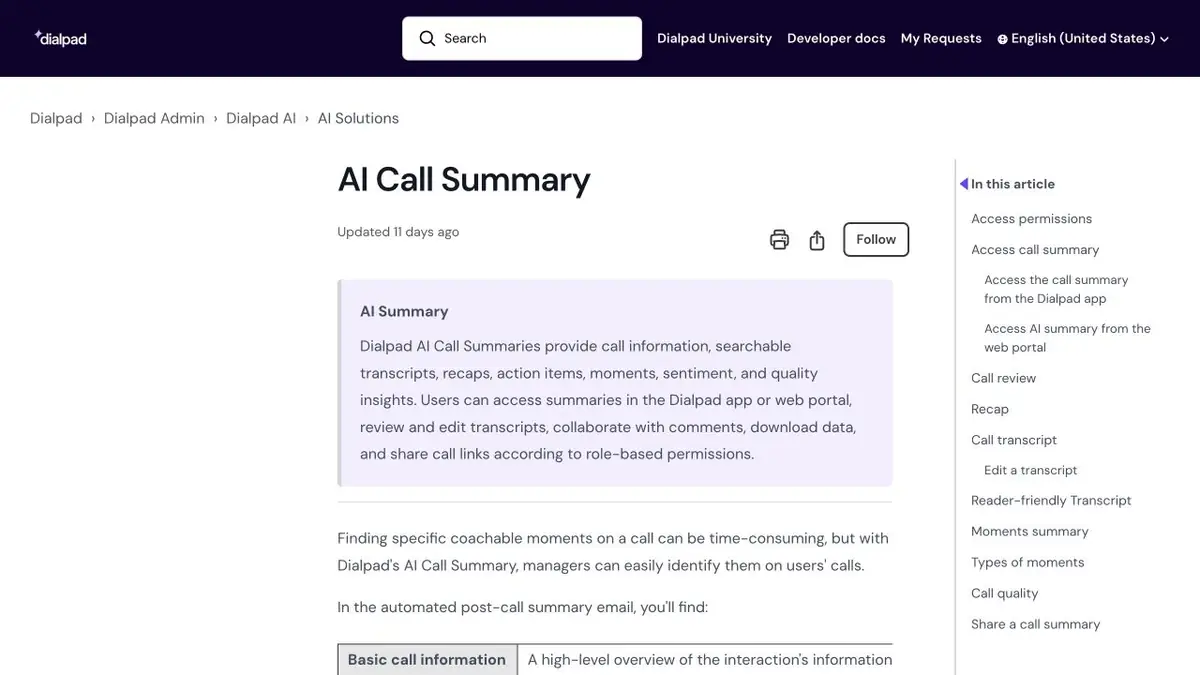
From a conversation to a verified summary
After a delivery call, identify what was agreed and when it is due. Dialpad AI summarizes supported calls and shows flagged action items. Use the summary as a starting point. For a shift handover, open the transcript and match each commitment against what was actually said. Check names and any abbreviations the team uses without explanation.
Questions and instructions in one conversation
In the training call, one participant suggests sending a list of details on Thursday, and the second says that you first need to check for availability. A black task may miss a condition. Find both lines and formulate the result so that the next employee understands the order of actions. If no one has taken on a task, leave it without responsibility. Agree on the corrected text before you transfer it to the working system.
Who is available for conversation materials
Your organization may set different access permissions for the summary, recording and transcript. Check who can open the original and what can be shared with colleagues. For testing, use a call whose participants gave permission for processing. Try another call with a difficult passage, such as a part number, and compare the transcript with the recording. Dialpad documents its transcript API and limitations separately. Test your access with a sample call first.
Suitable tasks
- Prepare a summary for transmission to the shift.
- Check tasks and deadlines by replicas.
Strengths
- The report is related to the work call.
- Documents identifying action items and retrieving transcripts through the API.
Limitations
- The desired mode depends on the product and settings.
- Names, numbers and arrangements can be recognized incorrectly.
Selection and conditions
- Free access
- Not confirmed
- Trial period
- Not confirmed
- No sign-up required
- Not confirmed
- Russian interface
- Not confirmed
- Local installation
- Not confirmed
- API
- Yes
“Not confirmed” means there is not enough information. The feature may still be available; check the developer’s terms.
- Input formats
- Audio
- Result
- Text
Terms
Agree on the processing of the conversation and check the terms of orders with the original.From task to first result
Practical example
- Task
- Prepare a summary for transmission to the shift.
- What to prepare
- Record the training conversation with the consent of participants and a short list of exact names.
Task brief or prompt
Check the transcript. Separately note the agreed actions, controversial timing and issues without a solution.
Expected result
Summary with verified actions and links to replicas for analysis.
How to check the result
- Check the numbers and names with the record.
- Do not appoint a person responsible for one proposal without confirmation.
An editorial teaching example of a task brief, not the result of hands-on testing of the service. Check that the required mode is available, that you have rights to the source material and that the intended use of the result is permitted.
Check details
Official sources
This description is based on the developer’s material. Features, prices and availability may change; check the primary source before use.