

Copy.ai organizes AI work around go-to-market processes: material preparation, data processing and repetitive actions. At the center of the platform are workflows, not just a single text query.
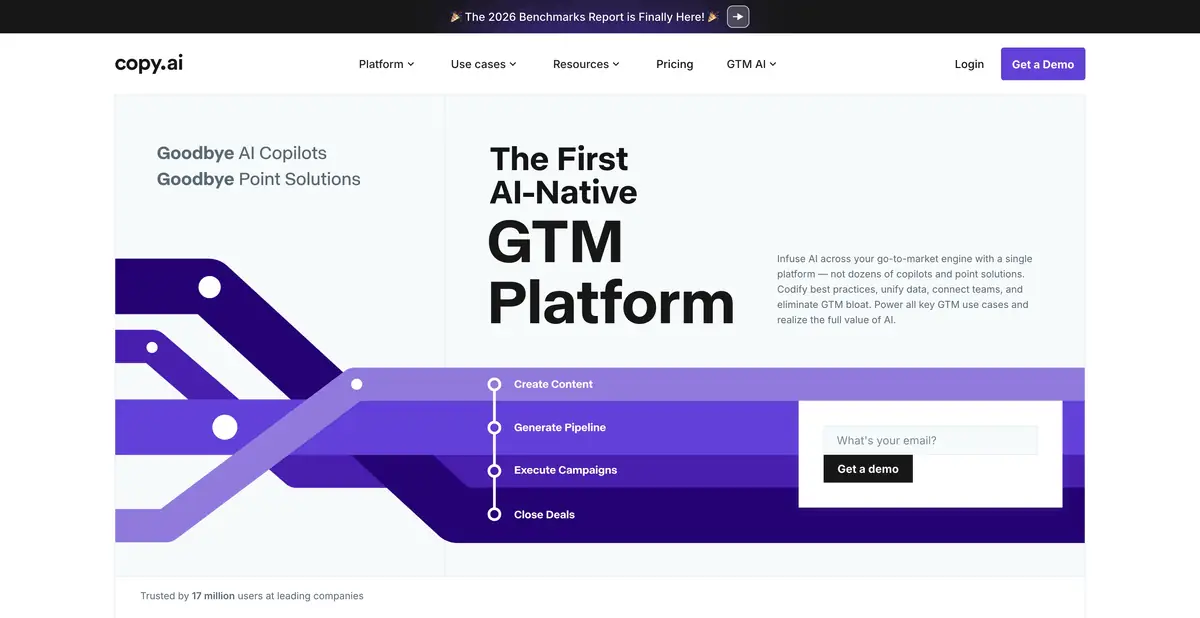
One task goes through several steps
Copy.ai is useful when a result requires a sequence of actions: collect source information, structure it as needed, prepare a draft and pass it on. The official platform describes workflows, tables and individual actions for marketing and sales processes.
This approach differs from a one-off request to write an email. The team determines where facts come from, which rules apply and where approval is required. Without this, automation can quickly reproduce the same mistake.
Data, brand and integrations
The platform provides tables, brand context and workflows for business data. These features are intended for marketing, sales and operations. Use them with materials the organization is entitled to process and transfer to the selected service.
For example, check information about a client company against current sources. A generated description of its interests does not become fact simply by appearing in a structured table. Separate source and verification-status fields help with questionable data.
Example: turn a brief into a set of drafts
Suppose the team has an approved description of a new product. You can organize a workflow that turns this brief into an email, a short product card and meeting discussion topics. Define the audience and a list of prohibited additions for each output.
Submit one brief first and check all results manually. Only then does it make sense to extend the process to a larger batch. Make sure a missing value does not turn into a plausible attribute. This is an instructional workflow example, not an experiment we conducted in Copy.ai.
API and batch processing
The official pricing page describes API access and batch workflow operations for suitable access levels. These features integrate workflows into other systems but require permissions, usage tracking and handling failed steps. Not every team-subscription feature is available on every plan.
Pay particular attention to external actions. Generated text or a retrieved contact must not automatically trigger messages or CRM changes without agreed rules. First set up result previews and a clear return to manual work.
When the platform is justified
Evaluate Copy.ai against your own recurring workflow: how many stages it combines, what information it retains and how easy the output is to check. Complex automation may be unnecessary for a single short edit.
Plans, quotas and integrations change; before signing up, check the exact workflow and API access you need. The platform helps prepare materials but does not guarantee the quality of the contact database, conversions or the accuracy of every fact. Checking the source data remains a required part of the result.
Suitable tasks
- Build a repeatable workflow for preparing marketing materials
- Convert an approved brief to multiple text formats
- Organize go-to-market data processing
- Run suitable workflows via API
Strengths
- The platform is built around repeatable workflows
- Brand context and tabular data
- Official integration and batch execution options
Limitations
- Quality source data and workflow configuration are required
- Features and usage allowances vary by plan
- Automation does not confirm the correctness of commercial information
Selection and conditions
- Free access
- Not confirmed
- Trial period
- Not confirmed
- No sign-up required
- Not confirmed
- Russian interface
- Not confirmed
- Local installation
- Not confirmed
- API
- Yes
“Not confirmed” means there is not enough information. The feature may still be available; check the developer’s terms.
- Input formats
- Text, Document
- Result
- Text
Terms
Custom GTM workflows, tables and integrations; API access and batch execution depend on the plan. Free access with no time limit is not confirmed.From task to first result
Practical example
- Task
- Build a repeatable workflow for preparing marketing materials
- What to prepare
- Short brief: the workshop makes a table lamp; its material, dimensions and delivery terms are confirmed.
Task brief or prompt
Task: prepare an email and a short lamp description from the attached brief. Preserve facts, explain benefits without superlatives and separately flag missing information. Apply the approved brand tone.
Expected result
Two consistent drafts for different channels, with verifiable specifications and no invented promises.
How to check the result
- Compare each feature with the brief.
- Check differences in tone, length and calls to action for each channel.
An editorial teaching example of a task brief, not the result of hands-on testing of the service. Check that the required mode is available, that you have rights to the source material and that the intended use of the result is permitted.
Check details
Official sources
This description is based on the developer’s material. Features, prices and availability may change; check the primary source before use.

