ClickUp Brain uses tasks, documents, and connected sources to help a team understand its work. Its usefulness depends on the freshness of that information and access permissions, not just the selected language model.
Response from the team context
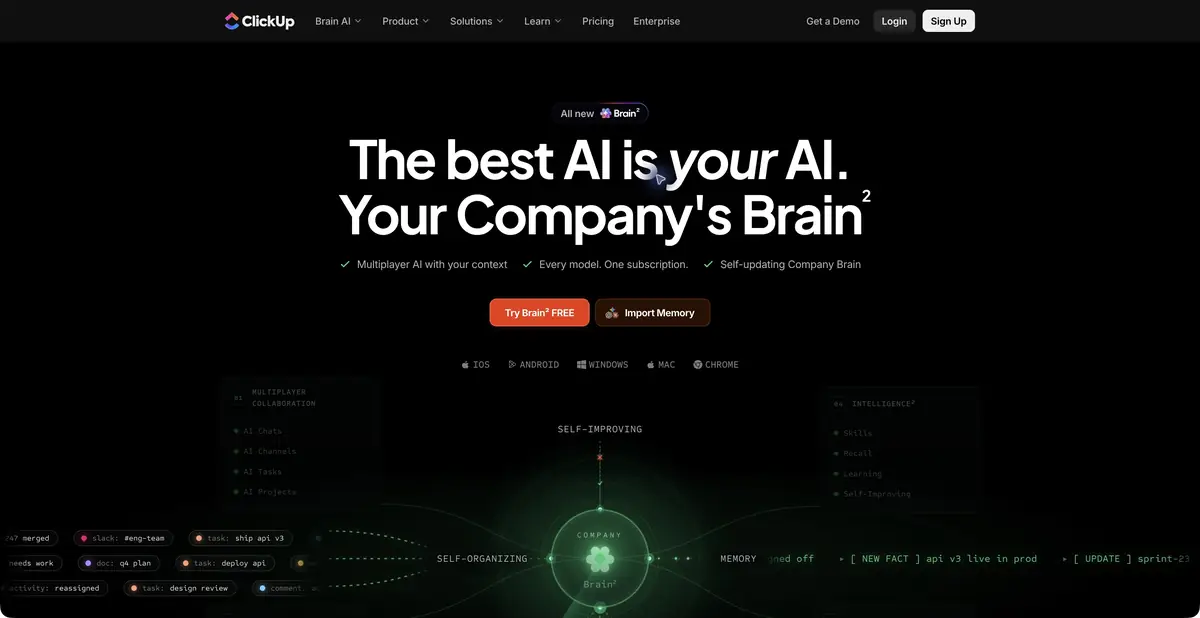
Answering “Why was the launch postponed?” usually requires reading several tasks, comments, and decisions. ClickUp Brain works with this context to answer questions, prepare summaries, and turn discussions into structured actions inside the workspace. The current page uses Brain² branding, but it represents the continued development of the same product. A list of available external models should not replace an explanation of ClickUp’s own task and project system and its connected context.
Where useful summaries come from
The official page describes shared AI chats, tasks, projects, context, and connections to work sources. Meaningful answers first need the underlying records: agreed deadlines, owners, and current statuses. If decisions remain in a private chat or inaccessible document, the agent may not invent the missing information.
A good brief sets a period and scope: one team, a specific project, and unresolved blockers. Ask for confirmed information to be separated from proposals. When preparing a new task, distinguish a recorded deadline from a model’s assumption. Checking only presentation can miss data gaps hidden in an orderly response.
Example: Summary before weekly meeting
Use a practice project with several tasks, comments, and two unresolved blockers. Ask Brain to list completed work, identify blocking questions, and cite the source records for each item. Explicitly prohibit assigning new dates or owners without confirmation. Then open the tasks underlying the response and compare their status with the summary.
Test an ambiguous case: a comment proposes a date, but the task field has not approved it. The result must show this uncertainty. Before sending a summary externally, remove internal links and information inaccessible to that recipient. This example is not a result of a ClickUp Brain test we conducted.
Trial access does not mean an ongoing Free plan
Official help confirms a Brain AI trial and warns that workspaces are moving to different plan structures. Some purchase AI as an add-on; others include it in a new plan. Allowances and credits depend on workspace terms. Free ClickUp task management does not establish an ongoing free Brain quota.
Before adding a team, clarify which members are billed, which operations use credits, and who can access sources. The basic ClickUp API is not equivalent to a separately confirmed public API for every Brain feature, so this remains unestablished. A desktop app also does not confirm local AI execution or server-free processing of all connected data.
If a team uses different workspaces, check the context in each one separately. A general answer should not imply that the agent saw another department’s private records.
Suitable tasks
- Prepare a verifiable project summary
- Find the context behind a decision in tasks
- Draft action items after a discussion
Strengths
- AI connected to tasks and work context
- Joint chats and projects
- Detailed information about Brain AI conditions
Limitations
- Completeness depends on available records
- Plans and AI credits vary by workspace
- A trial does not establish ongoing free access
Selection and conditions
- Free access
- Not confirmed
- Trial period
- Yes
- No sign-up required
- Not confirmed
- Russian interface
- Not confirmed
- Local installation
- Not confirmed
- API
- Not confirmed
“Not confirmed” means there is not enough information. The feature may still be available; check the developer’s terms.
- Input formats
- Text, Document
- Result
- Text
Terms
A Brain AI trial is confirmed. Free ClickUp does not establish ongoing free Brain use; plans vary by workspace. The platform’s general API is not assumed to cover Brain.From task to first result
Practical example
- Task
- Prepare a verifiable project summary
- What to prepare
- A practice project with anonymized tasks, notes, and explicitly marked decisions; the reviewer can access sources.
Task brief or prompt
Summarize this project: completed work, blockers, and explicitly agreed decisions. Cite the source record for each item. Separate proposals from commitments; do not invent missing deadlines or owners.
Expected result
A verifiable draft summary based on accessible work context, with uncertainties retained.
How to check the result
- Open the sources for key points and check that statuses are current.
- Do not treat a proposed date in a discussion as an approved deadline.
- Check the addressee's rights to the information included in the summary.
An editorial teaching example of a task brief, not the result of hands-on testing of the service. Check that the required mode is available, that you have rights to the source material and that the intended use of the result is permitted.
Check details
Official sources
This description is based on the developer’s material. Features, prices and availability may change; check the primary source before use.