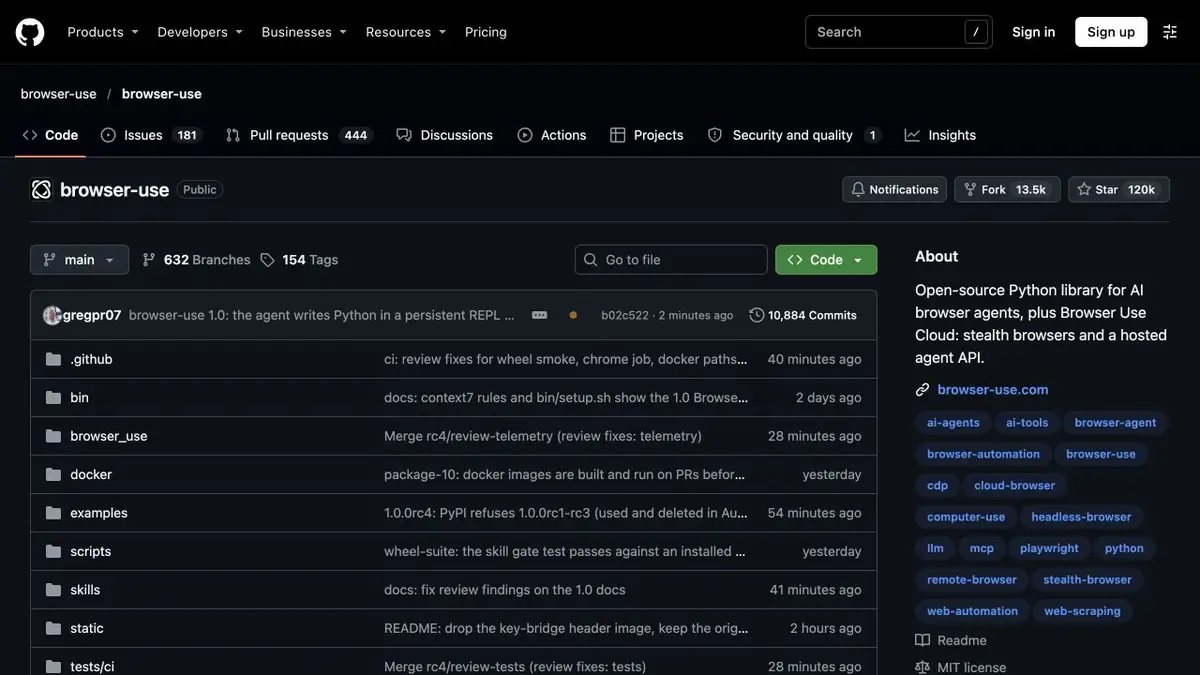
Browser Use combines an open library, browser execution tools and hosted components. The developer chooses the model, browser and script rules.
First, limit the scope of work
A browser agent can read a table in an application without a suitable API, but write controls may be present on the same page. Browser Use can run these workflows in a browser. For a practice task, give the test account read-only access and limit the starting scope. Specify the output format and which pages the agent can open. Enforce permissions in the application and execution environment.
Checking the order list
Prepare your own stand with a few lines and a second page. Ask for numbers and statuses. Compare the result table with the original list. Make sure the next page is actually opened and no lines are processed twice. Then repeat on an empty list and in case of a temporary error. The log should show why the task ended, even if the agent returned a neat empty value.
Local and cloud setup
The open-source library can use your browser and a suitable model. For hosted options, verify API keys, data handling, and session charges. Save the runtime settings so you can compare models on the same page. After an interface change, rerun the check before processing production records. Test what happens when a dialog appears or the browser navigates unexpectedly. Check these stops before scheduling the workflow.
Suitable tasks
- Extract lines from the available training table
- Verify that the agent remains in the permitted area
Strengths
- Documented local browser and hosted scripts
- Developer publishes its own models for browser tasks
Limitations
- Browser pages and statuses change between launches
- Restrictions on transitions, rights and permissible actions are needed
Selection and conditions
- Free access
- Yes
- Trial period
- Not confirmed
- No sign-up required
- Not confirmed
- Russian interface
- Not confirmed
- Local installation
- Yes
- API
- Yes
“Not confirmed” means there is not enough information. The feature may still be available; check the developer’s terms.
- Input formats
- Text, Data
- Result
- Data
Terms
Open library and hosted services have different conditions. In the cloud, check separately for sessions, models and additional components. Browser pages and states change between launches.From task to first result
Practical example
- Task
- Extract lines from the available training table
- What to prepare
- Its training page with an order list and a allowed test browser.
Task brief or prompt
Count the numbers and statuses of visible orders. Do not go to external addresses and do not change records. Return the lines in the agreed format.
Expected result
A table checked with the page and a log of steps taken.
How to check the result
- Check numbers, duplicates and going outside the allowed area.
- Repeat on an empty list.
An editorial teaching example of a task brief, not the result of hands-on testing of the service. Check that the required mode is available, that you have rights to the source material and that the intended use of the result is permitted.
Check details
Official sources
- Official Browser Use repository
- Developer documentation for Browser Use models
- Browser Execution Options
This description is based on the developer’s material. Features, prices and availability may change; check the primary source before use.