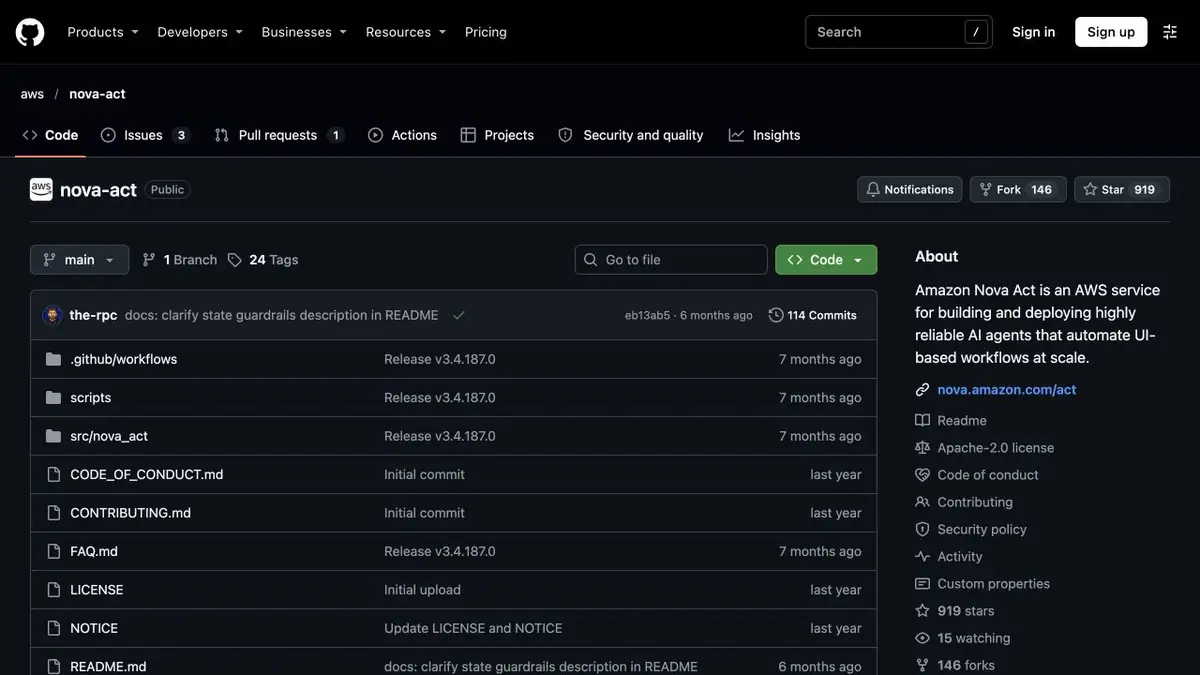
Nova Act combines browser action, SDK and execution tools. The developer describes the steps and checks the result in the program.
How to limit a long script
To find out the status of a study application, you need to open an internal page, select a record and read the field. Amazon Nova Act allows you to write such a process through the SDK, leaving browser actions to the agent, and verification of the result to the application code. First, limit the application to the test environment and reading rights. Then decide on what features the program will recognize the desired page and when it will complete the attempt instead of proceeding to the next action.
Training run according to a well-known record
Add two sample requests with similar IDs and different statuses. Ask the agent to open one and read its status. The application should compare the ID with the expected value before saving the result. Repeat with an absent record and with a temporary load failure. Distinguish a confirmed missing request from the agent failing to open the page. Record those outcomes separately.
Expenses and stoppages
When deploying, fix the available region, authentication method and browser data processing rules. Save the time limit and outcome log for the test scenario. If you add an entry to the external system, first check the repetitions and consequences of the break immediately after the action. The number of agents working and the duration of execution affect the costs, so measure them on your typical set, including errors and repeated attempts. Separately count the time for the preparation of test data.
Suitable tasks
- Verify entry in internal test interface
- Automate Repetitive Reading with Clear Completion
Strengths
- AWS provides a dedicated model and SDK
- Development and placement modes are documented
Limitations
- Retest the workflow when the interface changes
- Use restricted permissions and handle partially completed runs
Selection and conditions
- Free access
- Not confirmed
- Trial period
- Not confirmed
- No sign-up required
- Not confirmed
- Russian interface
- Not confirmed
- Local installation
- Not confirmed
- API
- Yes
“Not confirmed” means there is not enough information. The feature may still be available; check the developer’s terms.
- Input formats
- Text, Data
- Result
- Data
Terms
AWS publishes usage-based prices for workflow agent hours. Local integration code and third-party resources can add costs. Retest the workflow when the interface changes.From task to first result
Practical example
- Task
- Verify entry in internal test interface
- What to prepare
- Its training page with an order list and a allowed test browser.
Task brief or prompt
Count the numbers and statuses of visible orders. Do not go to external addresses and do not change records. Return the lines in the agreed format.
Expected result
A table checked with the page and a log of steps taken.
How to check the result
- Check numbers, duplicates and going outside the allowed area.
- Repeat on an empty list.
An editorial teaching example of a task brief, not the result of hands-on testing of the service. Check that the required mode is available, that you have rights to the source material and that the intended use of the result is permitted.
Check details
Official sources
This description is based on the developer’s material. Features, prices and availability may change; check the primary source before use.