Prepares a draft of feedback for the teacher on the teaching text and the selected heading.
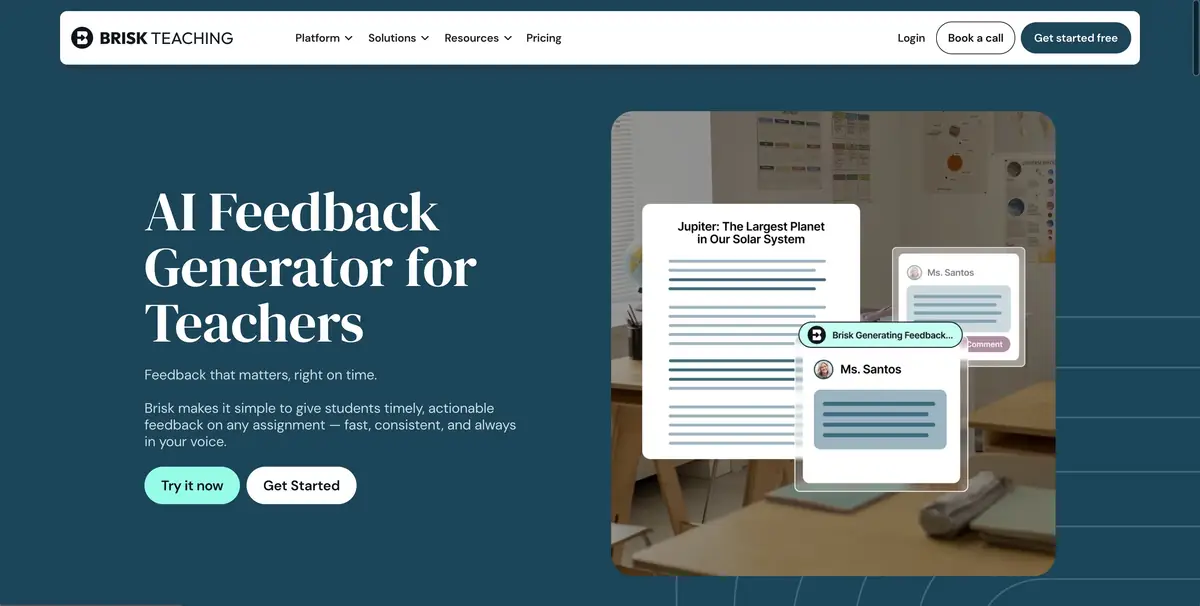
A comment that helps to continue work
In the teaching paragraph, the student gave an example, but the reader does not understand how he confirms the thesis. Brisk Teaching is able to prepare a draft of the feedback to the document. You can use a separate mode for the criteria of the heading or suggest further steps. In suitable modes, the teacher scans and approves the text before sending. Support for documents and individual ways of commenting depends on the platform and plan.
Start with one comment. For the student, a question to a specific paragraph is more useful than a list of general remarks about style.
Compare the offer with the student’s work
For a tutorial check, open a fictional paragraph in a supported editor. Insert the criterion “example confirms conclusion” and get a draft comment. Find in the text the place to which it points. If there is no connection, formulate a question that will help the author to explain it. If Brisk has confused two examples, correct the comment manually.
Look at the second paragraph with a different type of error. Check if the comment remains tied to the selected criterion, or the service has switched to spelling that you have not asked to rate.
What the student gets
Brisk describes the differences between a comment in a document and a result transfer from an extension. Before sending, open the source work and confirm the addressee. If the mode depends on a specific edition, select an available method and view the result exactly as the student sees it. Save the original comment separately.
Suitable tasks
- Prepare a comment on the criterion
- Check the comment before sending
Strengths
- There are modes for the rubric and next steps
- The teacher can check and approve the comment
Limitations
- Individual modes depend on the plan and editor
- Linking remarks to work is checked by the teacher
Selection and conditions
- Free access
- Yes
- Trial period
- Not confirmed
- No sign-up required
- Not confirmed
- Russian interface
- Not confirmed
- Local installation
- Not confirmed
- API
- Not confirmed
“Not confirmed” means there is not enough information. The feature may still be available; check the developer’s terms.
- Input formats
- Text, Document
- Result
- Text
Terms
Use the supported document and check the draft before sending.From task to first result
Practical example
- Task
- Prepare a comment on the criterion
- What to prepare
- Study paragraph without student data and the criterion of the connection of the thesis with an example.
Task brief or prompt
Ask for feedback only on whether the author explains the connection of the example with the thesis. Ask a question for correction. Save the original paragraph.
Expected result
A comment on the selected criterion or working wording for the task.
How to check the result
- Find the place in the paragraph.
- Check if the prompt allows the student to correct the text themselves.
An editorial teaching example of a task brief, not the result of hands-on testing of the service. Check that the required mode is available, that you have rights to the source material and that the intended use of the result is permitted.
Check details
Official sources
This description is based on the developer’s material. Features, prices and availability may change; check the primary source before use.