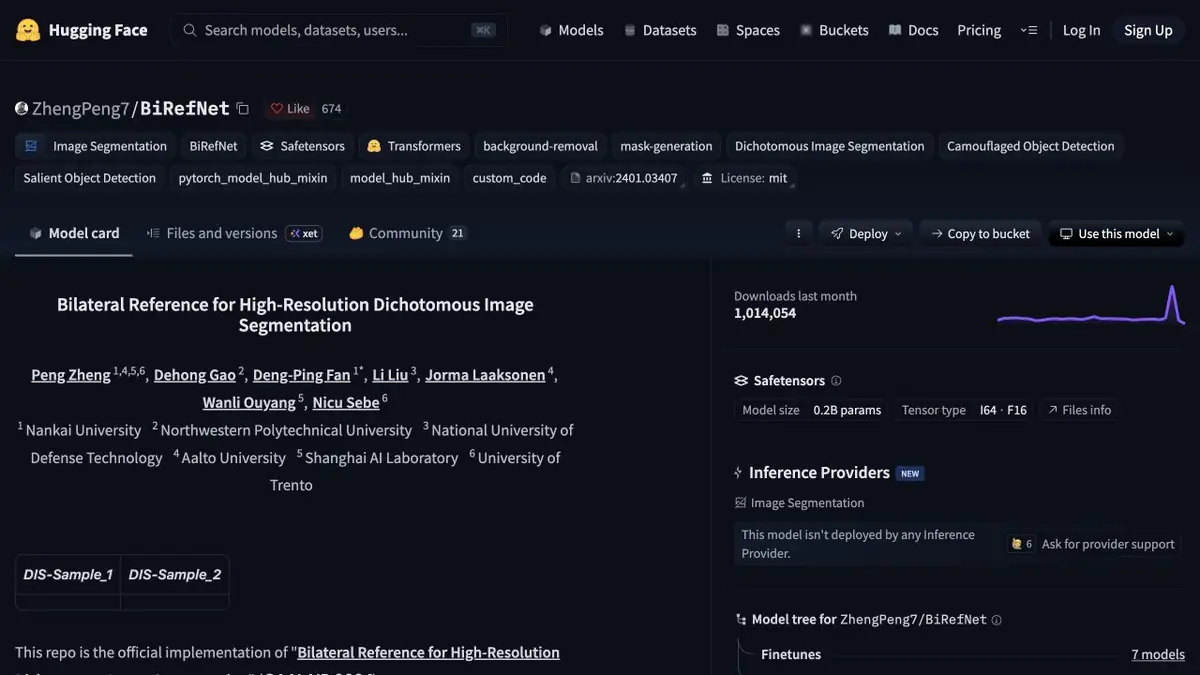
A segmentation model with published weights. Use the output mask to remove a background or composite an image.
The roles of the mask and the image
BiRefNet highlights the foreground and builds a map on which you can prepare a transparent layer. The original colors are stored in the photo. The authors’ work describes a combination of the general definition of an area with the restoration of details. In a practical project, it is important to evaluate both outcomes. The model can correctly select an object, but cut off a thin part of its contour or leave a background spot.
An object with gaps
For a training example, take a photo of a wire basket or chair with thin legs. Get a mask and look at the monochromatic substrate first. Then change the white background to dark. Check the gaps between the rods, the border of the shadow and the place where the color of the object coincides with the background. If the mask has closed the transparent area, fix it separately. Save the result with transparency and open in the program where the layout will be assembled.
In a series of photos, check the first and last frames manually. A small change of light can change the quality of the circuit.
Choose suitable weights
The project published different models for segmentation and different options for entry requirements. Open the card of the selected weights and save its address along with the processing parameters. Before a long run, check the memory in the largest picture. To work with objects separately, consider whether you need to manually break the mask if the model combined them into one foreground.
Suitable tasks
- Prepare a product mask for composition
- Separate the fine details of the subject from the background
Strengths
- Individual weights are published
- The mask is available for further processing
Limitations
- Glass and similar colors complicate the selection
- The model can combine neighboring objects
Selection and conditions
- Free access
- Yes
- Trial period
- Not confirmed
- No sign-up required
- Not confirmed
- Russian interface
- Not confirmed
- Local installation
- Yes
- API
- Not confirmed
“Not confirmed” means there is not enough information. The feature may still be available; check the developer’s terms.
- Input formats
- Image
- Result
- Mask, Image
Terms
Code and weights are available for self-starting. Select the appropriate model and environment according to the instructions of the authors.From task to first result
Practical example
- Task
- Prepare a product mask for composition
- What to prepare
- Own photo of an object with a distinctive silhouette, completely placed in the frame.
Task brief or prompt
Task: separate the foreground from the background and download a transparent result. Check the outer outline, openings inside handles and thin details against light and dark backgrounds. Do not change the product’s shape or add accessories.
Expected result
A cut object with a transparent background or alpha mask for further composition.
How to check the result
- Check the transparency of the file and the remnants of the old background around the edges.
- Check the format limits, resolution and rules for transferring images to the service.
An editorial teaching example of a task brief, not the result of hands-on testing of the service. Check that the required mode is available, that you have rights to the source material and that the intended use of the result is permitted.
Check details
Official sources
- Code and weight options BiRefNet
- Official BiRefNet weights
- Authors' work on high-resolution segmentation
This description is based on the developer’s material. Features, prices and availability may change; check the primary source before use.