Beatoven.ai offers music and sound effects generation for content. The musical result is licensed as an accompaniment to a suitable project; downloading does not mean the right to resell the track separately.
Describe the role of music in the scene
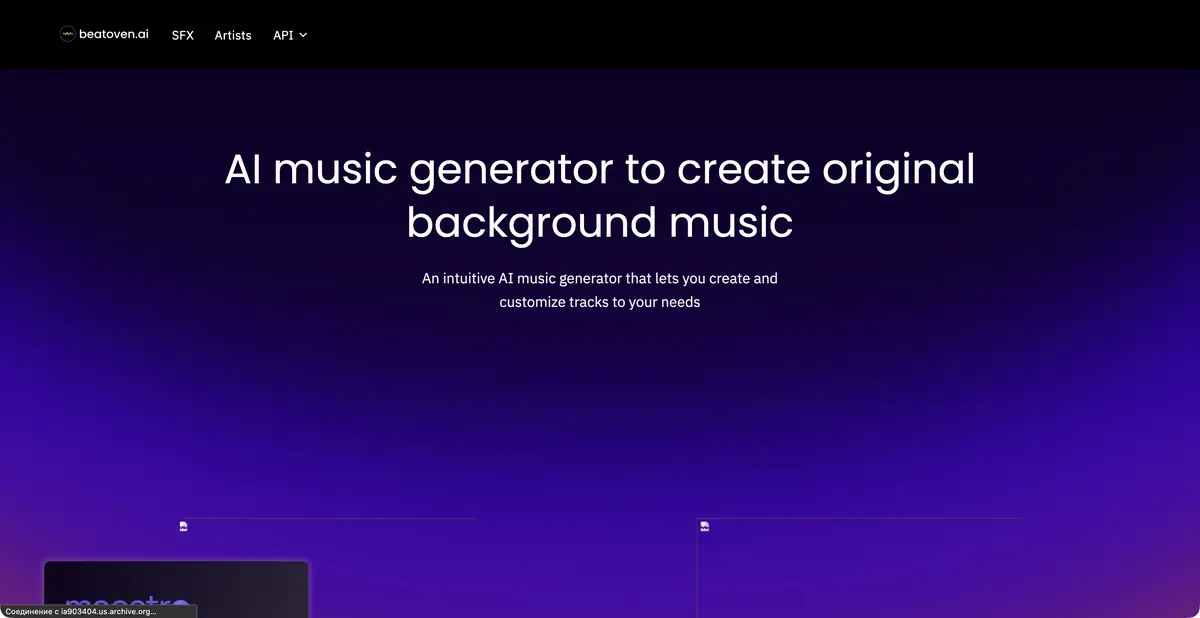
Beatoven.ai helps create background audio for a video, podcast, or other project from a text description. Its current website distinguishes the maestro music model from sound effect generation. These require different briefs and checks: a smooth one-minute background track is a different task from a single door creak.
A good description begins with the sound’s role. For narration, specify unobtrusive density and no vocals. For a scene transition, describe the transition’s character. There is no need to list a dozen styles: contradictory descriptions are harder to assess, and an attractive but unrelated fragment may distract from the content.
Example: musical background for the story
For an exercise, prepare your own one-minute video about a small garden. Describe calm instrumental music with soft keyboards and light percussion, without vocals or abrupt climaxes. This is a task brief, rather than a promise that every instrument will appear literally and in a precise order.
After generation, listen to the music with the narration. Check that consonants remain audible and no prominent melody distracts from an important phrase. Assess the opening and ending separately: the piece should fit the edit and finish without sounding abruptly cut off. Change one characteristic at a time, such as density before mood, to identify which version actually helps the video.
For a sound effect, specify the action and material separately from music: for example, a short, soft click of a wooden latch. Then check it with the footage, rather than relying on its filename. The sound should not suggest an impact or breakage when the screen shows an ordinary closing action.
Export, API, and licensing for background use
The official page lists MP3 and WAV, individual track purchases, and subscriptions with download minutes. Before a work project, check the required format and whether license confirmation can be obtained with the result. In-app listening and a downloaded file are different stages.
Beatoven.ai provides its own music generation and sound effects APIs. Their descriptions explicitly include text inputs, so a text example fits the actual workflow. Platforms generating audio for users need separate integration and licensing checks. API keys, job queues, and finished-file storage must be integrated into the app; a generator landing page does not replace technical design.
The site describes a nonexclusive, perpetual license for a downloaded track in eligible audio or video content; Beatoven.ai retains ownership of the music itself. Direct distribution of generated music on streaming music platforms is restricted. Background music for a podcast episode and a standalone music release therefore have different uses.
Save the certificate and track ID with the editing project. Being able to challenge a mistaken claim does not guarantee no claims will occur. Before paying, check current account resources and available export options. The sources used do not confirm exact prices or ongoing free quotas.
Suitable tasks
- Create background music for narration
- Prepare a musical intro
- Generate a separate sound effect
- Integrate text-to-music generation through an API
Strengths
- A text brief for background music
- Music and SFX as separate operations
- The product’s own APIs and license confirmation
Limitations
- Downloading does not give the exclusive right to music
- Standalone track releases on music platforms are restricted
- Current quotas and prices require verification in your account
Selection and conditions
- Free access
- Not confirmed
- Trial period
- Not confirmed
- No sign-up required
- Not confirmed
- Russian interface
- Not confirmed
- Local installation
- Not confirmed
- API
- Yes
“Not confirmed” means there is not enough information. The feature may still be available; check the developer’s terms.
- Input formats
- Text
- Result
- Audio
Terms
Billing is based on tracks/download minutes; free quotas have not been confirmed. A nonexclusive license for accompanying content does not automatically allow a standalone music release.From task to first result
Practical example
- Task
- Create background music for narration
- What to prepare
- Your own lyrics or a description of a musical passage, without imitating a particular performer.
Task brief or prompt
A calm instrumental piece for a workshop intro: soft keyboards, quiet percussion and a warm mood, with no vocals or recognizable melodies by other artists.
Expected result
A musical sketch to listen to and assess against the service’s terms of use.
How to check the result
- Check the beginning, end and transitions.
- Do not assume that free generation gives you permission for commercial release.
An editorial teaching example of a task brief, not the result of hands-on testing of the service. Check that the required mode is available, that you have rights to the source material and that the intended use of the result is permitted.
Check details
Official sources
- Music model, export and license
- The product’s own Music and SFX APIs
- Using music in videos and its restrictions
This description is based on the developer’s material. Features, prices and availability may change; check the primary source before use.