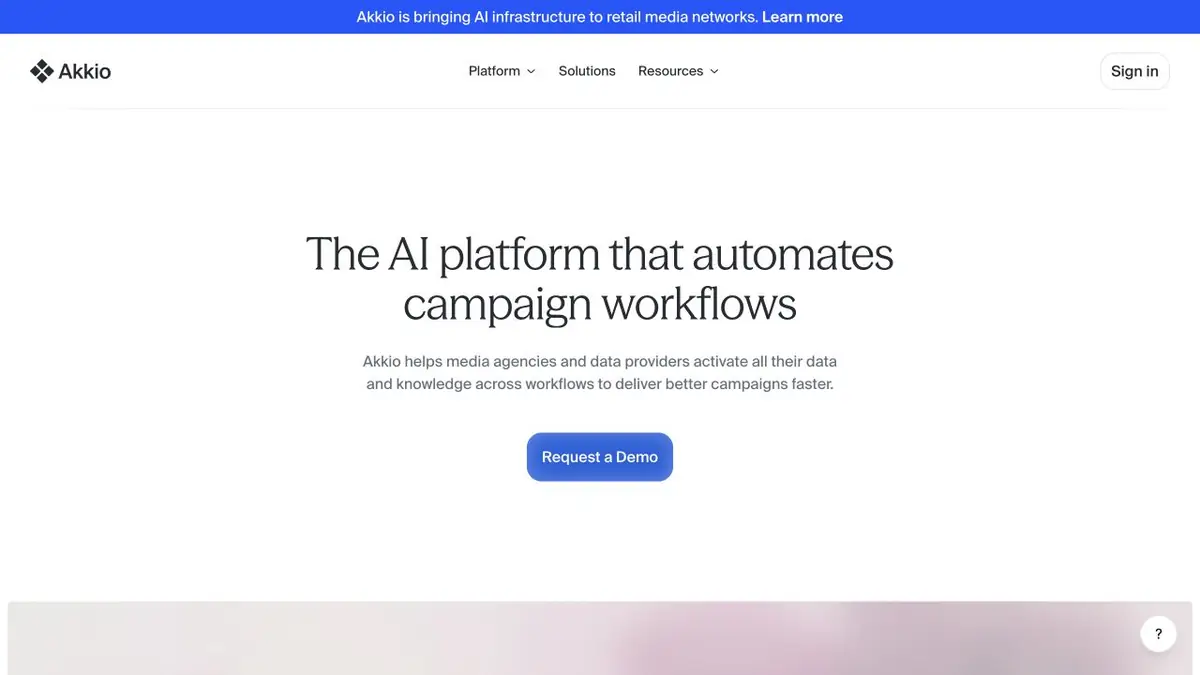
Akkio helps agencies analyze campaign data, build audience segments and prepare reports.
Data from one campaign instead of separate files
Akkio currently targets advertising agencies and organizations working with media data. It connects research, audience segmentation, planning and performance measurement. The focus is on team data and knowledge rather than an abstract chatbot for any question.
Documented features include Chat with Data, no-code modeling and reports. Tools use the organization's available context, while permissions control data handling. Connecting a source alone does not make its metrics comparable.
Prepare a sample analysis
Use an anonymized campaign table with dates, spend, impressions and leads. Agree on the definition of a lead, currency and time zone before processing. Comparing costs is misleading if one channel counts every form submission and another only confirmed inquiries.
Ask for campaign differences and the data behind each conclusion. Recalculate a selected row manually. Discuss missing data, attribution changes and duplicate inquiries before using the report to allocate a budget.
Forecasting and scenario modeling do not establish future advertising performance. Results depend on historical data quality, selected features and assumptions. A small forecast difference does not always justify a practical decision.
If data comes from several accounts, start with a small comparable sample. Note campaign-setting changes and incomplete imports. A metric jump may reflect a reporting change rather than audience behavior. Keep those details with the report so the next team can see the limits of the analysis.
Implementation and commercial conditions
The current offering describes an enterprise platform, agency-specific customization and deployment options within the customer's infrastructure. Pricing is agreed individually. Older reviews of a more general product do not establish a current free plan.
Before implementation, test a small complete workflow: connect a source, produce an analysis, show the evidence and hand the result to the responsible person. Agree separately on team permissions and audience actions. This profile does not promise automatic campaign activation without configuration and authorization.
Suitable tasks
- Compare advertising campaign data
- Prepare audience segments
- Collect a report with clear metrics
Strengths
- Designed around media-team workflows
- Analysis uses business context
Limitations
- Agreed baseline metrics are needed
- Forecast does not guarantee the result of the campaign
Selection and conditions
- Free access
- Not confirmed
- Trial period
- Not confirmed
- No sign-up required
- Not confirmed
- Russian interface
- Not confirmed
- Local installation
- Not confirmed
- API
- Not confirmed
“Not confirmed” means there is not enough information. The feature may still be available; check the developer’s terms.
- Input formats
- Table, Data, Document
- Result
- Text, Data
Terms
A media-team platform with enterprise implementation and custom pricing. Analysis depends on connected data; forecasts and audience segments need checking.From task to first result
Practical example
- Task
- Compare advertising campaign data
- What to prepare
- Anonymized practice campaign data with spend, impressions and leads; metric definitions have been agreed.
Task brief or prompt
Analyst task: connect the table and summarize the campaigns. Compare spend and leads, and flag missing data. Keep past results separate from forecasts and assumptions.
Expected result
A draft analytical report on the selected data, without a guarantee of the result of future advertising.
How to check the result
- Recalculate the selected metric manually.
- Check dates, currency and consistent lead definitions.
An editorial teaching example of a task brief, not the result of hands-on testing of the service. Check that the required mode is available, that you have rights to the source material and that the intended use of the result is permitted.
Check details
Official sources
This description is based on the developer’s material. Features, prices and availability may change; check the primary source before use.